01. Edit your agreement between employer and employee online
Type text, add images, blackout confidential details, add comments, highlights and more.
02. Sign it in a few clicks
Draw your signature, type it, upload its image, or use your mobile device as a signature pad.
03. Share your form with others
Send contract agreement between employer and employee via email, link, or fax. You can also download it, export it or print it out.
How to use or fill out job agreement between employer and employee with our platform
Ease of Setup
DocHub User Ratings on G2
Ease of Use
DocHub User Ratings on G2
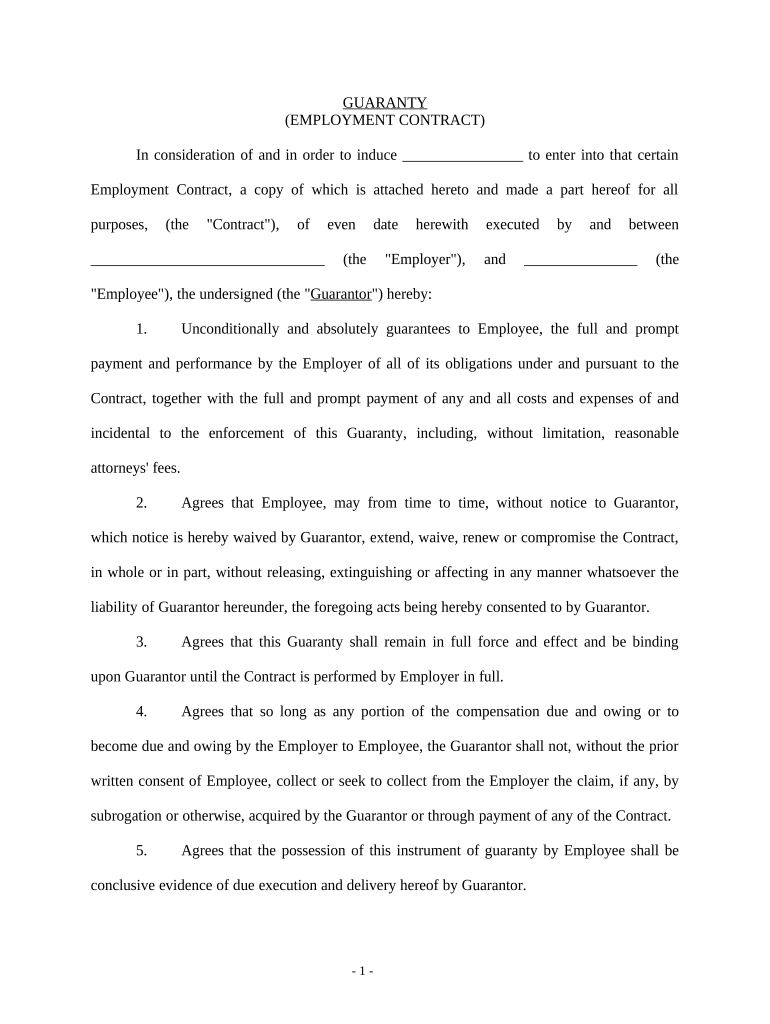
Click ‘Get Form’ to open the job agreement in the editor.
Begin by filling in the Employer's name and date at the top of the document. This establishes who is entering into the contract.
Next, enter the Employee's name in the designated field. This identifies who will be working under this agreement.
In section one, ensure you clearly outline the obligations of the Employer as per the Contract. This includes payment terms and performance expectations.
Proceed to section two, where you can specify any conditions regarding extensions or waivers of the Contract without affecting Guarantor's liability.
Continue through each section, ensuring all fields are completed accurately, including legal provisions and signatures from both parties.
Finally, review all entries for accuracy before saving or sharing your completed job agreement for signatures.
Start using our platform today to streamline your job agreement process for free!
Fill out job agreement between employer and employee online It's free
Job agreement between employer and employee templateJob agreement between employer and employee sampleJob agreement between employer and employee template wordJob agreement between employer and employee pdfEmployee Agreement format in WordWork agreement contract between two partiesEmployment contract sample PDFEmployment contract sample PDF free Download
Security and compliance
At DocHub, your data security is our priority. We follow HIPAA, SOC2, GDPR, and other standards, so you can work on your documents with confidence.
Employer shall pay compensation to Physician in equal bi-weekly installments, less required deductions, including payroll taxes. [ALTERNATIVE #2]. (a).Read more
An employment contract outlines the terms and conditions of a job agreement between an employer and employee. Relevance to HR Compliance. Supports legal andRead more
Cookie consent notice
This site uses cookies to enhance site navigation and personalize your experience.
By using this site you agree to our use of cookies as described in our Privacy Notice.
You can modify your selections by visiting our Cookie and Advertising Notice.