Texas seller 2026

Get Form
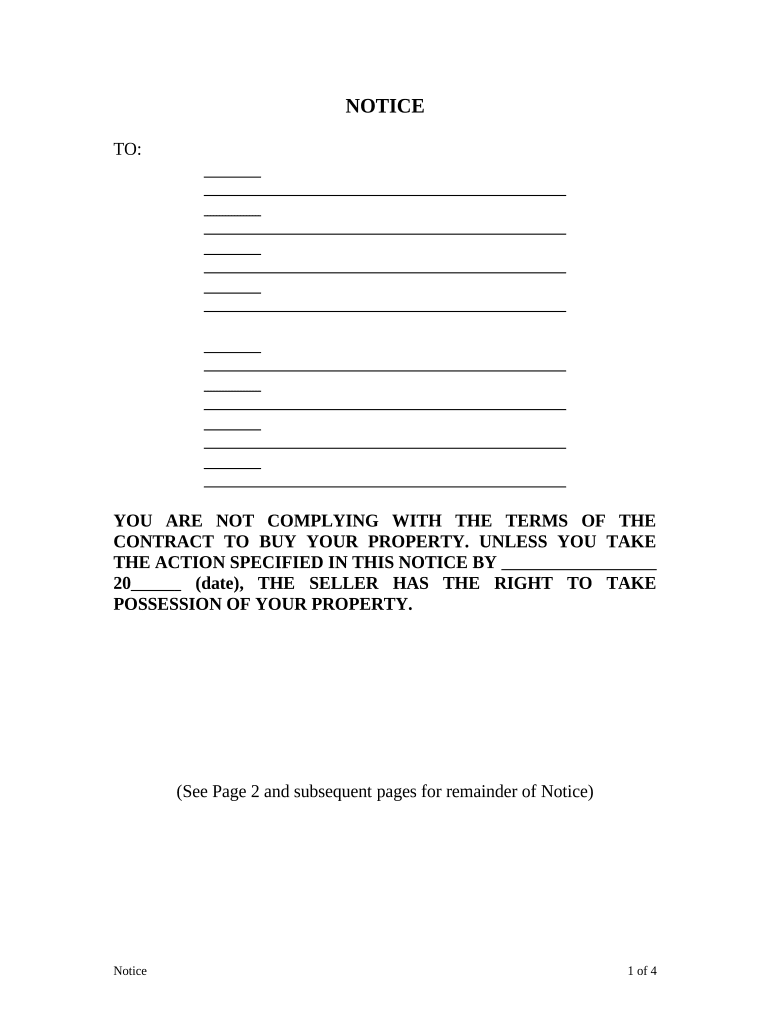
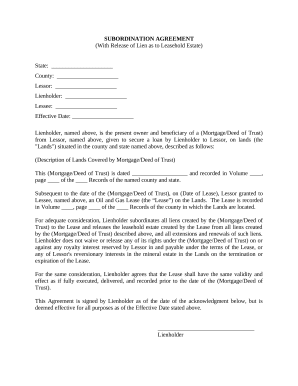
texas seller Preview on Page 1

Here's how it works

01. Edit your form online
Type text, add images, blackout confidential details, add comments, highlights and more.
02. Sign it in a few clicks
Draw your signature, type it, upload its image, or use your mobile device as a signature pad.
03. Share your form with others
Send it via email, link, or fax. You can also download it, export it or print it out.

How to use or fill out texas seller with our platform

Form edit decoration
9.5
Ease of Setup
DocHub User Ratings on G2
9.0
Ease of Use
DocHub User Ratings on G2
  1. Click ‘Get Form’ to open the texas seller document in the editor.
  2. Begin by filling in the date on which this notice is being issued. This is crucial for establishing timelines.
  3. In the section detailing payments, enter the principal and interest amounts due. Ensure accuracy to avoid further complications.
  4. Specify any additional charges such as late fees or attorney's fees, itemizing each charge clearly.
  5. Indicate the period of delinquency by entering the start and end dates in the designated fields.
  6. List any terms of the contract that have been violated along with actions required to remedy these violations.
  7. Complete the seller's information section, including name, address, and contact details for clarity.
  8. Finally, ensure you sign and date the affidavit of mailing section to confirm that notice was sent appropriately.

Start using our platform today to streamline your document editing and signing process for free!

be ready to get more

Complete this form in 5 minutes or less

Get form

Got questions?

We have answers to the most popular questions from our customers. If you can't find an answer to your question, please contact us.
Contact us
State-by-state sales tax breakdown State guidesState base rateLocal range Tennessee 7% 0%3% Texas 6.25% 0.125%2% Utah 4.70% 0%4% Vermont 6% 0%1%47 more rows
Texas sales tax exemptions Unprepared food products like flour, meat, fruits, and vegetables. Water, milk beverages, milk substitutes, and drinks with at least 50% vegetable or fruit juice. Baby food and formula. Bakery items from a bakery. Baking supplies. Dairy products. Frozen meals. Over-the-counter drugs and supplements.
A sellers permit , also known as a sales tax permit, reseller permit, resale certificate, sales tax license, or sales and use tax permit, enables you to charge, collect, and remit state and local (if any) sales tax on the products you sell or services you provide.
In Texas, properties with delinquent taxes are auctioned off at public sales, and the winning bidder pays the outstanding taxes, penalties, and interest. If the original owner fails to redeem the property within the specified period, the investor gains full ownership.
Texas imposes a 6.25 percent state sales and use tax on all retail sales, leases and rentals of most goods, as well as taxable services.

Security and compliance

At DocHub, your data security is our priority. We follow HIPAA, SOC2, GDPR, and other standards, so you can work on your documents with confidence.

Learn more
ccpa2
pci-dss
gdpr-compliance
hipaa
soc-compliance

People also ask

The Texas state sales and use tax rate is 6.25 percent, but local taxing jurisdictions (cities, counties, special-purpose districts and transit authorities) also may impose sales and use tax up to 2 percent for a total maximum combined rate of 8.25 percent.
How does Texass tax code compare? Texas does not have an individual income tax. Texas does not have corporate income tax but does levy a state gross receipts tax. Texas has a 6.25 percent state sales tax rate and an average combined state and local sales tax rate of 8.20 percent.
There is no fee for the permit, but you may be required to post a security bond. For more information on security bonds, contact a Comptroller field office. Once I have obtained a Texas sales and use tax permit, what are my obligations as a permit holder?

Related links