Minutes organizational meeting 2026

Get Form
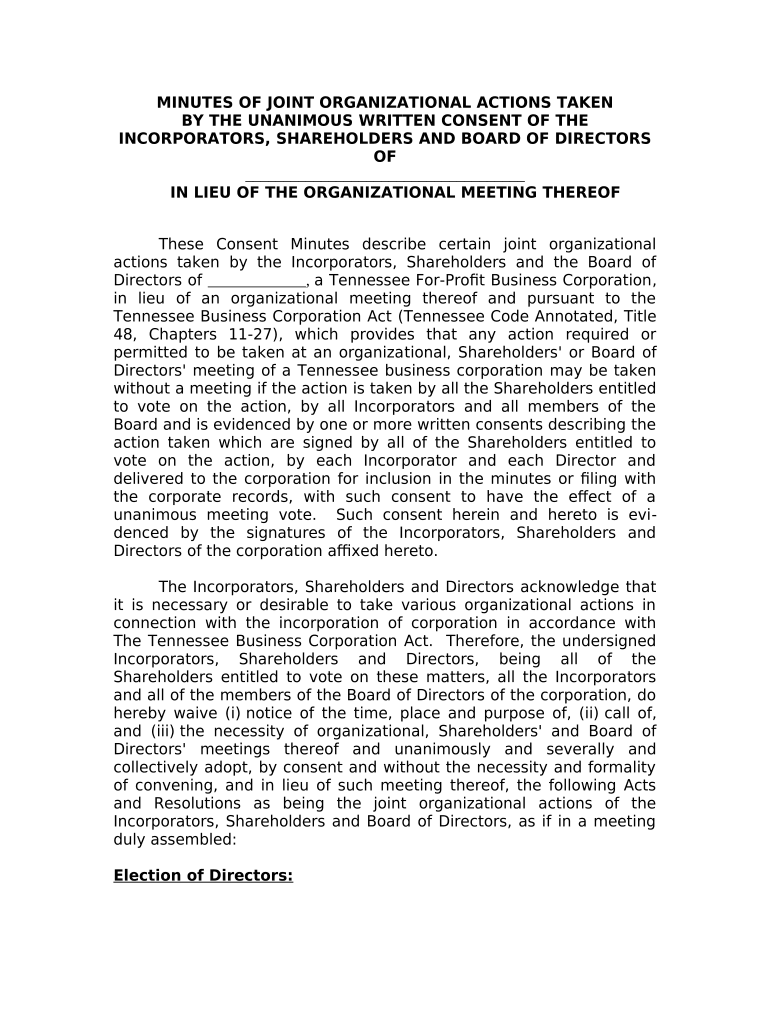
minutes organizational meeting Preview on Page 1

Here's how it works

01. Edit your form online
Type text, add images, blackout confidential details, add comments, highlights and more.
02. Sign it in a few clicks
Draw your signature, type it, upload its image, or use your mobile device as a signature pad.
03. Share your form with others
Send it via email, link, or fax. You can also download it, export it or print it out.

How to use or fill out minutes organizational meeting with our platform

Form edit decoration
9.5
Ease of Setup
DocHub User Ratings on G2
9.0
Ease of Use
DocHub User Ratings on G2
  1. Click ‘Get Form’ to open the minutes organizational meeting document in the editor.
  2. Begin by filling in the name of your corporation at the top of the document. This identifies the entity for which the minutes are being recorded.
  3. In the 'Election of Directors' section, list the names and addresses of individuals being elected to serve on the Board of Directors. Ensure all relevant parties are included.
  4. Proceed to 'Approval of Actions by Incorporator' and confirm that all actions taken by the incorporator are accepted and ratified. You may need to add any specific actions that were taken.
  5. For each resolution, such as 'Approval of By-Laws' or 'Election of Officers', ensure you fill in all necessary details, including names and positions, as required.
  6. Finally, gather signatures from all incorporators, shareholders, and directors at the end of the document to validate these resolutions.

Start using our platform today for free to streamline your document editing and signing process!

be ready to get more

Complete this form in 5 minutes or less

Get form

Got questions?

We have answers to the most popular questions from our customers. If you can't find an answer to your question, please contact us.
Contact us
How to write meeting minutes Organization name. Meeting purpose. Start and end times. Date and location. List of attendees and absentees, if necessary. Space for important information like motions passed or deadlines given. Space for your signature and the meeting leaders signature.
Roberts Rules (Section 48:1-16) state that the minutes should contain mainly a record of what was done at the meeting, not what was said by the members. Minutes are not transcripts of meetings; rather, the document contains a record of actions taken by the body, organized by the meetings order of business (agenda).
Meeting minutes are the written record of what was discussed and decided during a meeting. They typically include the date and time of the meeting, a list of attendees, a summary of the topics discussed, decisions made, action items assigned, and the time of adjournment.
ChatGPT can be used to generate meeting notes and minutes by transcribing virtual meetings and pulling key details like attendees, agenda items, decisions, and action items.
Corporate meeting minutes typically include: The meetings date, time and location. A list of attendees and absentees, including any present board members or officers. Agenda items. Summaries of all discussion points. Details of all activities completed or agreed upon. Results of any votes or motions.

Security and compliance

At DocHub, your data security is our priority. We follow HIPAA, SOC2, GDPR, and other standards, so you can work on your documents with confidence.

Learn more
ccpa2
pci-dss
gdpr-compliance
hipaa
soc-compliance

People also ask

All Meetings and minutes should follow Roberts Rules. Minutes should start with the attendance and continue through the motion to close the meeting (opening and closing of the meeting should have times attached.) Each topic that is discussed should have a brief paragraph summarizing what was discussed.

Related links