Legal Last Will and Testament Form for a Widow or Widower with Adult and Minor Children - Connecticut 2026

Get Form
Legal Last Will and Testament Form for a Widow or Widower with Adult and Minor Children - Connecticut Preview on Page 1

Here's how it works

01. Edit your form online
Type text, add images, blackout confidential details, add comments, highlights and more.
02. Sign it in a few clicks
Draw your signature, type it, upload its image, or use your mobile device as a signature pad.
03. Share your form with others
Send it via email, link, or fax. You can also download it, export it or print it out.

How to use or fill out Legal Last Will and Testament Form for a Widow or Widower with Adult and Minor Children - Connecticut

Form edit decoration
9.5
Ease of Setup
DocHub User Ratings on G2
9.0
Ease of Use
DocHub User Ratings on G2
  1. Click ‘Get Form’ to open it in the editor.
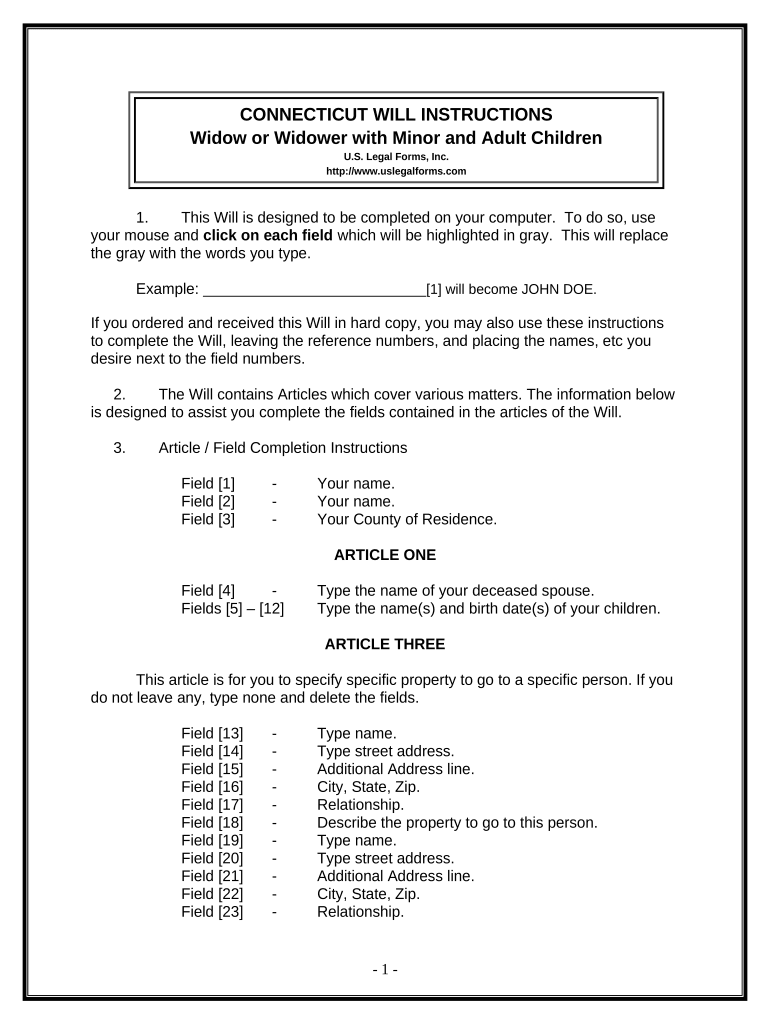
  2. Begin by entering your name in Field [1] and your county of residence in Field [3]. This establishes your identity and jurisdiction.
  3. In Article One, provide the name of your deceased spouse in Field [4] and list your children’s names along with their birth dates in Fields [5] to [12].
  4. For Article Three, specify any specific property you wish to bequeath. Fill out the names, addresses, relationships, and descriptions of the property for each beneficiary in Fields [13] to [30]. If there are no specific bequests, type 'none'.
  5. In Article Four, indicate the names of your children who will inherit your homestead in Field [31].
  6. Complete Articles Five through Ten by detailing how you want the rest of your estate distributed, naming a personal representative, and appointing guardians for minor children as needed.
  7. Review all entries carefully before printing. Ensure that you sign the document in front of two witnesses who are not related to you.

Start using our platform today to easily complete your Legal Last Will and Testament form for free!

be ready to get more

Complete this form in 5 minutes or less

Get form

Got questions?

We have answers to the most popular questions from our customers. If you can't find an answer to your question, please contact us.
Contact us

You need to use only trusted software solutions with strong security compliance to approve your paperwork electronically. DocHub is just the type of editor you need! It stores data on Amazon Web Servers and complies with all required security requirements and eSignature regulations, so it’s a trustworthy way to eSign your Legal Last Will and Testament Form for a Widow or Widower with Adult and Minor Children - Connecticut or other documents with this tool.

You may get and modify your Legal Last Will and Testament Form for a Widow or Widower with Adult and Minor Children - Connecticut online by using DocHub. Its straightforward yet feature-rich design allows you to start effective work right after you sign up your account. Create your profile and add your file, then our user interface will guide you via our stress-free form completion experience.

How much does a Will cost in Connecticut? The average cost of a will in Connecticut is generally between $200 and $1,000, depending on the attorneys fees and the complexity of the estate. A trusts average cost in Connecticut typically ranges from $1,000 to $3,000, with more complex trusts potentially costing more.
If your language is ambiguous or your intentions are not clear it could lead to instructions not being followed properly or the will being ruled invalid. Ensure you seek professional advice when writing a will, and that all of the proper steps are taken, including having the will witnessed.
Steps to Create a Will in Connecticut Decide what property to include in your will. Decide who will inherit your property. Choose an executor to handle your estate. Choose a guardian for your children. Choose someone to manage childrens property. Make your will. Sign your will in front of witnesses.

Security and compliance

At DocHub, your data security is our priority. We follow HIPAA, SOC2, GDPR, and other standards, so you can work on your documents with confidence.

Learn more
ccpa2
pci-dss
gdpr-compliance
hipaa
soc-compliance