What disqualifies you from Michigan unemployment?
Michigan unemployment disqualifications typically happen if you quit without good cause (like harassment your employer didnt fix), were fired for job-related misconduct (theft, insubordination, being intoxicated, repeated no-shows), refuse a suitable job offer, arent able/available for work, or make false statements on your claim. Ineligibility can also arise from factors like student status or not meeting minimum earnings requirements, but misconduct or quitting for non-good cause are primary reasons for denial. Common Reasons for Disqualification Voluntary Quit without Good Cause: Leaving your job for reasons not directly caused by the employer, such as finding a better job (unless its a DocHub reduction in hours/pay), or personal reasons not tied to the job. Misconduct Connected with Work: Fired for intentional or controllable acts showing disregard for the employers interests, including: Theft, assault, or making threats. Insubordination or policy violations. Being intoxicated or failing a drug test at work. Repeated, unexcused absences or tardiness. Refusal of Suitable Work: Turning down an offer for a job that is a good fit for your skills and experience. Not Able/Available for Work: Being unable to work, ready, or available to accept suitable employment, including failing to keep your contact information current with the UIA. False Statements: Knowingly lying on your claim to get benefits. Situations Where You Might Still Get Benefits Quitting for Good Cause: Quitting due to workplace harassment or discrimination that your employer failed to fix, illegal requests, DocHub pay reduction, or serious health risks. Inability to Perform: Being fired for lacking skills or being a poor fit (not misconduct) might not disqualify you. Other Factors School Denial Period: Ineligibility for benefits during a denial period related to student status. Earnings: Not meeting minimum earnings in the base period to qualify. AI can make mistakes, so double-check responsesvoluntary leaving (quit) discharge (fired) refusal of workDISQUALIFICATIONS: ∎VOLUNTARY LEAVING (QUIT) ∎DISCHARGE (FIRED) ∎REFUSAL OF WORK.State of Michigan (.gov)Applying for Unemployment - Michigan Legal HelpGenerally, if you voluntarily quit your job, you are disqualified from unemployment. There are some exceptions. If you quit a job Michigan Legal Help
What is my UiA account number in Michigan?
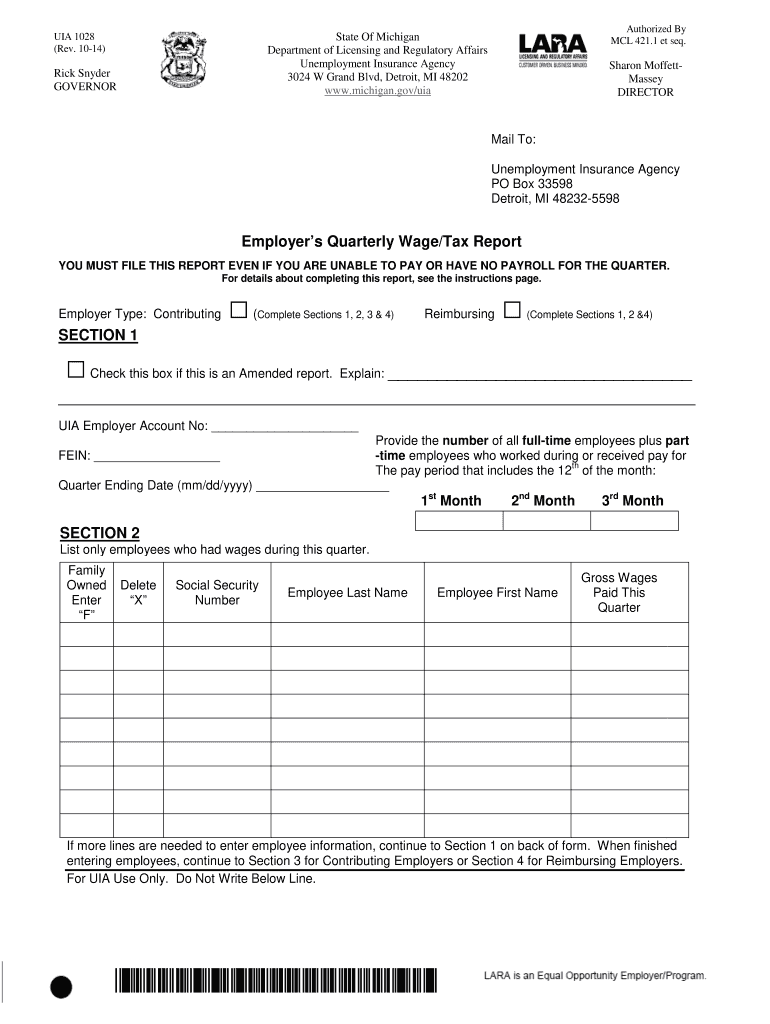
If youve previously run payroll in Michigan, your 10-digit UIA Employer Account Number (XXXXXX ) can be found on correspondence from the Unemployment Insurance Agency. Important: If your UIA Employer Account Number is 7 digits, add 000 to the end to make it 10 digits.Feb 9, 2026
Do you have to pay state tax on unemployment benefits?
For states with income tax, the treatment of unemployment income varies from state to state. For example, unemployment is taxed in Michigan, but in California unemployment benefits are exempt from state taxes.
What is the difference between MiWAM and MILogin?
No, MiWAM (Michigan Web Account Manager) and MILogin (State of Michigan Single Sign-On) are not the same, but they work together: MILogin is the gateway/login system you use to access your MiWAM account for unemployment benefits, acting as a unified access point for various Michigan state services like Pure Michigan Talent Connect (PMTC). You need a MILogin account to get into MiWAM, where you manage your unemployment claims. Heres the breakdown: MiWAM: The specific system for managing your unemployment insurance (UI) claims, including viewing payment history, DocHubing for benefits, and submitting job search contacts. MILogin: The secure, single sign-on portal for the State of Michigan; its the front door that lets you access multiple state systems, including MiWAM and PMTC, with one login. Think of it like this: MILogin: is your universal key for state services. MiWAM: is a specific room (your unemployment account) you unlock with that key. To access your unemployment information, you first go to the Michigan.gov/UIA website, sign in to your MILogin account, and then youre directed to your MiWAM dashboard. AI can make mistakes, so double-check responsesMiLogin and MiWAM Help CenterState of Michigan (.gov)LEO - Technical SupportState of Michigan (.gov)
What line do I put unemployment on 1040?
Reporting unemployment compensation Report the amount shown in Box 1 on line 7 of Schedule 1, (Form 1040), Additional Income and Adjustments to Income PDF and attach this to the Form 1040 or Form 1040-SR. Include the withholding shown in Box 4 on line 25b of Form 1040 or Form 1040-SR.Jan 29, 2026