Type text, add images, blackout confidential details, add comments, highlights and more.
02. Sign it in a few clicks
Draw your signature, type it, upload its image, or use your mobile device as a signature pad.
03. Share your form with others
Send it via email, link, or fax. You can also download it, export it or print it out.
How to use or fill out Florida Annual with our platform
Ease of Setup
DocHub User Ratings on G2
Ease of Use
DocHub User Ratings on G2
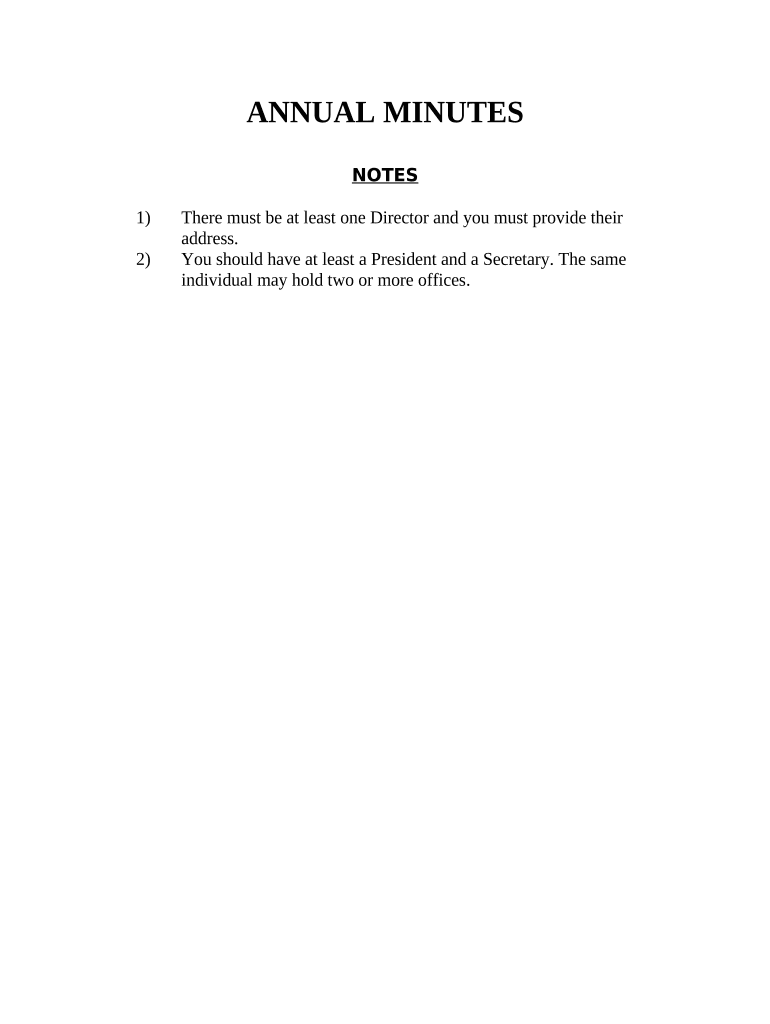
Click ‘Get Form’ to open the Florida Annual document in the editor.
Begin by entering the name of your corporation in the designated field at the top of the form. This identifies your business for all subsequent actions.
Fill in the address of at least one Director, as required. Ensure that this information is accurate and up-to-date.
List the names and addresses of elected Directors under 'Election of Directors'. You can add multiple entries as needed.
Proceed to 'Election of Officers' and fill in the names corresponding to each office: President, Vice-President, Secretary, and Treasurer.
Review all entries for accuracy before finalizing. Once satisfied, you can sign electronically using our platform’s signature feature.
Start filling out your Florida Annual form today for free with our user-friendly editor!
SUGGESTED CITATION: Florida Annual Cancer Report: 2023 Incidence and Mortality. Tallahassee: Florida Department of Health, 2023. ACKNOWLEDGMENT: We acknowledgeRead more
In accordance with Florida Statutes, OIR produces an annual report to provide an update on the Florida insurance market and share relevant data. The dates onRead more
Cookie consent notice
This site uses cookies to enhance site navigation and personalize your experience.
By using this site you agree to our use of cookies as described in our Privacy Notice.
You can modify your selections by visiting our Cookie and Advertising Notice.