Type text, add images, blackout confidential details, add comments, highlights and more.
02. Sign it in a few clicks
Draw your signature, type it, upload its image, or use your mobile device as a signature pad.
03. Share your form with others
Send it via email, link, or fax. You can also download it, export it or print it out.
How to use or fill out kentucky demand with DocHub
Ease of Setup
DocHub User Ratings on G2
Ease of Use
DocHub User Ratings on G2
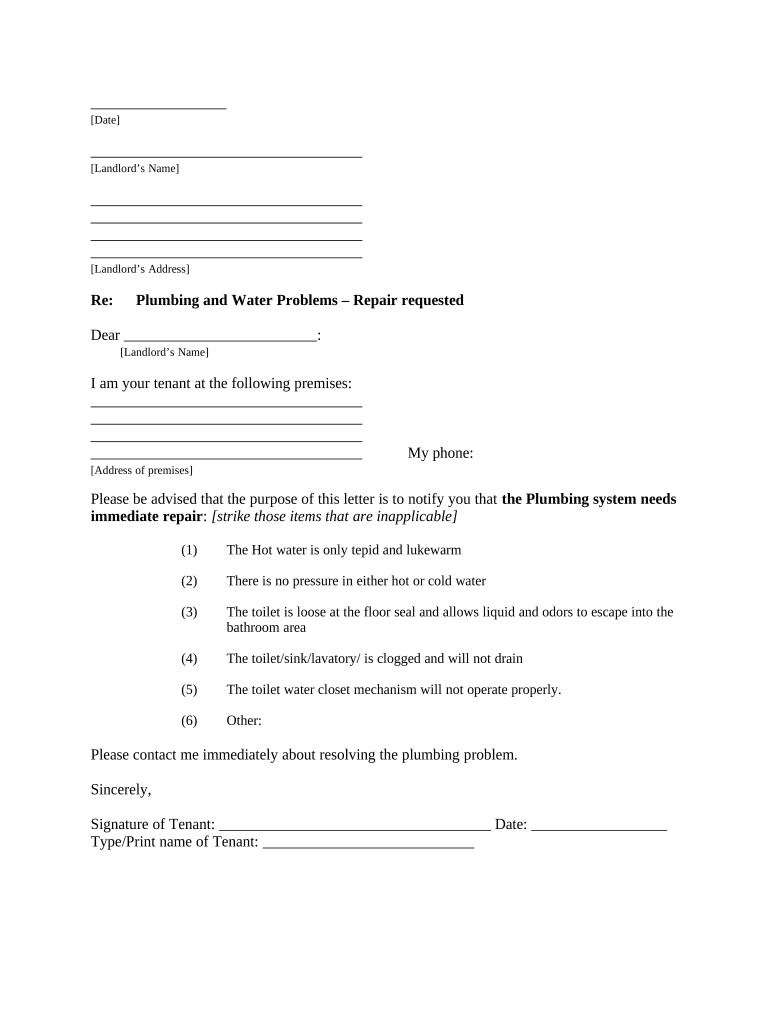
Click ‘Get Form’ to open the Kentucky Demand document in our platform's editor.
Begin by entering the date at the top of the form. This is essential for record-keeping.
Fill in your landlord’s name and address in the designated fields to ensure proper communication.
In the body of the letter, clearly state your concerns regarding plumbing issues. Strike through any items that do not apply to your situation, such as tepid water or clogs.
Provide your address and phone number where you can be reached for follow-up discussions about repairs.
Sign and date the document at the bottom, ensuring that your name is printed clearly beneath your signature.
Select how you will deliver this notice to your landlord by checking one of the options provided in the Proof of Delivery section.
Start using our platform today to complete your Kentucky Demand form easily and for free!
Coal mining jobs in Kentucky have fallen from 50,000 positions in 1979 to 18,000 in 2011, according to the Mountain Association for Community EconomicRead more
This interactive dashboard explores 2023-2033 long-term occupational projections for Kentucky and its Local Workforce Areas, augmented with education andRead more
Cookie consent notice
This site uses cookies to enhance site navigation and personalize your experience.
By using this site you agree to our use of cookies as described in our Privacy Notice.
You can modify your selections by visiting our Cookie and Advertising Notice.