




01. Edit your 30 day notice to vacate kansas online
Type text, add images, blackout confidential details, add comments, highlights and more.

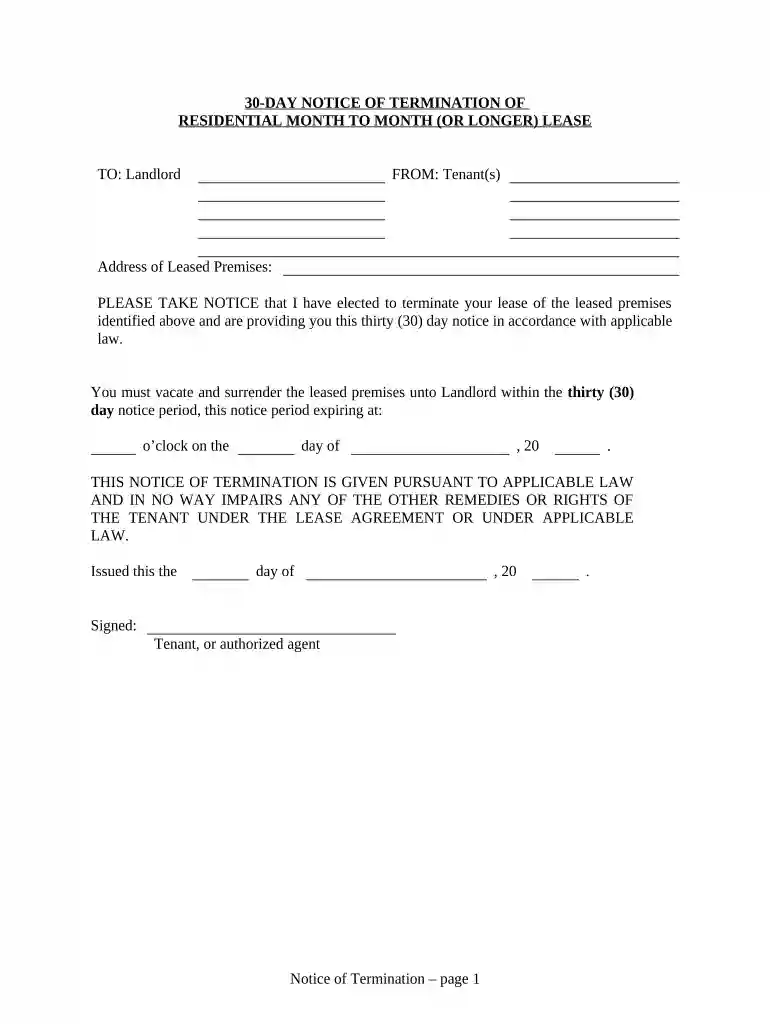
Type text, add images, blackout confidential details, add comments, highlights and more.

Draw your signature, type it, upload its image, or use your mobile device as a signature pad.

Send kansas eviction laws no lease via email, link, or fax. You can also download it, export it or print it out.

Start using our platform today to complete your Kansas 30 Day Notice quickly and for free!
At DocHub, your data security is our priority. We follow HIPAA, SOC2, GDPR, and other standards, so you can work on your documents with confidence.
Apr 30, 2021 In response, the Corps is seeking a 30-day stay in legal proceedings over the permit, so that its experts can re-examine the project. The fullRead more
A 30-day notice is a written letter from tenant to landlord or landlord to tenant informing the other party of their intent to terminate or change a month-to-Read more


