Type text, add images, blackout confidential details, add comments, highlights and more.
02. Sign it in a few clicks
Draw your signature, type it, upload its image, or use your mobile device as a signature pad.
03. Share your form with others
Send arizona quit claim deed form pdf via email, link, or fax. You can also download it, export it or print it out.
How to use or fill out quitclaim deed form arizona with DocHub
Ease of Setup
DocHub User Ratings on G2
Ease of Use
DocHub User Ratings on G2
Click ‘Get Form’ to open the quitclaim deed form in our editor.
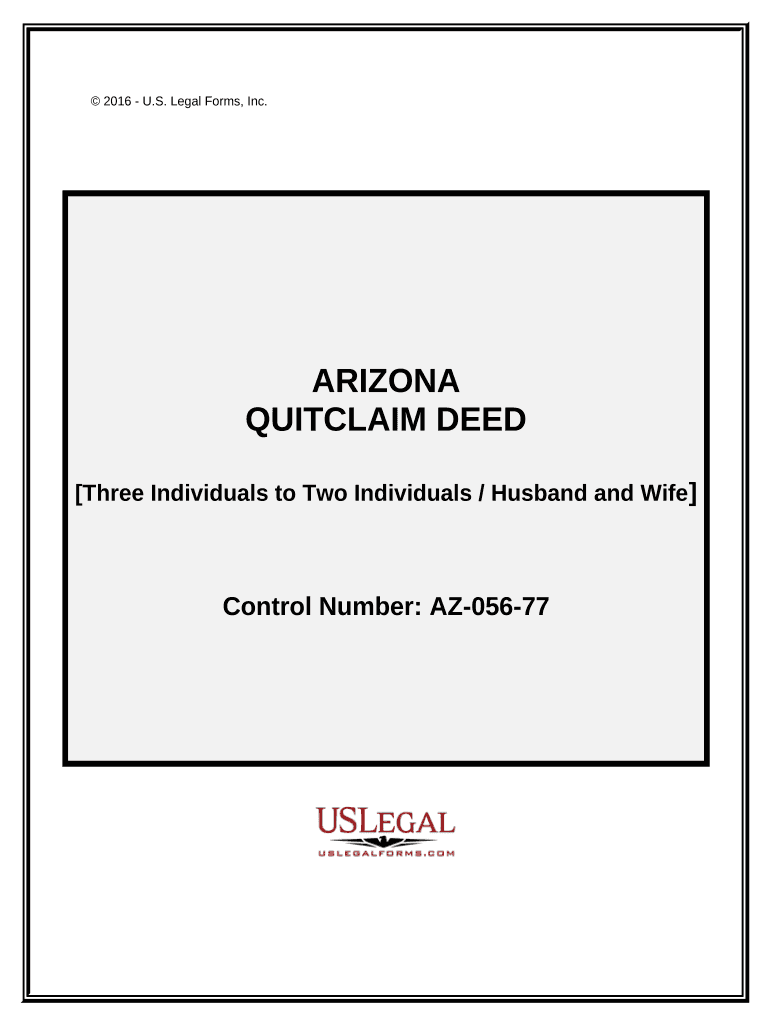
Begin by entering the names of the Grantors at the top of the form. Ensure that all individuals involved are accurately listed.
Next, specify the Grantees' names and their relationship (e.g., Husband and Wife) in the designated fields.
Indicate how the Grantees will hold the property by selecting from options such as Tenants in Common or Joint Tenants with Right of Survivorship. This is crucial for determining ownership rights.
Fill in the legal description of the property being transferred. If needed, refer to Exhibit A for detailed information.
Finally, have all Grantors sign and date the document. Ensure that a Notary Public acknowledges these signatures for legal validity.
Start using our platform today to complete your quitclaim deed form easily and for free!
Fill out quitclaim deed form arizona online It's free
Quitclaim deed form arizona templatePrintable quitclaim deed form arizonaArizona quit claim Deed PDF free downloadMaricopa County quit Claim Deed form PDFFree printable quitclaim deed form arizonaQuitclaim deed form arizona pdfQuitclaim deed form arizona onlineAZ beneficiary deed form
Security and compliance
At DocHub, your data security is our priority. We follow HIPAA, SOC2, GDPR, and other standards, so you can work on your documents with confidence.
Cookie consent notice
This site uses cookies to enhance site navigation and personalize your experience.
By using this site you agree to our use of cookies as described in our Privacy Notice.
You can modify your selections by visiting our Cookie and Advertising Notice.