Type text, add images, blackout confidential details, add comments, highlights and more.
02. Sign it in a few clicks
Draw your signature, type it, upload its image, or use your mobile device as a signature pad.
03. Share your form with others
Send it via email, link, or fax. You can also download it, export it or print it out.
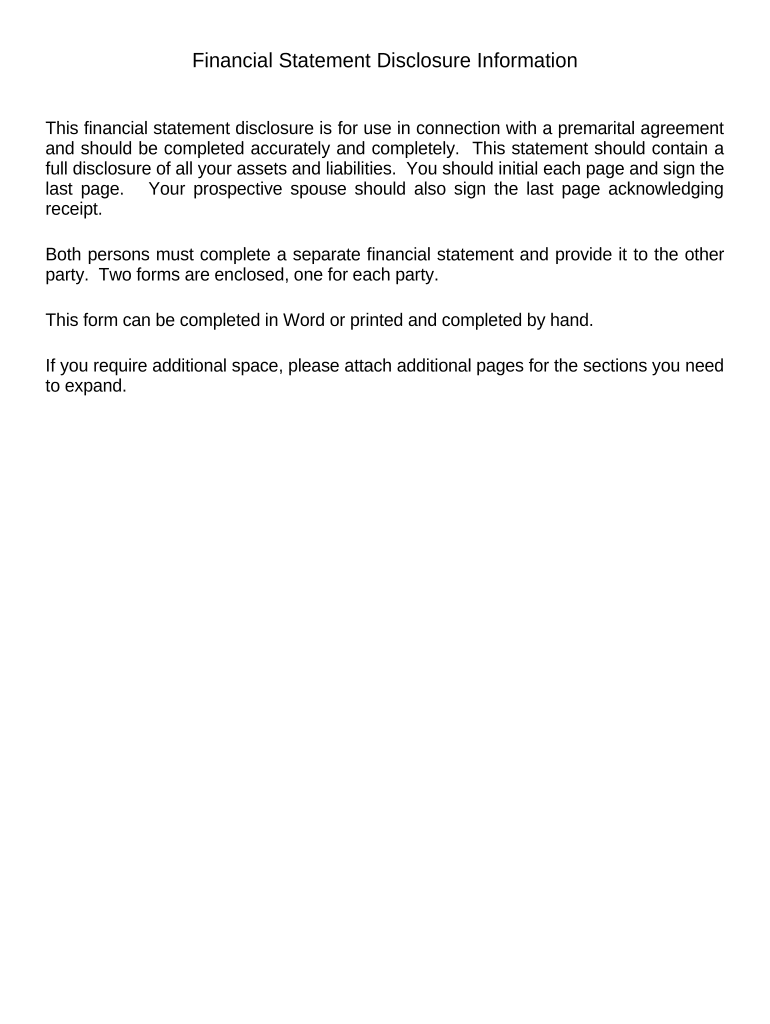
How to use or fill out Financial Statements only in Connection with Prenuptial Premarital Agreement - Wyoming
Ease of Setup
DocHub User Ratings on G2
Ease of Use
DocHub User Ratings on G2
Click ‘Get Form’ to open it in the editor.
Begin by filling out your personal information, including your name, address, occupation, and phone number. Ensure accuracy as this information is crucial for the agreement.
Next, detail your current assets. List items such as cash on hand, real estate, motor vehicles, and any other personal property. Be thorough to provide a complete financial picture.
Proceed to list your current liabilities. Include all debts such as mortgages, auto loans, and credit card balances. This section helps assess your net worth.
Complete the income section by detailing your annual salary, bonuses, and any other sources of income. This information is vital for understanding financial stability.
Review each schedule (A through I) carefully to ensure all relevant details about assets and liabilities are included. If additional space is needed, attach extra pages.
Finally, sign and date the certification section at the end of the form. Your prospective spouse should also sign to acknowledge receipt of this financial statement.
Start using our platform today to streamline your financial disclosure process for free!
Fill out Financial Statements only in Connection with Prenuptial Premarital Agreement - Wyoming online It's free
A wyoming prenuptial agreement, or prenup, is a legal document that contains provisions regarding property rights, ownership, and distribution between twoRead more
Jul 6, 2018 The parties executed a premarital agreement waiving the right to seek an award of attorney fees in the event of a dissolution of their marriage.Read more
Cookie consent notice
This site uses cookies to enhance site navigation and personalize your experience.
By using this site you agree to our use of cookies as described in our Privacy Notice.
You can modify your selections by visiting our Cookie and Advertising Notice.