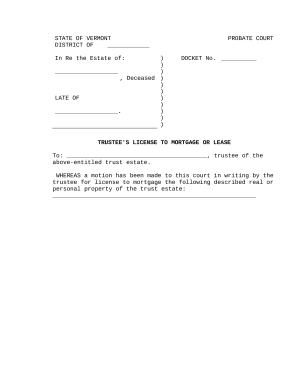
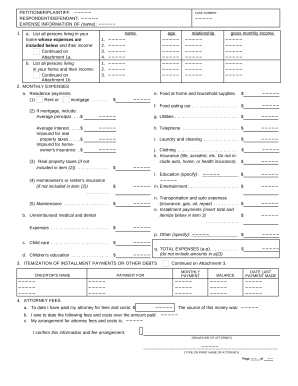
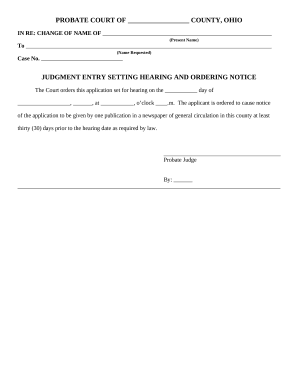
Type text, add images, blackout confidential details, add comments, highlights and more.
02. Sign it in a few clicks
Draw your signature, type it, upload its image, or use your mobile device as a signature pad.
03. Share your form with others
Send it via email, link, or fax. You can also download it, export it or print it out.
How to use or fill out cost bill with our platform
Ease of Setup
DocHub User Ratings on G2
Ease of Use
DocHub User Ratings on G2
Click ‘Get Form’ to open the cost bill in the editor.
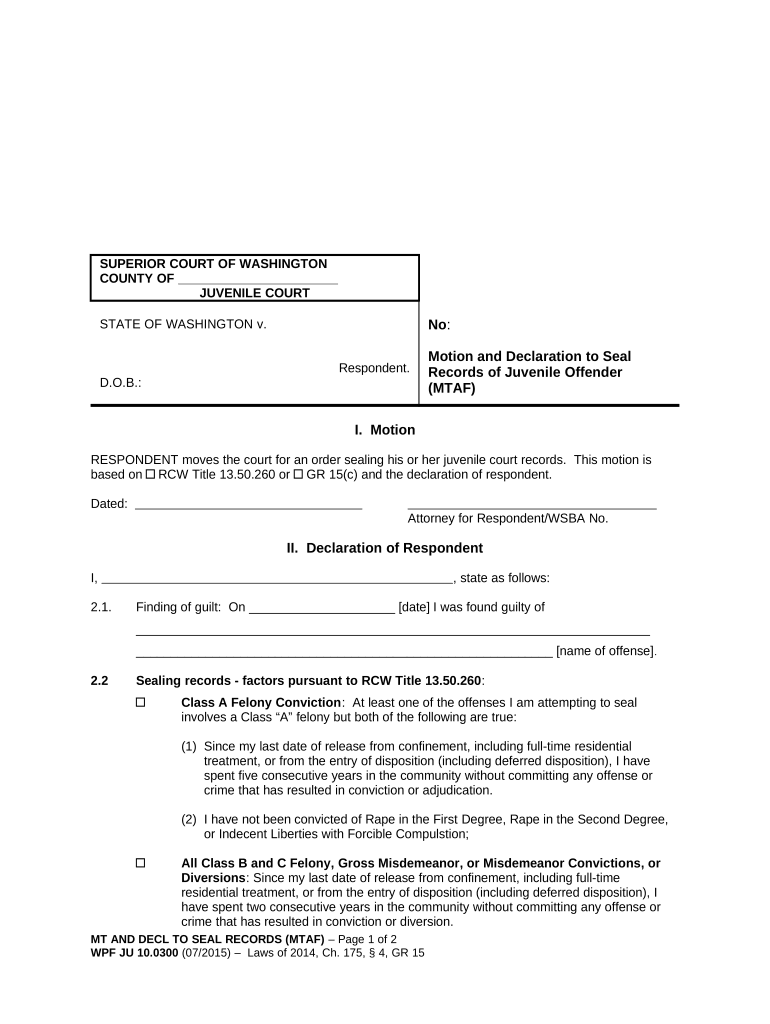
Begin by entering the respondent's name and date of birth in the designated fields. Ensure accuracy as this information is crucial for identification.
In the Motion section, clearly state your request for sealing juvenile court records. Reference relevant laws such as RCW Title 13.50.260 or GR 15(c) to support your motion.
Complete the Declaration of Respondent section by providing details about your finding of guilt, including the date and nature of the offense.
Address each factor for sealing records under RCW Title 13.50.260, ensuring you meet all requirements listed, such as time spent in the community without offenses.
Sign and date the document at the bottom, confirming that all information provided is true and correct under penalty of perjury.
Start using our platform today to easily fill out your cost bill online for free!
Does BILL com charge a fee to receive moneyBILL com transaction feesBill of costs Federal rulesBill of costs FormBILL com free accountBill of costs TexasBill com credit card feesBill of Costs NY
Security and compliance
At DocHub, your data security is our priority. We follow HIPAA, SOC2, GDPR, and other standards, so you can work on your documents with confidence.
Except as provided in sections (b) and (c), a party seeking costs on review must file a cost bill with the appellate court and serve a copy of the cost bill onRead more
Cookie consent notice
This site uses cookies to enhance site navigation and personalize your experience.
By using this site you agree to our use of cookies as described in our Privacy Notice.
You can modify your selections by visiting our Cookie and Advertising Notice.