Type text, add images, blackout confidential details, add comments, highlights and more.
02. Sign it in a few clicks
Draw your signature, type it, upload its image, or use your mobile device as a signature pad.
03. Share your form with others
Send it via email, link, or fax. You can also download it, export it or print it out.
How to use or fill out tenant america with our platform
Ease of Setup
DocHub User Ratings on G2
Ease of Use
DocHub User Ratings on G2
Click ‘Get Form’ to open it in the editor.
Begin by entering your personal information in the designated fields, including your name, address, and contact details. Ensure all entries are accurate for a smooth processing experience.
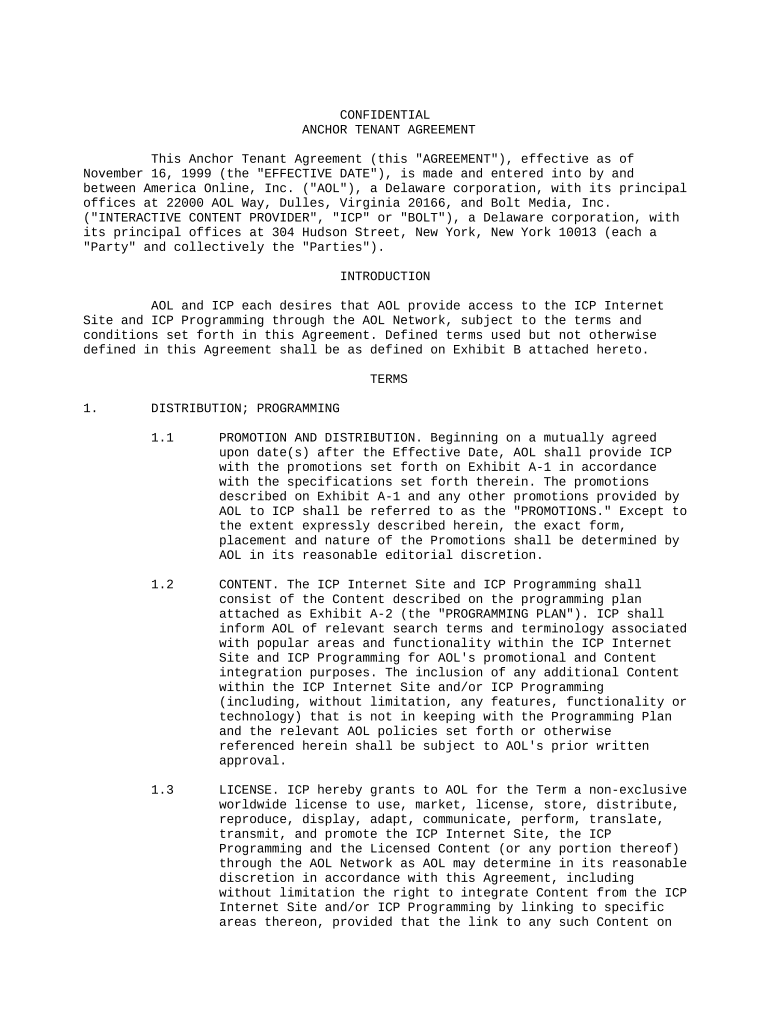
Next, navigate to the section that requires you to provide details about your tenancy. Fill in the required information regarding the property and lease terms.
Review any additional sections that may require signatures or acknowledgments. Use our platform's signature feature to sign electronically where necessary.
Once all fields are completed, double-check your entries for accuracy. Utilize the editing tools available on our platform to make any necessary adjustments.
Finally, save your document and choose to either download it or send it directly via email through our platform for free.
Start using our platform today to simplify your tenant america form completion!
Tenant america loginRentals America loginRentals America login for tenantsRentals America reviewsIs Rentals America legitRentals America PhoenixRentals America TucsonRentals America rental criteria
Security and compliance
At DocHub, your data security is our priority. We follow HIPAA, SOC2, GDPR, and other standards, so you can work on your documents with confidence.
landlord-tenant law | Wex | LII / Legal Information Institute
Landlord-tenant law governs the rental of residential and commercial property. It regulates lease terms and termination, tenant screening, subleasing, repairs,Read more
Apr 15, 2026 Learn about your rights as a tenant. Understand how to get help if you cannot resolve a disagreement directly with your landlord or managementRead more
Cookie consent notice
This site uses cookies to enhance site navigation and personalize your experience.
By using this site you agree to our use of cookies as described in our Privacy Notice.
You can modify your selections by visiting our Cookie and Advertising Notice.