Type text, add images, blackout confidential details, add comments, highlights and more.
02. Sign it in a few clicks
Draw your signature, type it, upload its image, or use your mobile device as a signature pad.
03. Share your form with others
Send it via email, link, or fax. You can also download it, export it or print it out.
How to use or fill out Property Agreement with our platform
Ease of Setup
DocHub User Ratings on G2
Ease of Use
DocHub User Ratings on G2
Click ‘Get Form’ to open the Property Agreement in the editor.
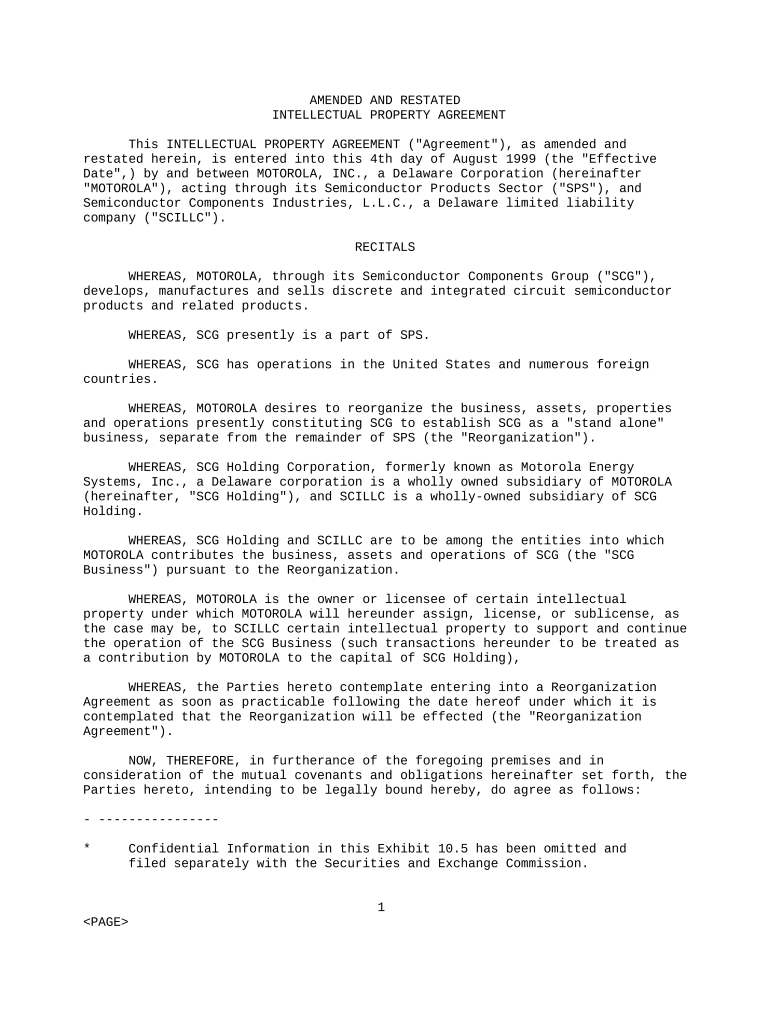
Begin by reviewing the introductory section, which outlines the parties involved and the effective date. Ensure that all names and dates are accurate.
Proceed to Section 1, where you will find definitions of key terms. Familiarize yourself with these terms as they will be referenced throughout the agreement.
In Section 2, focus on the assignment and license of patents. Fill in any required details regarding patent assignments as specified in your agreement.
Continue through each section, ensuring that you complete fields related to intellectual property rights, confidentiality clauses, and indemnification provisions as applicable.
Once all sections are filled out, review your entries for accuracy before proceeding to sign the document electronically using our platform's signature feature.
Start editing your Property Agreement today for free on our platform!
As public records, contract forms adopted by the Texas Real Estate Commission are available to any person. Real estate license holders are required to useRead more
Marble tablet with rental agreement found in Turkey
Oct 6, 2016 Excavations at the ancient Greek city of Teos on the west coast of Turkey, have yielded an inscribed marble tablet with a rental agreement.
Cookie consent notice
This site uses cookies to enhance site navigation and personalize your experience.
By using this site you agree to our use of cookies as described in our Privacy Notice.
You can modify your selections by visiting our Cookie and Advertising Notice.