




01. Edit your form online
Type text, add images, blackout confidential details, add comments, highlights and more.

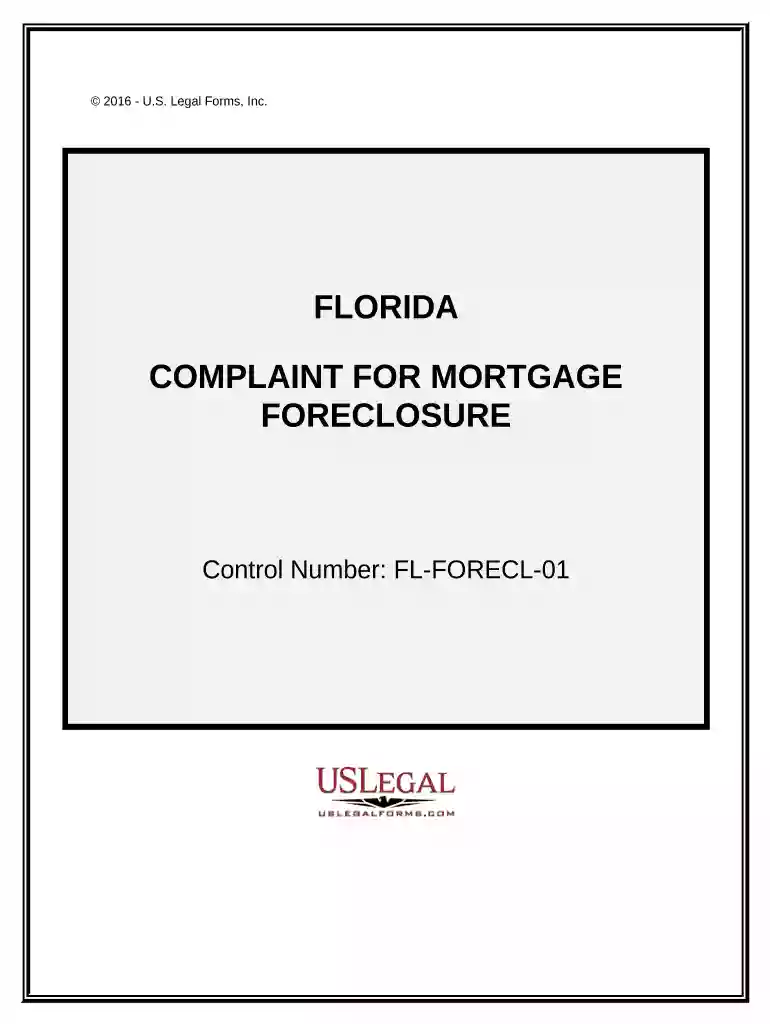
Type text, add images, blackout confidential details, add comments, highlights and more.

Draw your signature, type it, upload its image, or use your mobile device as a signature pad.

Send it via email, link, or fax. You can also download it, export it or print it out.

Start using our platform today to streamline your FL foreclosure process for free!
At DocHub, your data security is our priority. We follow HIPAA, SOC2, GDPR, and other standards, so you can work on your documents with confidence.


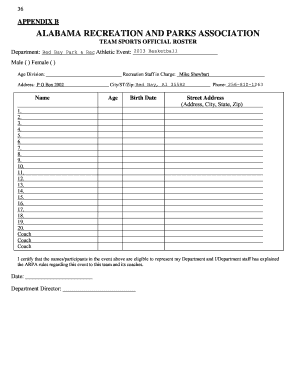
Geographic Areas: Evictions Foreclosures Florida All Counties Alachua County Baker County Bay County Bradford County Brevard County Broward CountyRead more
Alabama (with $489 million) ranks number one for state-by-state spending on international coal imports, followed by Florida (with $307 million). However, theRead more
Visit the Mortgage Foreclosure Office or the Online Foreclosure Auction to review court files of the different properties offered for sale.Read more


