Excavation Contractor Package - North Carolina 2026

Get Form
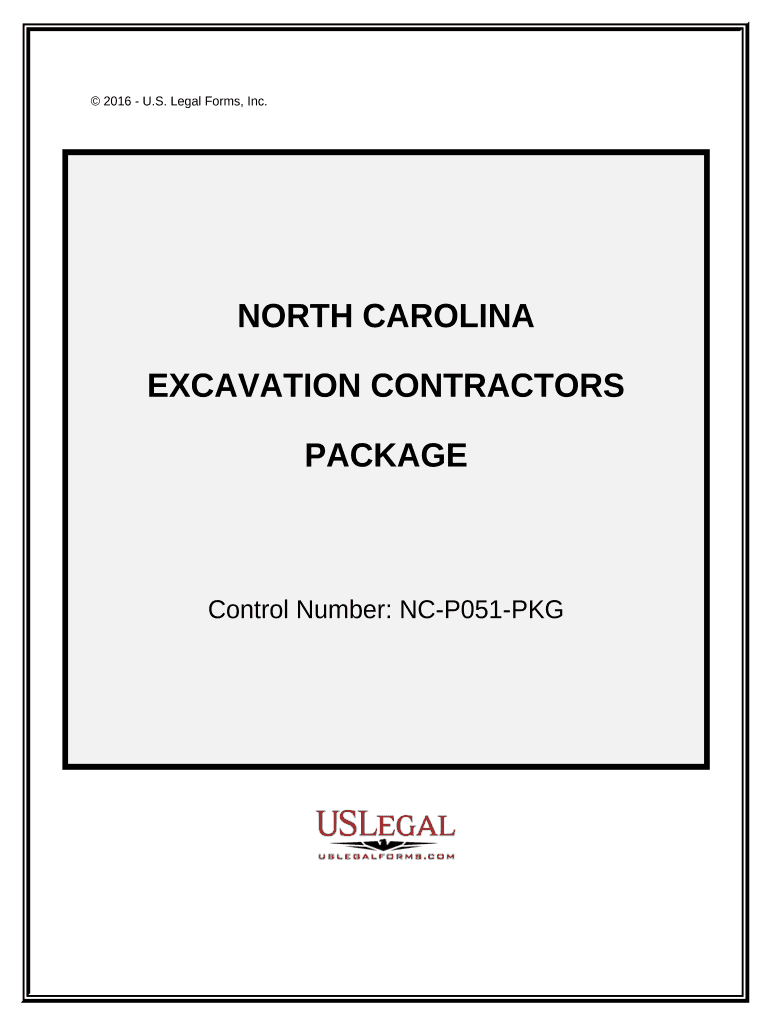
excavation contract template Preview on Page 1

Here's how it works

01. Edit your excavation contract template online
Type text, add images, blackout confidential details, add comments, highlights and more.
02. Sign it in a few clicks
Draw your signature, type it, upload its image, or use your mobile device as a signature pad.
03. Share your form with others
Send it via email, link, or fax. You can also download it, export it or print it out.

How to use or fill out Excavation Contractor Package - North Carolina with our platform

Form edit decoration
9.5
Ease of Setup
DocHub User Ratings on G2
9.0
Ease of Use
DocHub User Ratings on G2
  1. Click ‘Get Form’ to open the Excavation Contractor Package in the editor.
  2. Begin with the 'North Carolina Excavation Contract' form. Fill in the contractor's details, project scope, and insurance information as required. Ensure compliance with local laws.
  3. Next, complete the 'Change Order Sheet' if any amendments are needed for the original contract. Clearly specify changes and obtain necessary approvals.
  4. Use the 'Certificate of Completion' form to certify that all work has been satisfactorily completed. Include project details and signatures from relevant parties.
  5. Maintain a record of bids using the 'Bid Log'. Enter details such as bid prices, due dates, and statuses to keep track of outstanding bids.
  6. For safety compliance, fill out the 'Worker Safety and Health Plan'. This is crucial for adhering to OSHA regulations and ensuring workplace safety.
  7. Complete the 'Weekly Equipment Summary' to document equipment usage, maintenance performed, and ownership status throughout the project.
  8. Summarize your estimates using the 'Summary of Estimate' form. This will help in generating an accurate contract price based on tasks involved.
  9. Finally, fill out the 'Construction Project Information Sheet' to identify all key parties involved in your project along with commencement dates.

Start editing your Excavation Contractor Package today for free on our platform!

be ready to get more

Complete this form in 5 minutes or less

Get form

Got questions?

We have answers to the most popular questions from our customers. If you can't find an answer to your question, please contact us.
Contact us

Of course, electronically drawing your signature is appropriate, but only if you utilize a tool that complies with industry regulations and policies. Try DocHub, which guarantees eSignature validity under ESIGN and UETA requirements. All you need to approve your Excavation Contractor Package - North Carolina electronically is an account with DocHub and an internet connection. After you open your document in our editor, click Sign and select the Draw tool.

If you use Chrome, there are two straightforward ways to modify your Excavation Contractor Package - North Carolina online. First, visit the DocHub site, add your file, and modify it using our toolbar. You can also set up our Chrome extension and modify any document by dragging and dropping it in your web browser tab.

Security and compliance

At DocHub, your data security is our priority. We follow HIPAA, SOC2, GDPR, and other standards, so you can work on your documents with confidence.

Learn more
ccpa2
pci-dss
gdpr-compliance
hipaa
soc-compliance
be ready to get more

Complete this form in 5 minutes or less

Get form