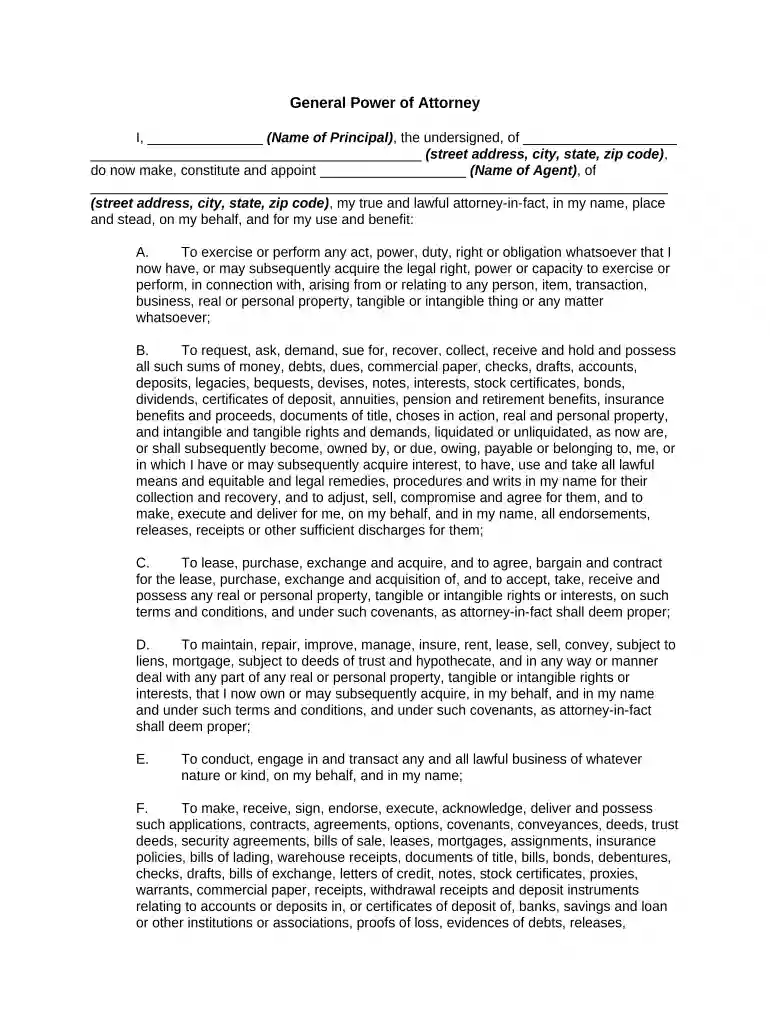
Power attorney poa 2026

Get Form
power attorney poa Preview on Page 1

Here's how it works

01. Edit your form online
Type text, add images, blackout confidential details, add comments, highlights and more.

02. Sign it in a few clicks
Draw your signature, type it, upload its image, or use your mobile device as a signature pad.

03. Share your form with others
Send it via email, link, or fax. You can also download it, export it or print it out.

How to use or fill out power attorney poa with our platform

Form edit decoration
9.5
Ease of Setup
DocHub User Ratings on G2
9.0
Ease of Use
DocHub User Ratings on G2
  1. Click ‘Get Form’ to open the Power of Attorney (POA) document in the editor.
  2. Begin by filling in your name as the Principal at the top of the form, followed by your complete address.
  3. Next, designate your Agent by entering their name and address in the specified fields. This person will act on your behalf.
  4. Review each section carefully. The form includes various powers granted to your Agent, such as managing finances and property. Ensure you understand these powers before proceeding.
  5. Specify the effective date of this Power of Attorney in the designated area. This is crucial for establishing when your Agent can begin acting on your behalf.
  6. Finally, sign and date the document at the bottom. If required, include a notary acknowledgment based on your state’s regulations.

Start using our platform today to easily fill out and manage your Power of Attorney documents online for free!

be ready to get more

Complete this form in 5 minutes or less

Get form

Got questions?

We have answers to the most popular questions from our customers. If you can't find an answer to your question, please contact us.
Contact us
In California, there are four main types of POAs, each offering a specific scope of decision-making power: general, durable, limited, and medical. Understanding these distinctions is crucial for selecting the POA that best suits your individual needs: General Power of Attorney.
POA stands for Power of Attorney in legal contexts. It refers to a legal document granting one person the authority to act on anothers behalf. This authority can be broad or limited, depending on the requirements of the situation. In business, POA is often used as an acronym for Plan of Action.
Power of Attorney (POA) is a Powerful Legal Document Depending on the type of POA, your agent can withdraw money from your bank accounts. First, lets look at a POA with even more power than taking money out of your accounts. The healthcare POA is close to having power over life and death.
For medical decisions, you can set up a health care proxy, but for financial matters, if you become incapacitated and are unable to manage your own money, your agent (the person granted power of attorney) can do things like access your bank accounts and pay your bills.
A power of attorney is a legal document that allows someone else to act on your behalf. A power of attorney can be helpful to older people and others who want to choose a trusted person to act on their behalf when they cannot.

Security and compliance

At DocHub, your data security is our priority. We follow HIPAA, SOC2, GDPR, and other standards, so you can work on your documents with confidence.

Learn more
ccpa2
pci-dss
gdpr-compliance
hipaa
soc-compliance

People also ask

The POA cannot transfer the responsibility to another Agent at any time. The POA cannot make any legal or financial decisions after the death of the Principal, at which point the Executor of the Estate would take over.

Related links