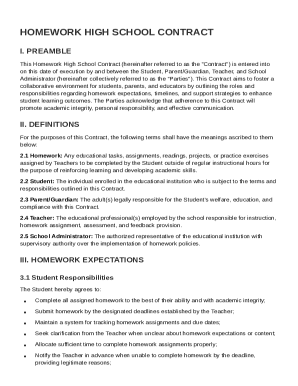
Owner's or Seller's Affidavit of No Liens - Alabama 2026

Get Form
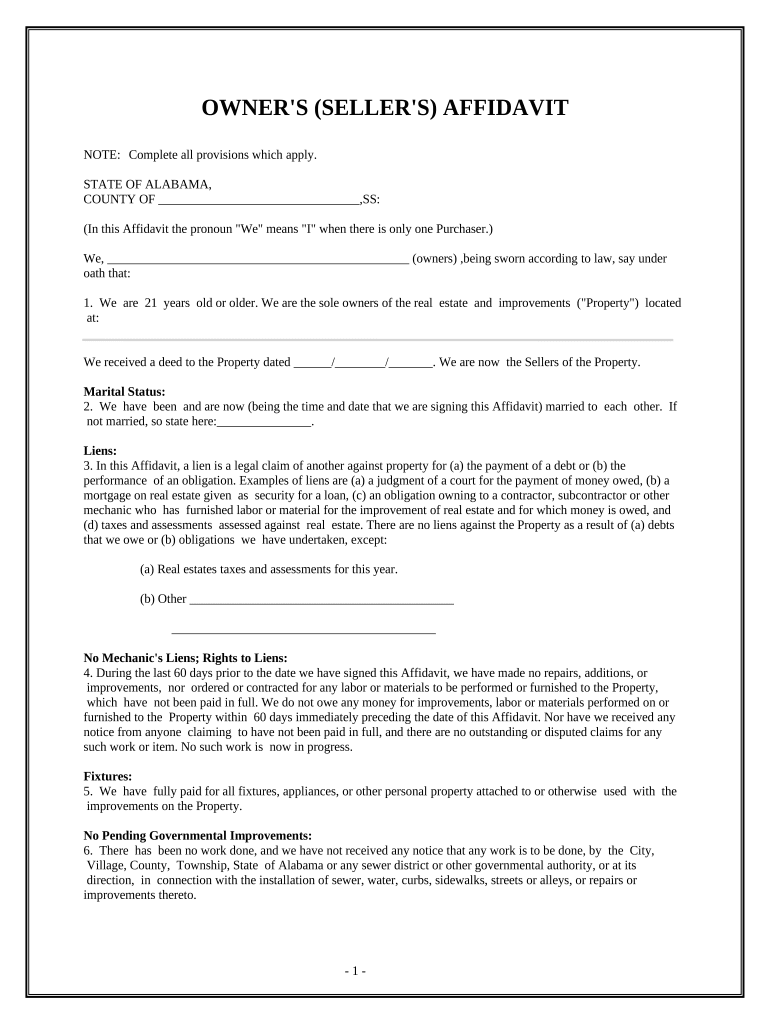
Owner's or Seller's Affidavit of No Liens - Alabama Preview on Page 1

Here's how it works

01. Edit your form online
Type text, add images, blackout confidential details, add comments, highlights and more.
02. Sign it in a few clicks
Draw your signature, type it, upload its image, or use your mobile device as a signature pad.
03. Share your form with others
Send it via email, link, or fax. You can also download it, export it or print it out.

How to use or fill out Owner's or Seller's Affidavit of No Liens - Alabama with our platform

Form edit decoration
9.5
Ease of Setup
DocHub User Ratings on G2
9.0
Ease of Use
DocHub User Ratings on G2
  1. Click ‘Get Form’ to open the Owner's or Seller's Affidavit of No Liens in the editor.
  2. Begin by filling in your name as the owner(s) and confirm that you are at least 21 years old. Provide the address of the property in question.
  3. Indicate your marital status. If you are married, state that; if not, specify your status.
  4. In the liens section, declare any existing liens against the property. If there are none except for real estate taxes, indicate that clearly.
  5. Confirm that no repairs or improvements have been made within the last 60 days without full payment. This ensures no mechanic’s liens exist.
  6. Complete sections regarding fixtures and governmental improvements, ensuring all statements reflect your current situation accurately.
  7. Finally, sign and date the affidavit in front of a notary public to validate your statements under penalty of perjury.

Start using our platform today to easily complete your Owner's or Seller's Affidavit for free!

be ready to get more

Complete this form in 5 minutes or less

Get form

Got questions?

We have answers to the most popular questions from our customers. If you can't find an answer to your question, please contact us.
Contact us

Upload your Owner's or Seller's Affidavit of No Liens - Alabama to DocHub (after you’ve created an account for this). If you need to complete fields in it, use proper tools from the upper pane. For example, add Signature Fields, assign each to specific person, and click on Sign → Request signatures from others. Customize your message for your recipients and click Send Request. You can also send your document by fax or as a Signing link instead of using email (you’ll locate these options by navigating to the Menu → Send)

You can complete and sign your Owner's or Seller's Affidavit of No Liens - Alabama online, even on a tight deadline. All you need to access high quality editing instruments on any device is a DocHub account, which you can register within a couple of moments. After you sign up, upload your file or find what you are looking for in our catalog, complete it utilizing the editing instruments you need, and put your electronic signature on it at the end.