Type text, add images, blackout confidential details, add comments, highlights and more.
02. Sign it in a few clicks
Draw your signature, type it, upload its image, or use your mobile device as a signature pad.
03. Share your form with others
Send it via email, link, or fax. You can also download it, export it or print it out.
How to use or fill out ga discovery with our platform
Ease of Setup
DocHub User Ratings on G2
Ease of Use
DocHub User Ratings on G2
Click 'Get Form' to open the ga discovery document in the editor.
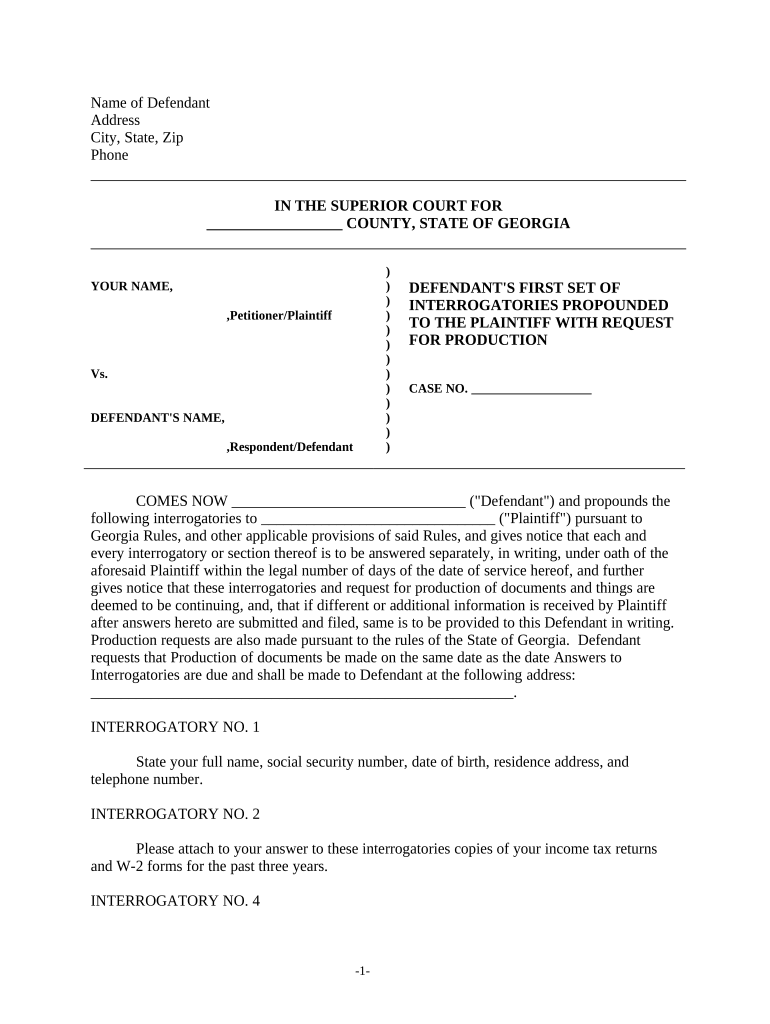
Begin by filling in the 'Name of Defendant' and 'Address' sections. Ensure that all information is accurate and complete.
Proceed to the 'Interrogatory No. 1' section. Here, provide your full name, social security number, date of birth, residence address, and telephone number as requested.
Continue through each interrogatory sequentially. For example, in 'Interrogatory No. 2', attach copies of your income tax returns and W-2 forms for the past three years directly within the editor.
For financial-related questions like 'Interrogatory No. 4', list your total income since a specified date and attach your last five paycheck stubs.
Review all entries for accuracy before submitting. Utilize our platform's features to save your progress or make edits as needed.
Start using our platform today to fill out your ga discovery form easily and for free!
Mummified baby woolly mammoth found by gold miner in the
Jun 27, 2022 -The discovery of Nun cho ga marks the first near complete and best-preserved mummified woolly mammoth found in North America. A partial mammothRead more
The James and Jean Culver Vision Discovery Institute addresses specific health issues facing Georgians and is line with one of the Medical College of GeorgiasRead more
Cookie consent notice
This site uses cookies to enhance site navigation and personalize your experience.
By using this site you agree to our use of cookies as described in our Privacy Notice.
You can modify your selections by visiting our Cookie and Advertising Notice.