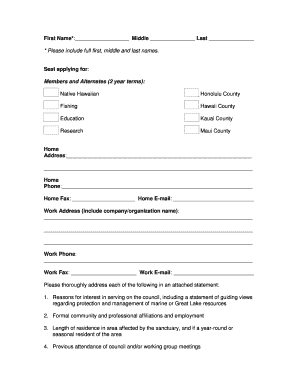
Type text, add images, blackout confidential details, add comments, highlights and more.
02. Sign it in a few clicks
Draw your signature, type it, upload its image, or use your mobile device as a signature pad.
03. Share your form with others
Send it via email, link, or fax. You can also download it, export it or print it out.
How to use or fill out ca right with our platform
Ease of Setup
DocHub User Ratings on G2
Ease of Use
DocHub User Ratings on G2
Click ‘Get Form’ to open the ca right document in the editor.
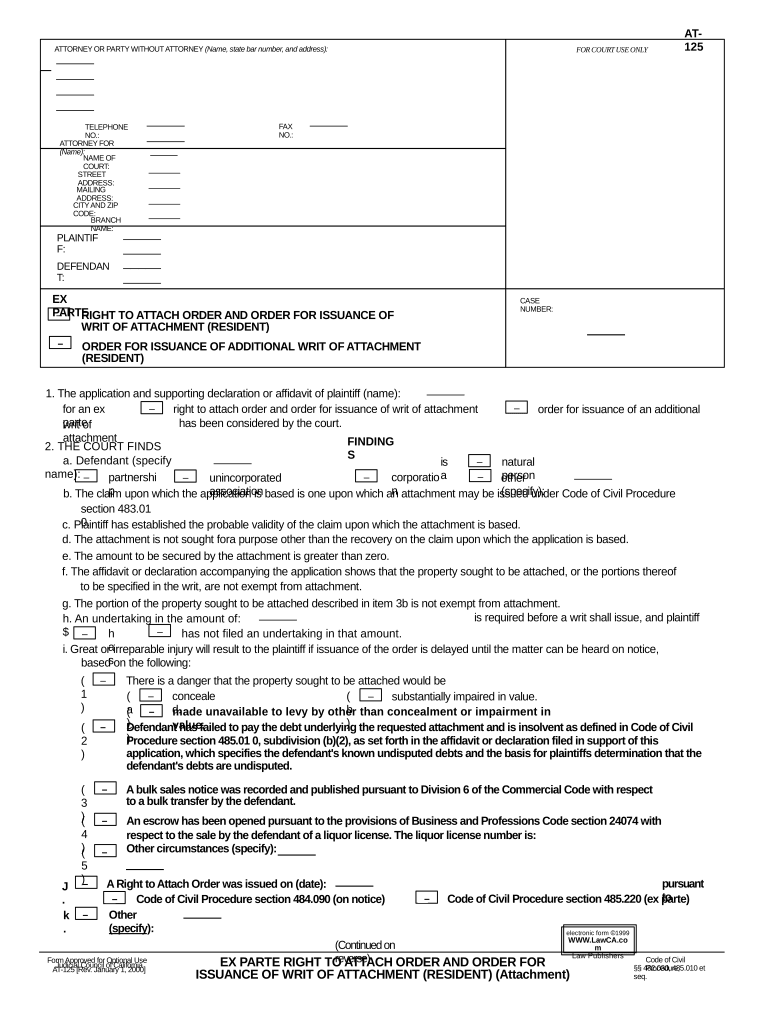
Begin by filling in the 'Attorney or Party Without Attorney' section. Enter your name, state bar number, and address accurately.
Next, provide your telephone number and fax number if applicable. Specify the attorney for whom you are filing this form.
In the 'Court' section, input the name of the court along with its street and mailing address, including city and zip code.
Fill in details for both plaintiff and defendant sections. Ensure all names are spelled correctly to avoid any legal issues.
Complete the findings section by providing necessary information regarding the claim and property involved. Be thorough in detailing any circumstances that may affect the attachment.
Finally, review all entries for accuracy before submitting your completed form through our platform.
Start using our platform today to fill out your ca right form easily and for free!
Calcivilrights ca gov SHPTCivil Rights CACA Department of Fair Employment and HousingDisability rights CaliforniaCivil Rights DepartmentDisability caCalifornia Code searchCalifornia disability Rights handbook
Security and compliance
At DocHub, your data security is our priority. We follow HIPAA, SOC2, GDPR, and other standards, so you can work on your documents with confidence.
We are required by the California Consumer Privacy Act of 2018 (CCPA) to provide to California residents an explanation of how we collect, use and shareRead more
The mission of the CRD is to protect the people of California from unlawful discrimination in employment, housing, businesses, and state-funded programs.Read more
Cookie consent notice
This site uses cookies to enhance site navigation and personalize your experience.
By using this site you agree to our use of cookies as described in our Privacy Notice.
You can modify your selections by visiting our Cookie and Advertising Notice.