01. Edit your employee medical history form pdf online
Type text, add images, blackout confidential details, add comments, highlights and more.

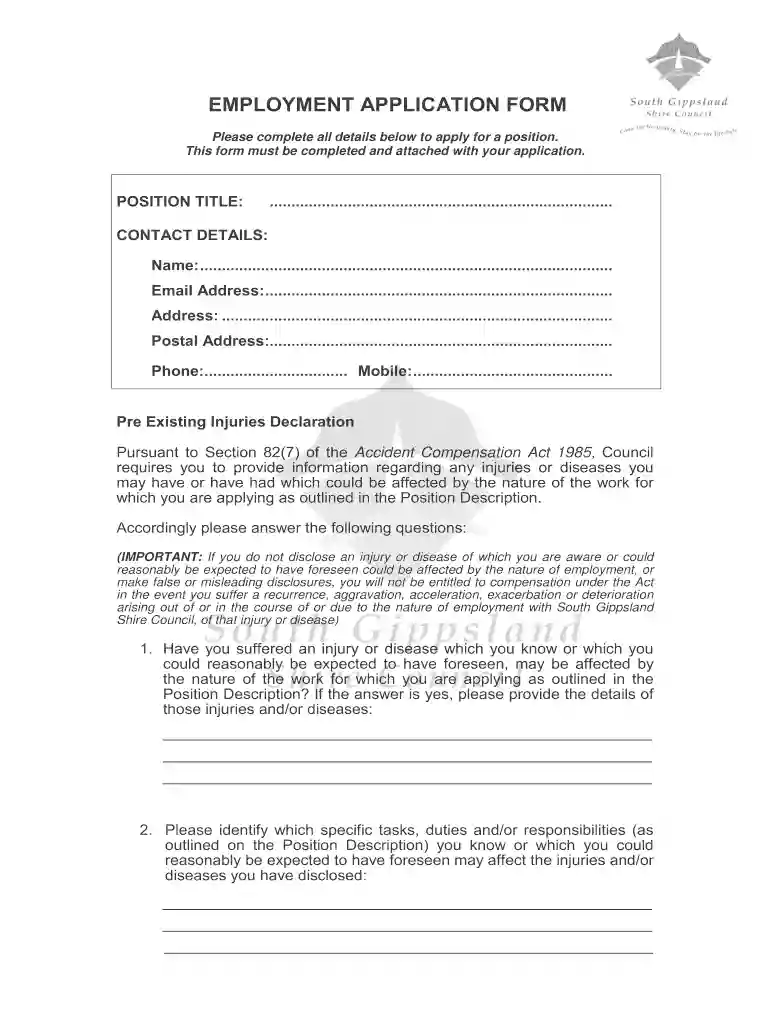
Type text, add images, blackout confidential details, add comments, highlights and more.

Draw your signature, type it, upload its image, or use your mobile device as a signature pad.

Send family unit history editable form via email, link, or fax. You can also download it, export it or print it out.
A family unit history editable form is a structured document that allows users to capture and organize details about family relationships and histories. Typically used for genealogical research, estate planning, or social services, this form is designed to be filled out with pertinent details about family members, their relationships, and significant events or milestones. The editable nature of the document ensures that users can tailor the form to their specific needs, adding or removing sections as required to reflect their unique family histories. This flexibility is particularly useful for capturing complex family dynamics or interfacing with multiple generations.
The family unit history editable form can be utilized in various ways depending on the context and specific needs of the user. Generally, it involves entering details such as names, birthdates, relationships, and notable life events for each family member. Users can take advantage of the form’s editable fields to include additional information or customize sections:
Gather Information: Begin by collecting all necessary information about each family member. This can include personal details, family stories, and historical records.
Organize Chronologically: Arrange family members and events in a chronological order to better visualize family history and lineage.
Customize Fields: Since the form is editable, users can add custom fields to incorporate unique family traditions, health history, or immigration records.
Review and Verify: Once completed, review the form for any errors or missing information. Cross-verify all data for accuracy.
Store and Share: Save the completed form digitally or print it for physical storage. Share it with family members or relevant authorities as needed.
Completing the family unit history editable form involves a series of methodical steps to ensure thorough documentation of the family’s background:
Download the Form: Access the editable form from a trusted source and open it in a compatible document editor.
Input Basic Information: Fill in foundational details such as family surname, geographic locations, and distinct family identifiers.
Add Individual Profiles: For each family member, add a profile section that includes their name, birthdate, relationship to others, and significant life events.
Include Ancestral Details: Extend the form to include historical ancestors where information is available, documenting their birth, marriage, and death records.
Incorporate Special Annotations: Use annotation tools to highlight or comment on parts of the form that require additional context or verification.
Finalize & Save: After entering all information, finalize the document and save it in an easily accessible format for future updates or sharing.
The family unit history editable form comprises several significant components designed to capture comprehensive family information:
The family unit history editable form can be used legally for various purposes, provided users respect privacy laws and any applicable regulations:
Users should always ensure that sensitive information is handled in compliance with privacy laws like the Health Insurance Portability and Accountability Act (HIPAA) if applicable.
A diverse array of individuals and organizations utilize the family unit history editable form for several purposes:
Understanding how different sectors employ these forms can help tailor them to meet varied needs.


There may be variations in how the family unit history editable form is utilized depending on state regulations:
Users should consult relevant state guidelines when using these forms to ensure compliance with all legal requirements and take advantage of state-provided resources for family history research.
At DocHub, your data security is our priority. We follow HIPAA, SOC2, GDPR, and other standards, so you can work on your documents with confidence.