




01. Edit your domiciliary letter online
Type text, add images, blackout confidential details, add comments, highlights and more.

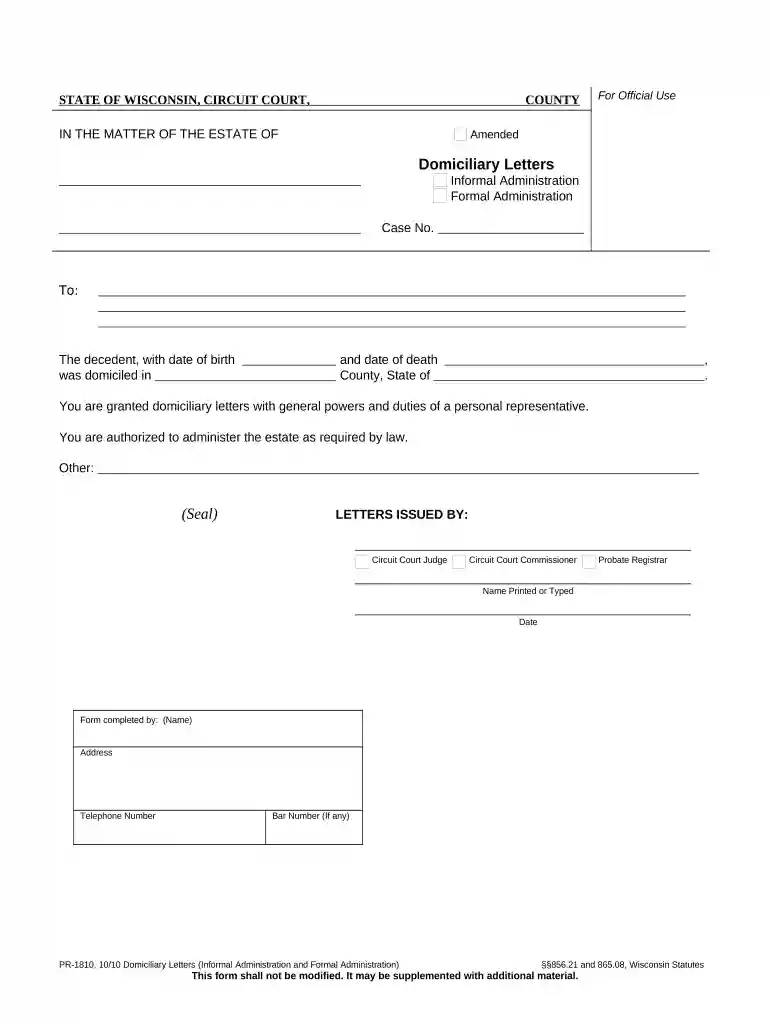
Type text, add images, blackout confidential details, add comments, highlights and more.

Draw your signature, type it, upload its image, or use your mobile device as a signature pad.

Send domicillary letter via email, link, or fax. You can also download it, export it or print it out.

Start using our platform today to easily complete your domiciliary letters online for free!
At DocHub, your data security is our priority. We follow HIPAA, SOC2, GDPR, and other standards, so you can work on your documents with confidence.
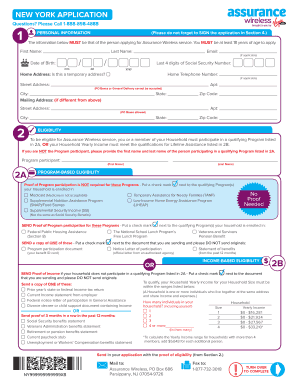


The court will not sign Domiciliary Letters until the personal representative has obtained a bond (if one is ordered) and submitted proof to the court, andRead more
Domiciliary Letters The decedent, with date of birth and date of death. , was domiciled in. County, State of . You are granted domiciliary letters withRead more


