Type text, add images, blackout confidential details, add comments, highlights and more.
02. Sign it in a few clicks
Draw your signature, type it, upload its image, or use your mobile device as a signature pad.
03. Share your form with others
Send trustee's deed via email, link, or fax. You can also download it, export it or print it out.
How to use or fill out mo deed with our platform
Ease of Setup
DocHub User Ratings on G2
Ease of Use
DocHub User Ratings on G2
Click ‘Get Form’ to open the mo deed in the editor.
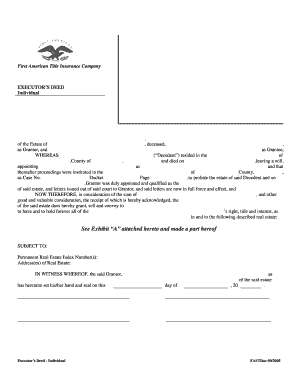
Begin by entering the names and addresses of the Grantors in the designated fields. Ensure accuracy as this information is crucial for legal purposes.
Next, fill in the Grantees' names and addresses. If there are two individuals or a husband and wife, make sure to specify their relationship clearly.
Designate how the Grantees will hold the property by selecting from options such as Tenants in Common, Joint Tenants with Right of Survivorship, or Tenants by the Entirety. This is an important decision that affects ownership rights.
Complete the Legal Description section accurately, as it defines the property being conveyed. You may refer to additional documents if necessary.
Finally, ensure all signatures are obtained where required, including notarization for validity. Review all entries for completeness before saving your document.
Start using our platform today to streamline your mo deed completion process for free!
Mo deed search by nameMo deed searchMo deed onlineMo deed lookupMo deed recordsMo deed property recordsRecorder of Deeds Jackson County moRecorder of Deeds St Louis MO
Security and compliance
At DocHub, your data security is our priority. We follow HIPAA, SOC2, GDPR, and other standards, so you can work on your documents with confidence.
Jun 25, 2025 Access to the information in the Office of Deeds is only for Boone County, MO In-Person Access: All deeds and index books Online:.Read more
Cookie consent notice
This site uses cookies to enhance site navigation and personalize your experience.
By using this site you agree to our use of cookies as described in our Privacy Notice.
You can modify your selections by visiting our Cookie and Advertising Notice.