




Here's how it works

01. Edit your certificate of formation texas online online
Type text, add images, blackout confidential details, add comments, highlights and more.

02. Sign it in a few clicks
Draw your signature, type it, upload its image, or use your mobile device as a signature pad.

03. Share your form with others
Send it via email, link, or fax. You can also download it, export it or print it out.
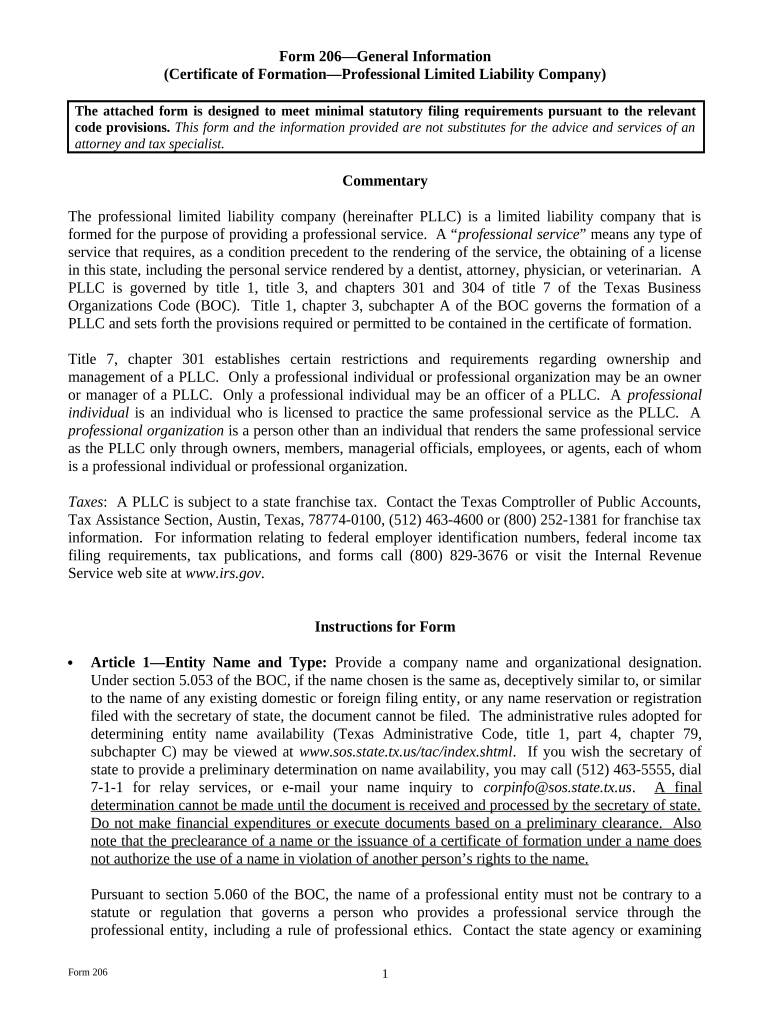
How to use or fill out Texas Certificate Formation with our platform

- Click ‘Get Form’ to open the Texas Certificate of Formation in the editor.
- In Article 1, enter your desired entity name and ensure it includes 'professional limited liability company' or its abbreviation. Verify name availability through the Texas Secretary of State.
- Proceed to Article 2. Select either option A for a registered organization or option B for an individual as your registered agent. Provide their name and business address.
- In Article 3, indicate whether your PLLC will have managers or members. Fill in the names and addresses of each governing person accordingly.
- For Article 4, specify the type of professional service your PLLC will provide. Ensure compliance with state regulations regarding professional services.
- Complete the Organizer section with the organizer's name and address. This person must be at least 18 years old.
- Select the effectiveness of filing in the designated section, choosing from immediate effect, delayed effect, or conditional effect.
- Finally, sign and date the document to affirm that all information is accurate before submitting it for filing.
Start using our platform today to streamline your Texas Certificate of Formation process for free!
Fill out texas certificate formation online
It's free
It's free
See more texas certificate formation versions
We've got more versions of the texas certificate formation form. Select the right texas certificate formation version from the list and start editing it straight away!
| Versions | Form popularity | Fillable & printable |
|---|---|---|
| 2011 | 4.8 Satisfied (261 Votes) |
Security and compliance
At DocHub, your data security is our priority. We follow HIPAA, SOC2, GDPR, and other standards, so you can work on your documents with confidence.
Learn more


