Improve your efficiency with Registration Forms

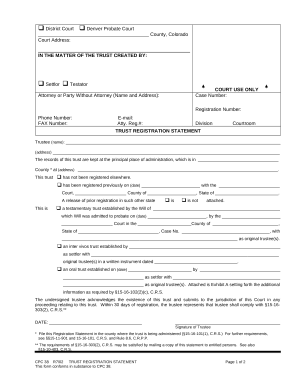
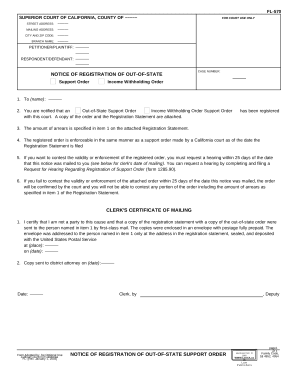
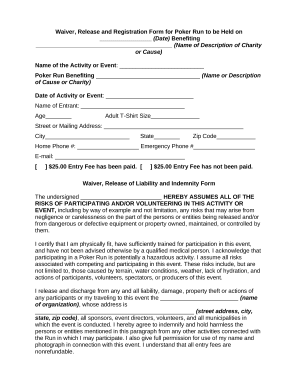
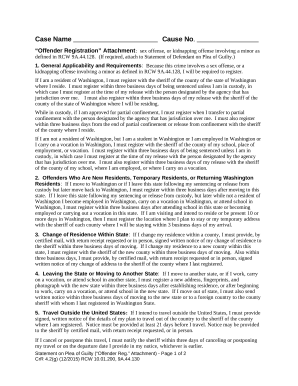
Papers administration takes up to half of your business hours. With DocHub, it is easy to reclaim your time and effort and boost your team's productivity. Access Registration Forms online library and explore all templates relevant to your daily workflows.

The best way to use Registration Forms:

  1. Open Registration Forms and apply Preview to find the suitable form.
  2. Click Get Form to start working on it.
  3. Wait for your form to open in our online editor and begin editing it.
  4. Add new fillable fields, icons, and images, modify pages, etc.
  5. Complete your document or set it for other contributors.
  6. Download or share the form by link, email attachment, or invite.

Improve your daily file administration with the Registration Forms. Get your free DocHub profile today to discover all templates.


Video Guide on Registration Forms management

video background

Commonly Asked Questions about Registration Forms

You can create a registration form with Jotform in minutes. Simply navigate to our form template directory and choose a template that suits your needs, or start from scratch and build your own with our drag-and-drop form builder no coding required.
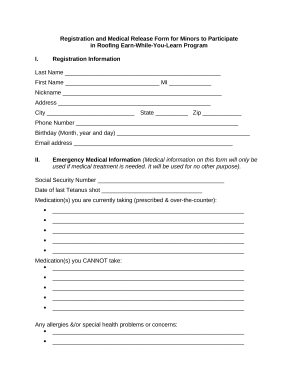
A registration form is a document with a set of fields that a person fills out and sends to a business or individual to register for an event, program, membership, list, and so on. Using the online registration form, you may gather contact information and encourage people to interact with you.
AidaForm is a flexible online service that lets you easily create a free online registration form no HTML coding required: just drag and drop the fields you need, choose the visual style that matches the design of your website, and publish your form to get more people on your guest list.
Registration is the process of signing up or enrolling in something. Colleges make students go through registration to sign up for new classes. There is a registration process for voting: if you havent registered, you cant vote. Registration usually involves some paperwork and waiting in line.
Registration forms are used by businesses to enroll customers in subscriptions, services, or other programs or plans. A registration form is a document that has a series of fields that a person fills out and delivers to a company or individual in order to register for an event, program, membership, list, and so on.
The fields on a registration form differ based on the use, but most include the registrants name, phone number, and email address. With a registration form template, you can easily add other fields that specifically pertain to your organization.
A registration form is a list of fields that a user will input data into and submit to a company or individual. There are many reasons why you would want a person to fill out a registration form. Companies use registration forms to sign up customers for subscriptions, services, or other programs or plans.
Common questions to include in a registration form Basic personal information. Session or workshop preferences. Professional background. Dietary preferences and restrictions. Merchandise and swag. Accessibility and special accommodations. Travel details. Emergency contact details.