Improve your productivity with Professional Contract Templates

Form management consumes to half of your business hours. With DocHub, you can reclaim your time and improve your team's productivity. Get Professional Contract Templates online library and discover all templates related to your daily workflows.

Effortlessly use Professional Contract Templates:

  1. Open Professional Contract Templates and employ Preview to get the suitable form.
  2. Click on Get Form to start working on it.
  3. Wait for your form to open in our online editor and start modifying it.
  4. Add new fillable fields, symbols, and images, modify pages, etc.
  5. Complete your file or set it for other contributors.
  6. Download or share the form by link, email attachment, or invite.

Improve your daily file management with the Professional Contract Templates. Get your free DocHub account today to discover all templates.


Video Guide on Professional Contract Templates management

video background

Commonly Asked Questions about Professional Contract Templates

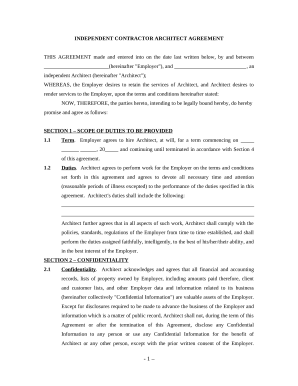
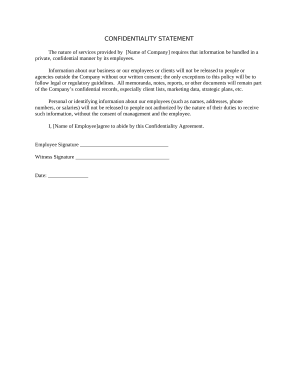
How to draft a contract between two parties: A step-by-step checklist Know your parties. Agree on the terms. Set clear boundaries. Spell out the consequences. Specify how you will resolve disputes. Cover confidentiality. Check the legality of the contract. Open it up to negotiation.
How to write a client contract Include contact information of both parties. Outline project terms and scope. Create payment terms. Set a schedule. Decide what to do if a contract is terminated. Determine who owns final copyrights. Clarify the working relationship. Choose your law and venue.
Open Word. Click on New Browse available templates, or type contract in the search bar. Select template of your choice.
A properly formatted contract will typically have copy that is left-aligned and single-spaced. If the contract is long or has multiple sections, a table of contents should be included to make it easier to review.
Heres how to choose a Microsoft Word contract template: Open Word. Click on New Browse available templates, or type contract in the search bar. Select template of your choice. Click Create
Write the contract in six steps Start with a contract template. Open with the basic information. Describe in detail what you have agreed to. Include a description of how the contract will be ended. Write into the contract which laws apply and how disputes will be resolved. Include space for signatures.
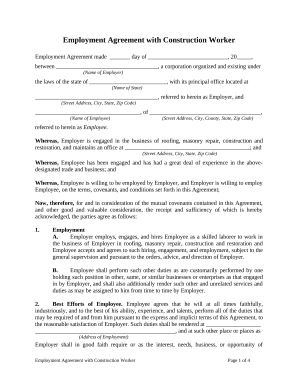
Employment contract template An employment contract should include: Understand the role. Determine the contract type. Specify compensation. Include working hours. Detail leave entitlements. Add termination clauses. Confidentiality and non-compete.
Create contract templates with Acrobat. 1 Open Acrobat for the web. Go to the home page and select E-sign Create e-sign template. 2 Upload your file. 3 Choose your permissions. 4 Click the Preview or Add Fields button. 5 Drag and drop your form fields. 6 Click the Save button. Tip: Always consult the experts.