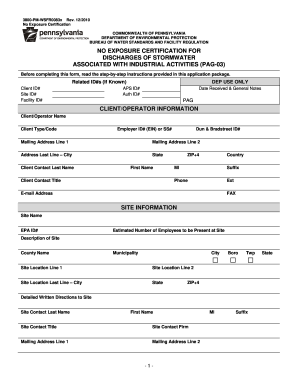
Enhance your efficiency with Juvenile Court Records
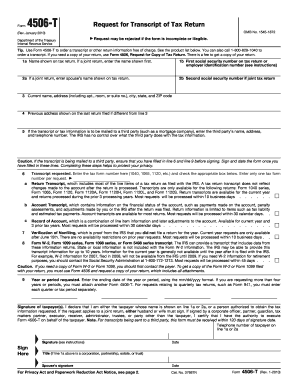
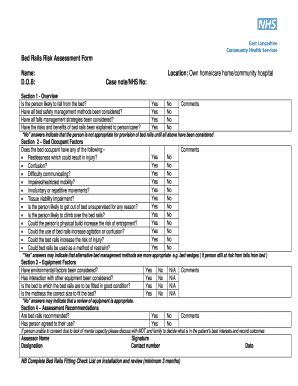
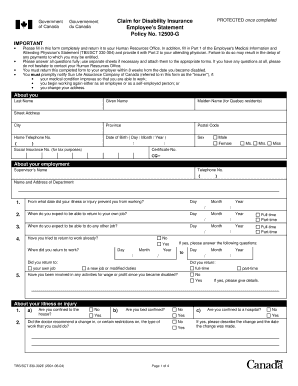
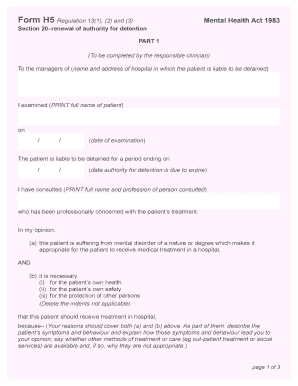
Papers management consumes to half of your office hours. With DocHub, you can reclaim your office time and enhance your team's efficiency. Access Juvenile Court Records collection and explore all templates related to your daily workflows.
Easily use Juvenile Court Records:
- Open Juvenile Court Records and use Preview to obtain the suitable form.
- Click Get Form to start working on it.
- Wait for your form to upload in the online editor and start editing it.
- Add new fillable fields, symbols, and pictures, change pages, etc.
- Fill your document or set it for other contributors.
- Download or share the form by link, email attachment, or invite.
Improve your daily document management with our Juvenile Court Records. Get your free DocHub profile right now to explore all templates.