
Business Agreement Forms

Create a new Business Agreement Form
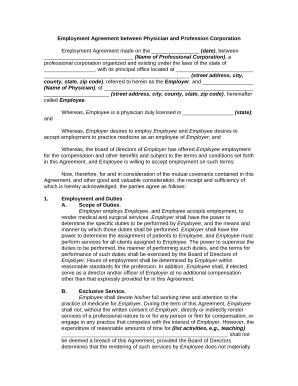
Employment agreement physician contract

Hippa business agreement
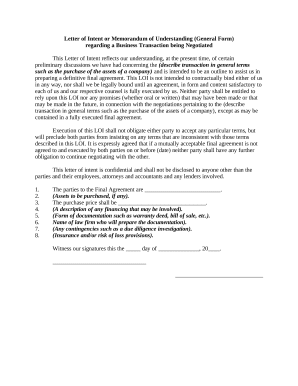
Memo template

Distributorship agreement
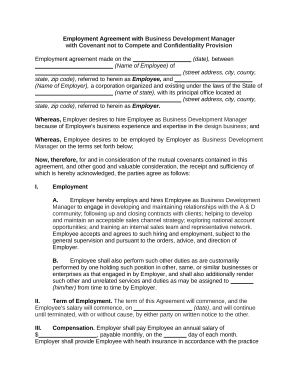
Employment agreement manager
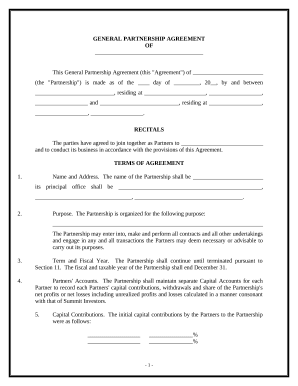
Simple agreement
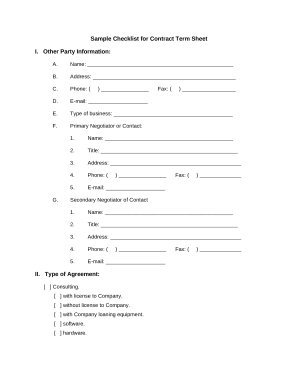
Term sheet
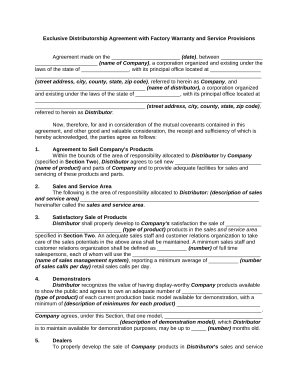
Exclusive distributorship

Standard subcontract agreement
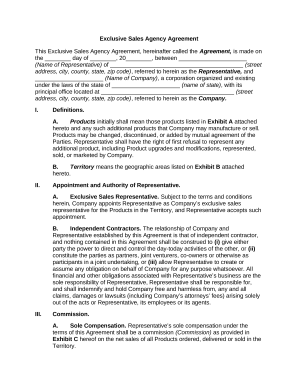
Exclusive agency agreement

Hotel contract
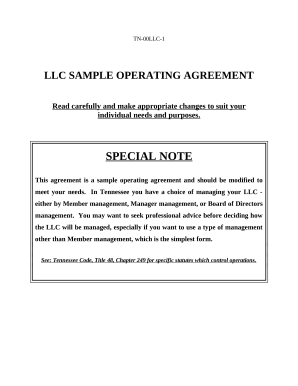
Tn llc
Investor questionnaire
Sample partnership

Agreement form
Flooring Contractor Package - South Carolina
Letter accounting client
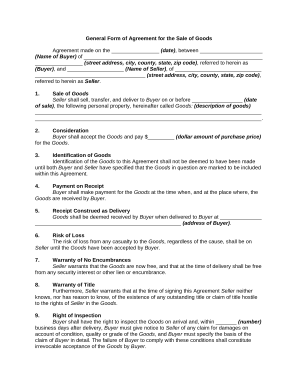
Form agreement sale
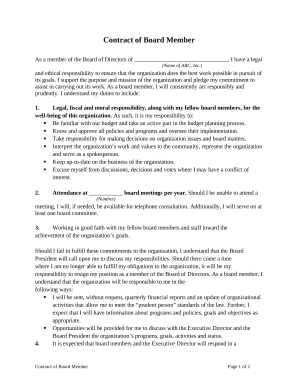
Contract member agreement
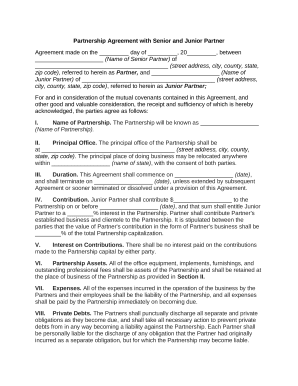
Junior partners
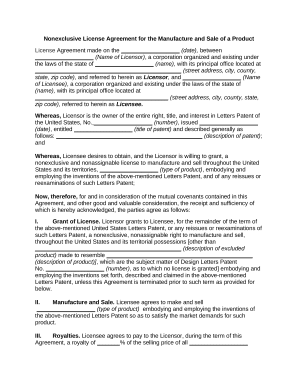
License agreement of
With signature paper
Sponsorship agreements

Agreement representative
Contract independent contractor
Transform your template operations with Business Agreement Forms
Your workflows always benefit when you can easily find all of the forms and documents you will need at your fingertips. DocHub supplies a vast array of document templates to ease your everyday pains. Get hold of Business Agreement Forms category and quickly find your document.
Begin working with Business Agreement Forms in several clicks:
- Access Business Agreement Forms and get the form you require.
- Click on Get Form to open it in the editor.
- Start adjusting your document: add more fillable fields, highlight paragraphs, or blackout sensitive data.
- The application saves your modifications automatically, and after you are all set, you can download or distribute your file with other contributors.
Enjoy smooth form management with DocHub. Discover our Business Agreement Forms collection and find your form right now!
Video Guide on Business Agreement Forms management

Commonly Asked Questions about Business Agreement Forms
How do you create an agreement?
Following this step-by-step checklist will mean that you can write your contract with confidence: Know your parties. Agree on the terms. Set clear boundaries. Spell out the consequences. Specify how you will resolve disputes. Cover confidentiality. Check the legality of the contract. Open it up to negotiation.
How do I make my own agreement?
How to write a contract agreement in 7 steps. Determine the type of contract required. Confirm the necessary parties. Choose someone to draft the contract. Write the contract with the proper formatting. Review the written contract with a lawyer. Send the contract agreement for review or revisions.
Is a handwritten signed agreement legal?
There are no legal differences between typed and handwritten agreements when it comes to enforceability. When most people think of a contract, a formally typed, the professional contract usually comes to mind. Nonetheless, a handwritten contract can be as valid as one thats typed.
Can you write an agreement without a lawyer?
Seeking lawyers is customary but not necessary. Creating a legal contract by yourself is very cost-effective, especially for small businesses.
How to draw up an agreement between two parties?
How to draft a contract between two parties: A step-by-step checklist Know your parties. Agree on the terms. Set clear boundaries. Spell out the consequences. Specify how you will resolve disputes. Cover confidentiality. Check the legality of the contract. Open it up to negotiation.
How do you write a simple business agreement?
HOW TO WRITE A BUSINESS CONTRACT USE PLAIN LANGUAGE. The clearer and simpler your business contracts are, the better. IDENTIFY THE 5 WS. Include all of the relevant details in your contract. INCLUDE PAYMENT INFORMATION. DESCRIBE TERMINATION PROCEDURES. INCLUDE DISPUTE RESOLUTION.
Can I write my own legal agreement?
Why You Need a Business Contract Lawyer. If youre asking whether you need a lawyer to draft a contract, legally, the answer is no. Anyone can draft a contract on their own and as long as the elements above are included and both parties are legally competent and consent to the agreement, it is generally lawful.
How to write a contract agreement between two companies?
How to write an effective business contract agreement #1 Incorporate details about relevant stakeholders. #2 Define the purpose of the contract. #3 Include key terms and conditions. #4 Outline the responsibilities of all parties. #5 Review and edit. #6 Provide enough space for signatures and dates.
Related Templates
Construction Loan Agreement Template
The Construction Loan Agreement outlines the terms and conditions under which a lender provides a loan to a borrower for ...
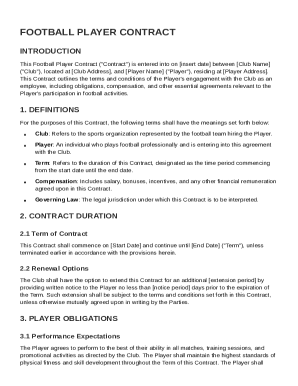
Football Contract Template
The Football Player Contract outlines the terms of engagement between a football club and a player, detailing obligation ...
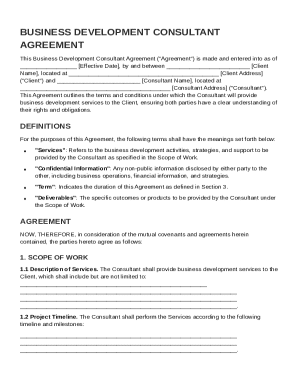
Business Development Consultant Contract Template
The Business Development Consultant Agreement outlines the terms and conditions for a consultant to provide business dev ...
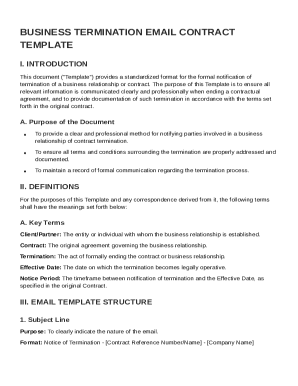
Business Termination Email Contract Template
The document is a standardized email template for formally notifying parties of the termination of a business contract. ...
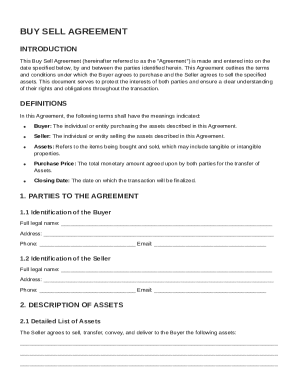
Buy Sell Contract Template
The Buy Sell Agreement outlines the terms and conditions for a transaction between a Buyer and a Seller regarding the pu ...
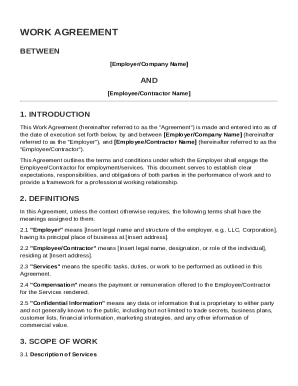
Work Agreement Template
The document is a Work Agreement between an Employer and an Employee/Contractor, outlining the terms and conditions of e ...
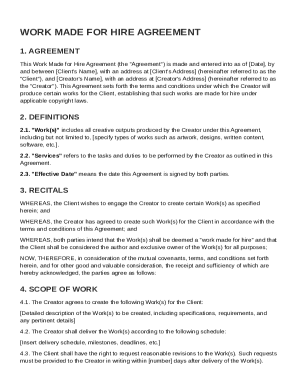
Work Made for Hire Agreement Template
The Work Made for Hire Agreement outlines the terms between a Client and a Creator for the production of creative works, ...
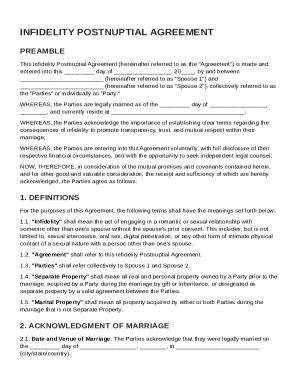
Infidelity Postnuptial Agreement Template
The Infidelity Postnuptial Agreement is a legal document between two spouses that outlines the terms and consequences of ...