

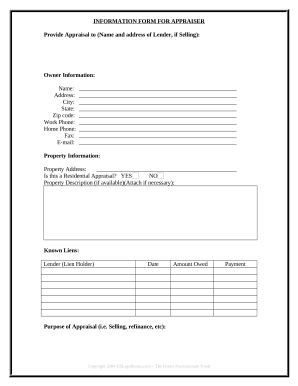
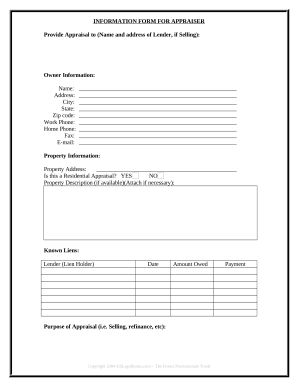
Manage Appraisal Information Forms easily online

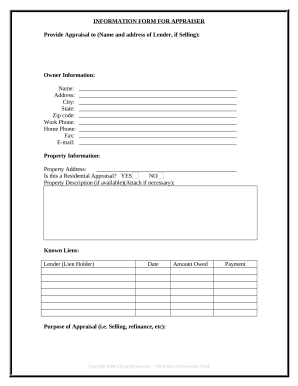
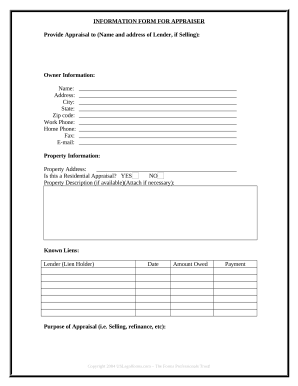
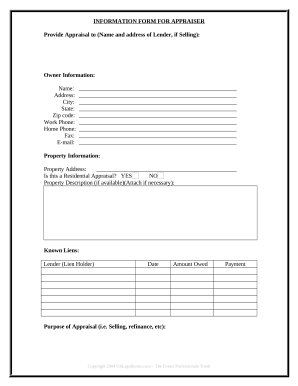
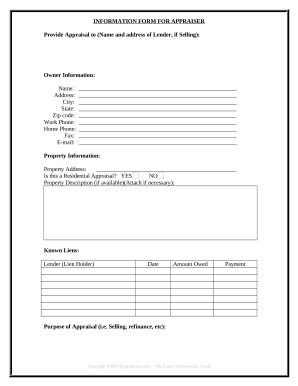
Document managing can overwhelm you when you can’t locate all of the forms you need. Luckily, with DocHub's extensive form library, you can discover everything you need and promptly manage it without changing between applications. Get our Appraisal Information Forms and start utilizing them.

Using our Appraisal Information Forms using these easy steps:

  1. Browse Appraisal Information Forms and choose the form you need.
  2. Review the template and click Get Form.
  3. Wait for it to upload in the online editor.
  4. Edit your template: add new information and pictures, and fillable fields or blackout some parts if necessary.
  5. Complete your template, conserve changes, and prepare it for delivering.
  6. When ready, download your form or share it with other contributors.

Try out DocHub and browse our Appraisal Information Forms category without trouble. Get your free profile today!


Video Guide on Appraisal Information Forms management

video background

Commonly Asked Questions about Appraisal Information Forms

Appraisers fill out the form and insert data about the subject, neighborhood, comparable sales, valuation and more. Appraisers include additional data not part of the form such as pictures, maps, valuation analyses and more, depending on the property and assignment.
An appraiser will analyze and compare characteristics that include the living area of the home, land area, style, age, quality of construction, number of bedrooms and bathrooms, presence or absence of a garage, etc. A GUIDE TO UNDERSTANDING A RESIDENTIAL APPRAISAL nar.realtor default files migrationfiles nar.realtor default files migrationfiles
Write short and precise appraisals with minimal word count. Identify your weaknesses and mention the training and support you need from the organization to address them. Mention your achievements and share how you approached the tasks. Substantiate them with numerical data wherever possible.
When you fill the form: Be honest and critical. Analyze your failures and mention the reasons for it. Keep the words minimal. Identify weaknesses. Mention your achievements. Link achievements to the job description and the organizations goals. Set the goals for the next review period. Resolve conflicts and grievances.
The 1004 appraisal form is probably the most common and widely used appraisal form for residential appraisers.
There are three internationally accepted methods of measuring the value of property: the cost approach, the sales comparison approach and the income approach. Depending on the nature of the property being valued, one or more of the approaches may be used by the assessor.
71A 71B Commercial Multi-Family Both of these forms have the same base template and provide the same results in a similar methodology; the 71A is just a much more in-depth report. The 71B appraisal form is a condensed version of the 71A form.
The Uniform Residential Appraisal Report (URAR) is the most commonly used single-family appraisal form, and it is also known as Form 1004. Keep in mind that Form 1004C is used for appraising single-family manufactured housing, while Form 1073 is used for condominium units.
A URAR form, also known as Fannie Mae Form 1004, contains information needed to complete a full appraisal of a property using three primary approaches to determine value: cost approach, sales comparison approach and income approach.
Performance appraisals can be broken down into four distinct docHub types: 360-Degree Appraisal. The manager gathers information on the employees performance, typically by questionnaire, from supervisors, co-workers, group members, and self-assessment. Negotiated Appraisal. Peer Assessment. Self-Assessment.
