01. Edit your disability letter from doctor online
Type text, add images, blackout confidential details, add comments, highlights and more.

02. Sign it in a few clicks
Draw your signature, type it, upload its image, or use your mobile device as a signature pad.

03. Share your form with others
Send letter of disability from doctor via email, link, or fax. You can also download it, export it or print it out.

How to use or fill out the 55bc form with our platform
Ease of Setup
DocHub User Ratings on G2
Ease of Use
DocHub User Ratings on G2
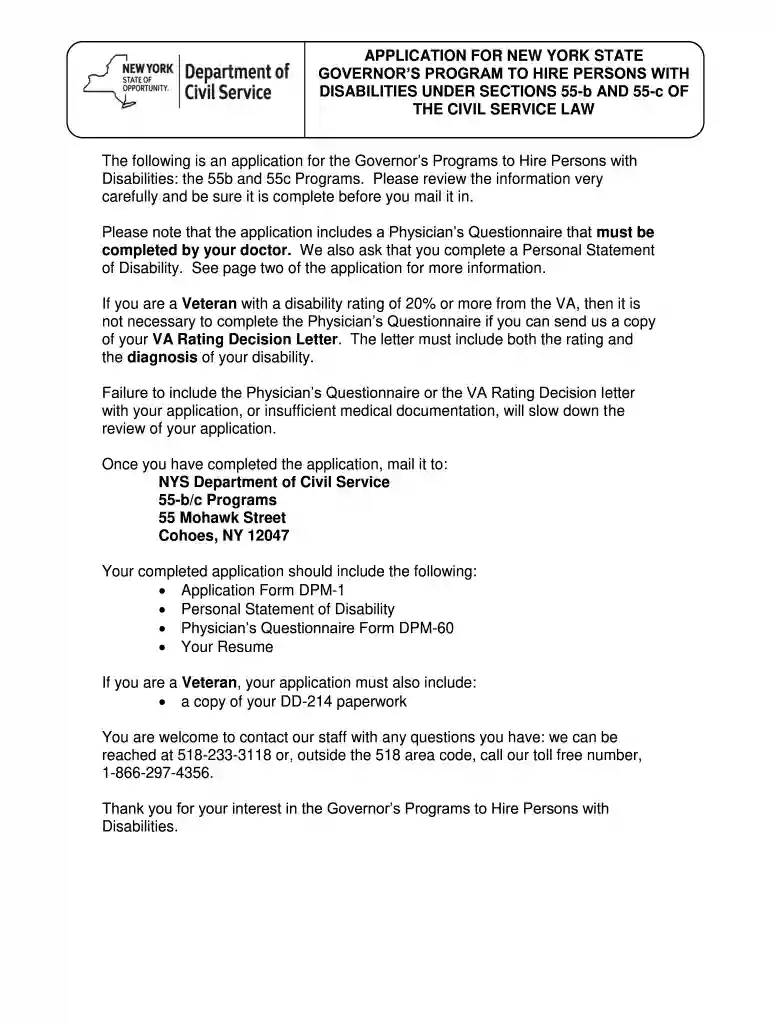
Click ‘Get Form’ to open the 55bc application in the editor.
Begin by filling in your personal information, including your last name, first name, middle initial, and social security number. Ensure accuracy as this information is crucial for processing.
Complete your mailing address, including city, state, and zip code. This will be used for correspondence regarding your application.
Indicate your willingness to work in specific counties by checking the appropriate boxes provided in the form.
Fill out the Personal Statement of Disability section. Describe how your disability impacts your life and employment opportunities.
If applicable, have your physician complete the Physician’s Questionnaire (Form DPM-60) and attach it to your application before submission.
Review all sections for completeness and accuracy before sending the application to the NYS Department of Civil Service at the specified address.
Start using our platform today to fill out your 55bc form easily and for free!
Cookie consent notice
This site uses cookies to enhance site navigation and personalize your experience.
By using this site you agree to our use of cookies as described in our Privacy Notice.
You can modify your selections by visiting our Cookie and Advertising Notice.