




Here's how it works

01. Edit your arizona sales tax online
Type text, add images, blackout confidential details, add comments, highlights and more.

02. Sign it in a few clicks
Draw your signature, type it, upload its image, or use your mobile device as a signature pad.

03. Share your form with others
Send sales tax arizona via email, link, or fax. You can also download it, export it or print it out.
How to use or fill out Arizona Sales Tax Return with our platform

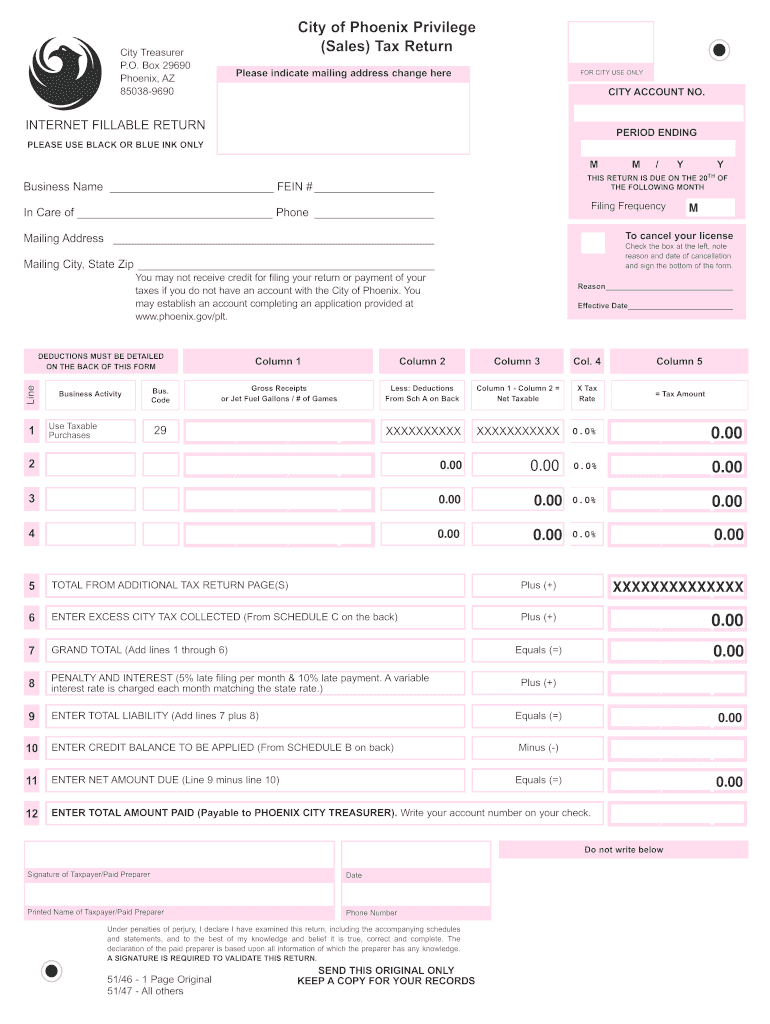
- Click ‘Get Form’ to open the Arizona Sales Tax Return in the editor.
- Begin by entering your Business Name and FEIN # at the top of the form. Ensure that you use black or blue ink for clarity.
- Fill in the period ending date and indicate any mailing address changes if applicable.
- In the main section, input your Gross Receipts or Jet Fuel Gallons in Column 1. Deduct any applicable amounts from Schedule A in Column 2.
- Calculate your Net Taxable amount by subtracting Column 2 from Column 1, then multiply this by the tax rate to find your Tax Amount.
- Complete additional sections as necessary, including deductions on the back of the form and any credits from Schedule B.
- Finally, sign and date the form at the bottom to validate it before submission.
Start using our platform today for free to streamline your Arizona Sales Tax Return process!
Fill out arizona sales tax return online
It's free
It's free
See more arizona sales tax return versions
We've got more versions of the arizona sales tax return form. Select the right arizona sales tax return version from the list and start editing it straight away!
| Versions | Form popularity | Fillable & printable |
|---|---|---|
| 2009 | 4.9 Satisfied (55 Votes) |
Security and compliance
At DocHub, your data security is our priority. We follow HIPAA, SOC2, GDPR, and other standards, so you can work on your documents with confidence.
Learn more


Related forms

Overpayment Refund FormOverpayment Refund Form - AmeriHealth New Jersey
The document outlines the process for participating providers to request adjustments for overpayments through the PEAR p ...

Maine Name Change Consent Waiver
The document is an affidavit for a name change of a minor in the State of Maine, where a parent waives notice of any hea ...

Guide to Civil Court Procedure - Iowa Judicial Branch
The document is a Pretrial Stipulation for a divorce case in the Iowa District Court, outlining agreements and disputes ...

PENALTY: civil, criminal RENEWAL SOLICITATION FORM
The document is a Request for Exemption form from the Charitable Organizations and Solicitations Act (COSA) and the Supe ...

Megs security authorization form
The document outlines the process for designating an Authorized Official for the Michigan Electronic Grant System (MEGS) ...
Mshp 455 form
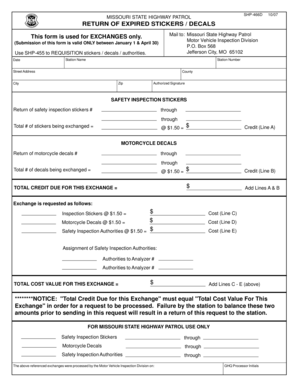
The document SHP-466D is a form used by the Missouri State Highway Patrol for the exchange of expired safety inspection ...
Koseki tohon online
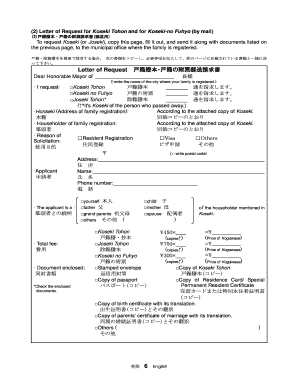
The document is a letter template for requesting Koseki (family registry) and Joseki (deceased family registry) records ...