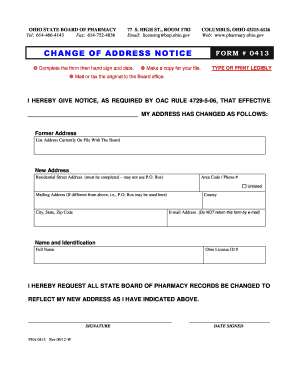
Type text, add images, blackout confidential details, add comments, highlights and more.
02. Sign it in a few clicks
Draw your signature, type it, upload its image, or use your mobile device as a signature pad.
03. Share your form with others
Send m1ma instructions via email, link, or fax. You can also download it, export it or print it out.
How to use or fill out form m1ma with our platform
Ease of Setup
DocHub User Ratings on G2
Ease of Use
DocHub User Ratings on G2
Click ‘Get Form’ to open it in the editor.
Begin by entering your first name, middle initial, and last name in the designated fields for both you and your spouse. Ensure that the Social Security Numbers are accurately filled in as well.
Proceed to lines 1 through 5, where you will input wages, self-employment income, taxable pension income, and taxable Social Security income for both spouses. Make sure to complete each column carefully.
Add the totals from lines 1 through 4 for each spouse and enter them on line 5. This total is crucial for determining eligibility.
On line 6, enter the smaller amount from line 5 of either column A or B. If this amount is less than $20,000, you do not qualify for the credit.
If eligible, continue filling out lines 7 through 19 based on your joint taxable income and follow the instructions provided in the table for calculating your credit amount.
Start using our platform today to simplify your form completion process!
Feb 26, 2026 M1MA form published by DOR. Alternative 2. I. Modify the look-up table to allow for finer income ranges for joint taxable income and the.Read more
Dec 15, 2021 (7) Express the final form of the dimensional analysis as a relationship among the terms. M0 = M1Ma. =. 0=1+ a. (7.33). L0 = L 2LRead more
Cookie consent notice
This site uses cookies to enhance site navigation and personalize your experience.
By using this site you agree to our use of cookies as described in our Privacy Notice.
You can modify your selections by visiting our Cookie and Advertising Notice.