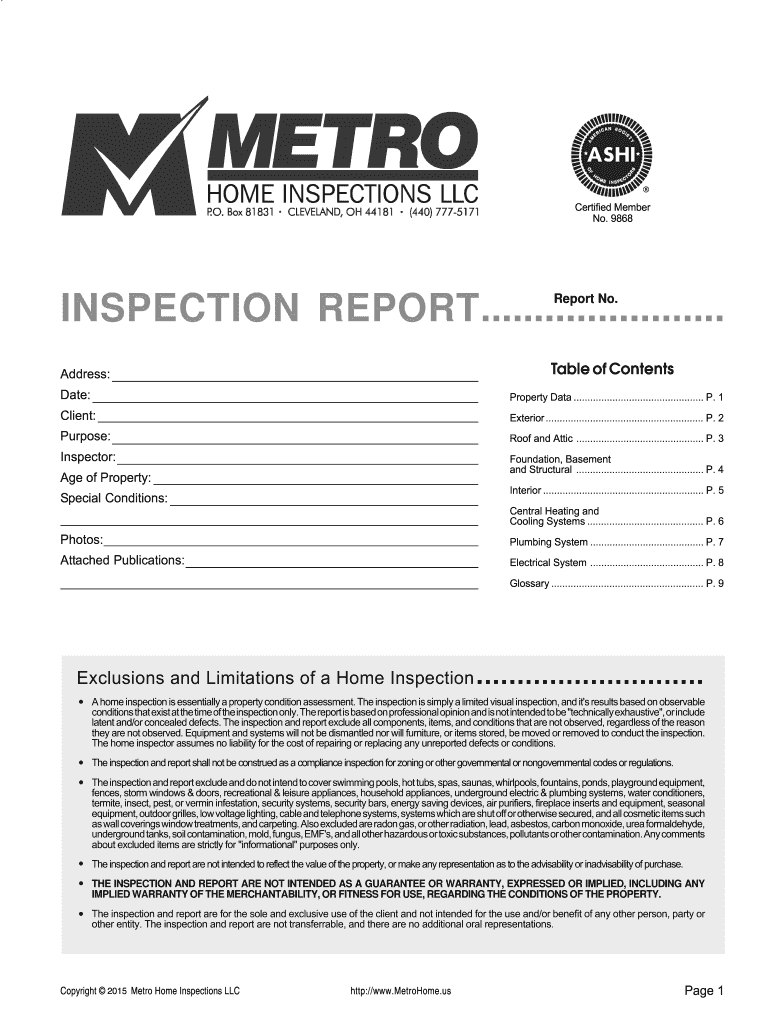
Metro home inspections llc report pdf form 2026

Get Form
metro home inspections llc report pdf form Preview on Page 1

Here's how it works

01. Edit your form online
Type text, add images, blackout confidential details, add comments, highlights and more.
02. Sign it in a few clicks
Draw your signature, type it, upload its image, or use your mobile device as a signature pad.
03. Share your form with others
Send it via email, link, or fax. You can also download it, export it or print it out.

How to use or fill out metro home inspections llc report pdf form with DocHub

Form edit decoration
9.5
Ease of Setup
DocHub User Ratings on G2
9.0
Ease of Use
DocHub User Ratings on G2
  1. Click ‘Get Form’ to open the metro home inspections llc report PDF in our platform's editor.
  2. Begin by filling in the 'Address', 'Date', and 'Client' sections at the top of the form. These fields are essential for identifying the property and client involved in the inspection.
  3. Proceed to each section of the report, such as 'Exterior', 'Roof and Attic', and 'Foundation'. For each component, select options from dropdowns or checkboxes that best describe the condition observed during the inspection.
  4. In the comments sections, provide detailed observations regarding any issues found. This is crucial for conveying important information to clients.
  5. Once all sections are completed, review your entries for accuracy. Use our platform’s tools to make any necessary edits before finalizing.
  6. Finally, save your completed report and share it directly with clients via email or download it for printing.

Start using our platform today to streamline your document editing and ensure a smooth inspection reporting process!

be ready to get more

Complete this form in 5 minutes or less

Get form

Got questions?

We have answers to the most popular questions from our customers. If you can't find an answer to your question, please contact us.
Contact us

Yes, a typed name is accepted as a legitimate electronic signature when you create it on your form utilizing a compliant solution like DocHub. Simply add your metro home inspections llc report pdf form to our editor, click Sign in the top tool pane → Create your signature → Type your name in the appropriate tab, and choose how it will look on your document.

With DocHub, you have several convenient methods to edit your metro home inspections llc report pdf form online. You can drag and drop the form and edit it directly at the DocHub website or use our browser extension to fill out your form right away. On top of that, you can edit your PDF on your smartphone, as DocHub works with all the accessible mobile platforms.

Incorporating high-quality images and visual evidence throughout your inspection report can enhance its credibility and provide clarity regarding identified issues. By combining thorough descriptions with visual documentation, you can create a comprehensive report that effectively communicates your findings to clients.
A QC inspection report is usually composed of the following parts: Conformity to specifications. You probably want the inspector to look at the following aspects of the products: On-site tests measurements. Production status. Visual defects on the product and the packing. Appendix: photos.
When creating a field inspection report, remember to include an introduction, detailed description of the inspected area or asset, findings and recommendations, supporting documentation like photographs or diagrams, a summary section consolidating key points, and an optional appendix for supplementary information.

People also ask

A sample inspection report is a written document a home inspector delivers to you after the home inspection is completed. It offers vital insight into the condition of a home. With this information, home buyers can make an informed decision about whether to move forward with the purchase or not. What is a Sample Inspection Report? | Inspecticore Home Inspections Inspecticore sample-inspection-report Inspecticore sample-inspection-report
Five tips for home inspection report writing Tip #1: Include a short summary of your findings. Tip #2: Explain why issues found may be important to address. Tip #3: Include photos of any problem areas. Tip #4: Include information about the types of professionals needed to address issues. How To Write A Better Home Inspection Report - ISN Inspection Support Network how-to-write-a-bett Inspection Support Network how-to-write-a-bett
A standard home inspection covers a comprehensive assessment of the entire property, including structural elements, pests, and more. On the other hand, a four point inspection specifically focuses on four key areas: roof, electrical, plumbing, and HVAC systems.
When creating a field inspection report, remember to include an introduction, detailed description of the inspected area or asset, findings and recommendations, supporting documentation like photographs or diagrams, a summary section consolidating key points, and an optional appendix for supplementary information. How do you write a Field Inspection Report? - Incident Reporting Software Incident Reporting Software howtowriteafieldi Incident Reporting Software howtowriteafieldi
What to Include in a Site Inspection Report? Name of site. Location details. Inspection date. Instructions. Observations and hazards, which also include photos, documents, or videos. Inspectors name and signature. Additional comments. How to Write a Site Inspection Report + Free PDF Template - GoAudits GoAudits blog site-inspection-report GoAudits blog site-inspection-report

Related links