Type text, add images, blackout confidential details, add comments, highlights and more.
02. Sign it in a few clicks
Draw your signature, type it, upload its image, or use your mobile device as a signature pad.
03. Share your form with others
Send gcm meaning via email, link, or fax. You can also download it, export it or print it out.
How to use or fill out gcm misc with our platform
Ease of Setup
DocHub User Ratings on G2
Ease of Use
DocHub User Ratings on G2
Click ‘Get Form’ to open the gcm misc in the editor.
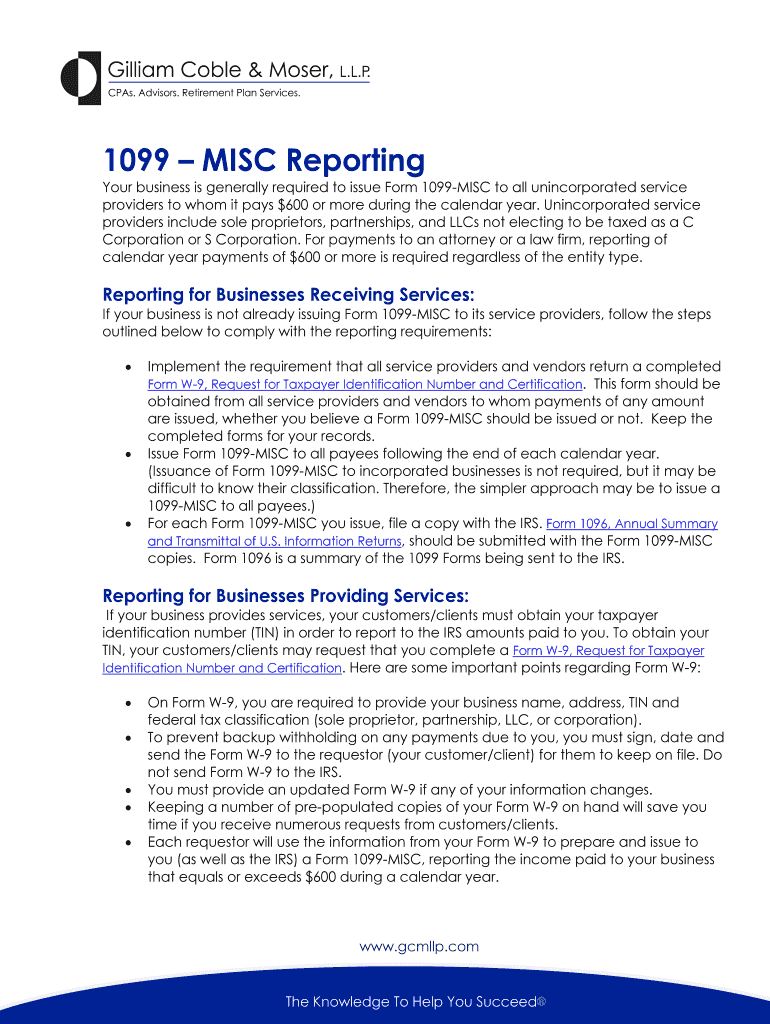
Begin by entering the payer's information, including name, address, and TIN in the designated fields. Ensure accuracy to avoid any issues with IRS reporting.
Next, input the recipient's details. This includes their name, address, and TIN. If you are a service provider, ensure your clients have your correct TIN on file.
Fill in the payment amounts for each category as applicable. For example, report any payments made for services rendered that total $600 or more during the year.
Review all entries for accuracy before finalizing. Once confirmed, save your document and proceed to distribute it as required.
Start using our platform today to streamline your form completion process for free!
Offline decryption of cookies now requires both the DPAPI masterkey and the GCM-wrapped app-bound key. SharpChrome v2.3 and DonPAPI 2.x are able to recoverRead more
by S Marshall 1994 Cited by 22 We evaluate the equilibrium response of the atmospheric climate to a wide range of systematic variations in carbon dioxide (100 to 1000 ppm) and solar
Cookie consent notice
This site uses cookies to enhance site navigation and personalize your experience.
By using this site you agree to our use of cookies as described in our Privacy Notice.
You can modify your selections by visiting our Cookie and Advertising Notice.