




01. Edit your 209a online
Type text, add images, blackout confidential details, add comments, highlights and more.

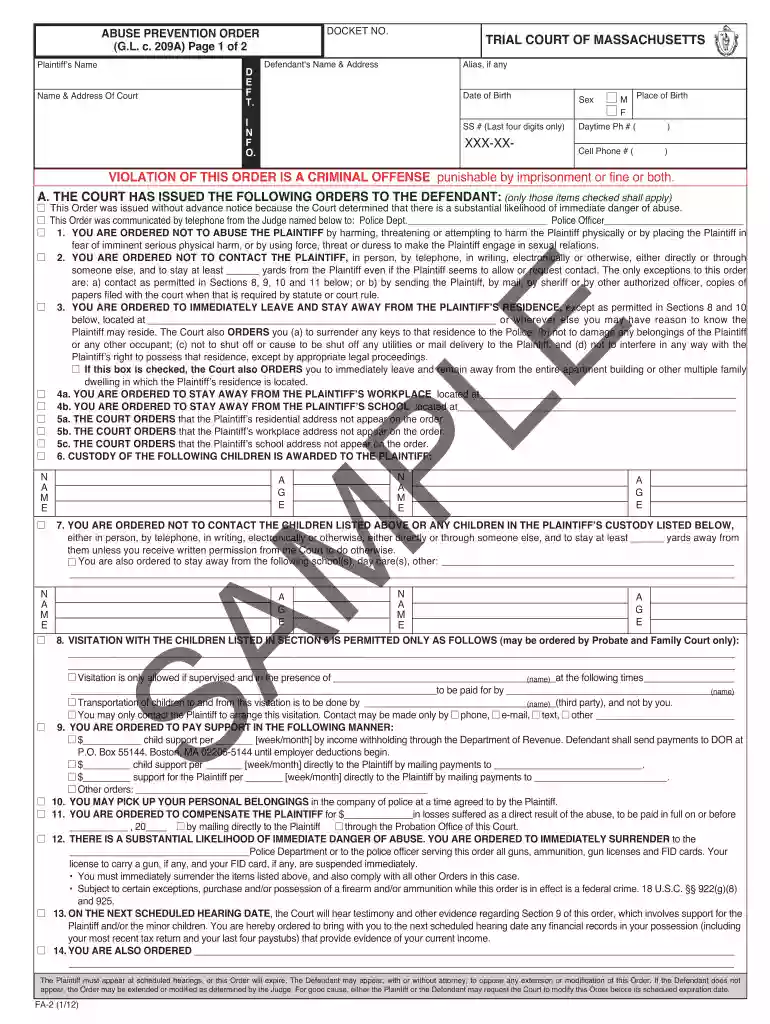
Type text, add images, blackout confidential details, add comments, highlights and more.

Draw your signature, type it, upload its image, or use your mobile device as a signature pad.

Send 209a massachusetts via email, link, or fax. You can also download it, export it or print it out.

Start using our platform today for free to complete your 209a form efficiently!
At DocHub, your data security is our priority. We follow HIPAA, SOC2, GDPR, and other standards, so you can work on your documents with confidence.
Economics 209A. Theory and Application of Non-Cooperative Games. (Fall 2013) corresponds to a of the agent strategic form of the game. Page 19Read more
Hydorous Trhyno Ultra (Ventus Card) ENG 209a SV.png Hydorous x Trhyno Only available in Diamond form. Nillious x Eenoch (Ventus Card) ENG 207a CCRead more
Complaint Form. Affidavit. Plaintiff Confidential Information Form. Defendant Information Form. These materials will help you prepare for your hearing.Read more


