
National liberty alliance 2026

Get Form
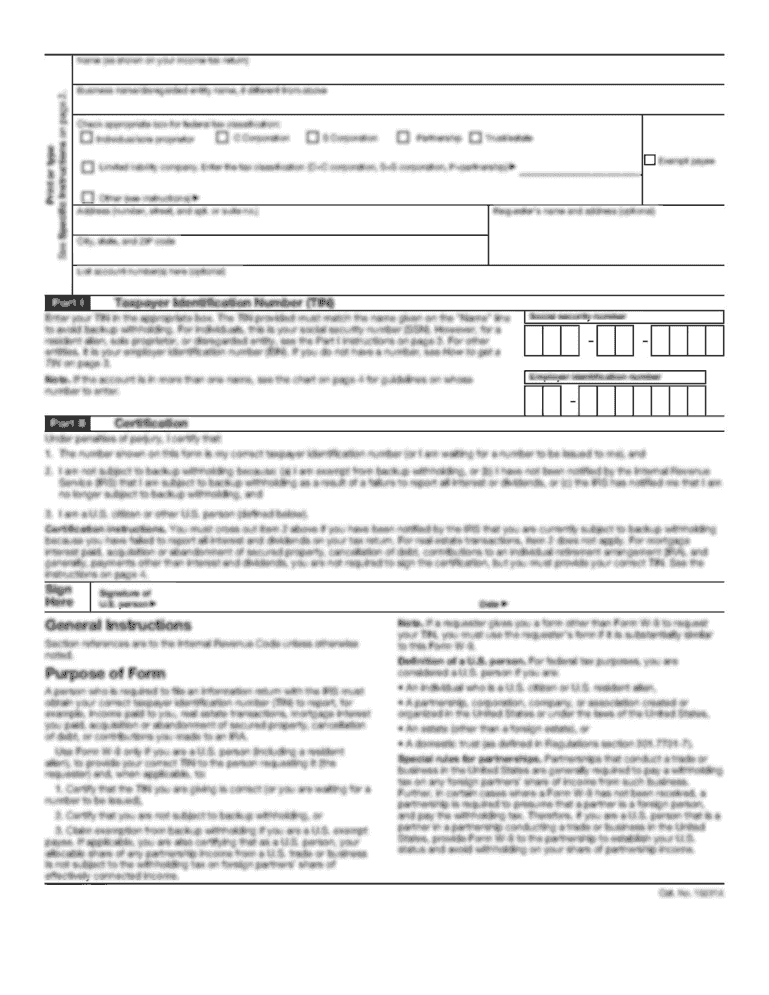
national liberty alliance Preview on Page 1

Here's how it works

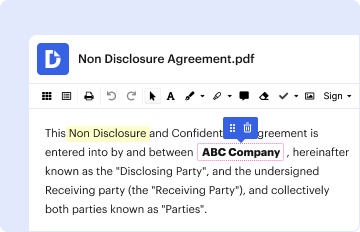
01. Edit your national liberty alliance online
Type text, add images, blackout confidential details, add comments, highlights and more.
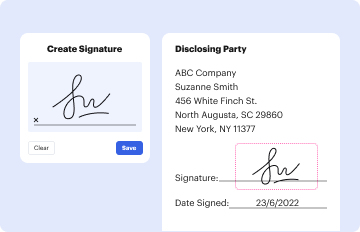
02. Sign it in a few clicks
Draw your signature, type it, upload its image, or use your mobile device as a signature pad.
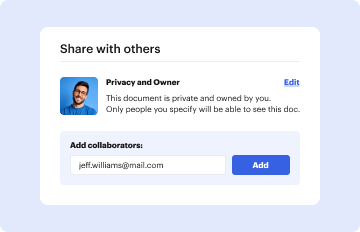
03. Share your form with others
Send nationallibertyalliance via email, link, or fax. You can also download it, export it or print it out.

How to use or fill out national liberty alliance with our platform

Form edit decoration
9.5
Ease of Setup
DocHub User Ratings on G2
9.0
Ease of Use
DocHub User Ratings on G2
  1. Click ‘Get Form’ to open the national liberty alliance document in the editor.
  2. Begin by reviewing the introductory section, which outlines the purpose of the form. This will help you understand the context and importance of your submission.
  3. Proceed to fill in your personal information in the designated fields. Ensure that all details are accurate and complete, as this information is crucial for processing your request.
  4. In the next section, carefully read through each statement and provide your responses where required. Take your time to ensure that you fully comprehend what is being asked.
  5. Once all sections are completed, review your entries for any errors or omissions. This step is vital to ensure that your submission is valid and will not be delayed.
  6. Finally, utilize our platform's signing feature to electronically sign the document before submitting it. This ensures that your submission is legally binding.

Start using our platform today for free to streamline your document editing and submission process!

be ready to get more

Complete this form in 5 minutes or less

Get form

Got questions?

We have answers to the most popular questions from our customers. If you can't find an answer to your question, please contact us.
Contact us

Sign in to your DocHub account and import your national liberty alliance to our editor using one of its upload options - from your device, cloud storage, protected URL, or your DocHub folders if you have already managed your form before. Open our editor, click the Sign button in the top toolbar, and choose your signing method. You can upload a picture of your handwritten signature, draw it, type in your name, or use a QR code instead.

You can easily edit and complete your national liberty alliance on any iOS device. Open an internet browser of your choice, visit the DocHub website, authorize or create a new account, upload your file for editing, and make your desired alterations. Our service is mobile-friendly, so utilizing its features on your phone will be a no-brainer, even on the first try.