




01. Edit your passport witness online
Type text, add images, blackout confidential details, add comments, highlights and more.

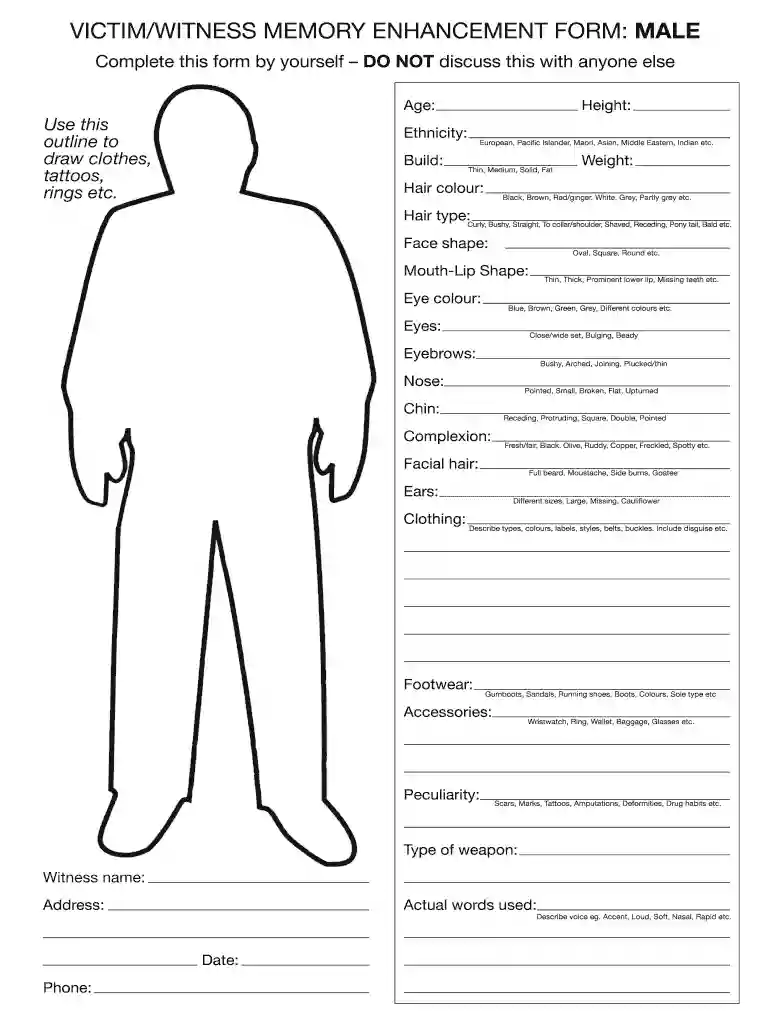
Type text, add images, blackout confidential details, add comments, highlights and more.

Draw your signature, type it, upload its image, or use your mobile device as a signature pad.

Send nz passport identity referee form via email, link, or fax. You can also download it, export it or print it out.

Start filling out your nz witness form online for free today!
At DocHub, your data security is our priority. We follow HIPAA, SOC2, GDPR, and other standards, so you can work on your documents with confidence.
Forms of this type are available for free and are located at the Circuit Clerks Office Room 405. Records Forms. Record searches are for Sangamon County Only,Read more
by H Garry Cited by 3 the witnesses with the layout of the Court, the sequence or events that is likely to take place when the witness is giving testimony, and the different.Read more


