Type text, add images, blackout confidential details, add comments, highlights and more.
02. Sign it in a few clicks
Draw your signature, type it, upload its image, or use your mobile device as a signature pad.
03. Share your form with others
Send it via email, link, or fax. You can also download it, export it or print it out.
How to use or fill out ppp fillable form with our platform
Ease of Setup
DocHub User Ratings on G2
Ease of Use
DocHub User Ratings on G2
Click ‘Get Form’ to open the ppp fillable form in the editor.
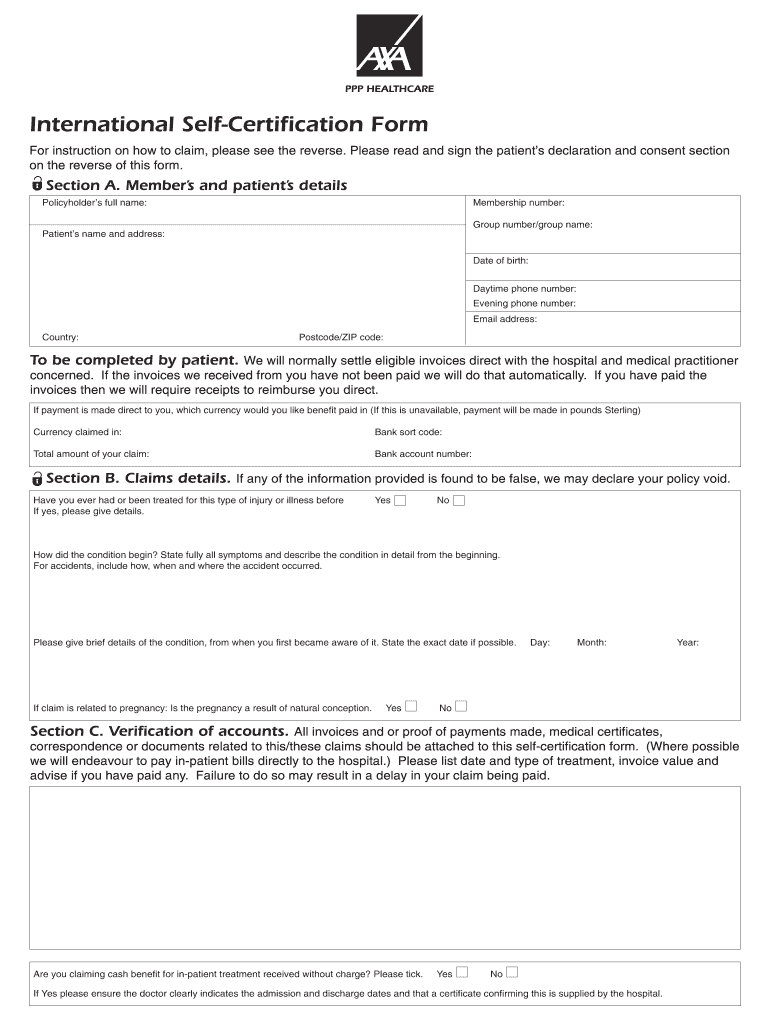
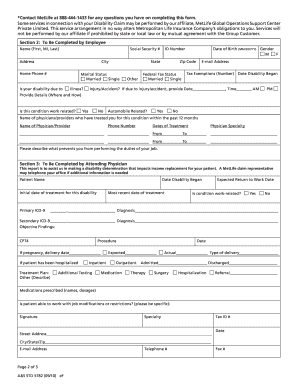
Begin by filling out Section A, which includes the member’s and patient’s details. Ensure you provide accurate information such as the policyholder’s full name, membership number, and contact details.
In Section B, address claims details. Answer questions regarding previous treatments and describe your condition thoroughly. This section is crucial for processing your claim effectively.
Proceed to Section C for verification of accounts. Attach all relevant invoices and documents related to your claims. Make sure to list treatment dates and invoice values accurately.
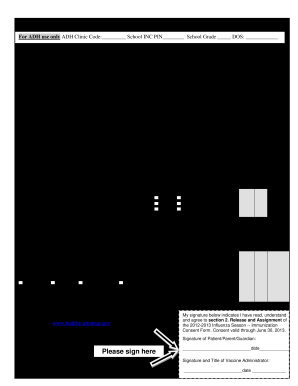
Finally, read and sign the patient’s declaration and consent at the end of the form. This step is essential for authorizing AXA PPP healthcare to process your claim.
Start using our platform today to complete your ppp fillable form online for free!
Citizens can complete their Family ID download, updates, or mobile number change online or through authorized centers. Key Highlights: Temporary PPP Family IDs start with T for non-resident applicants. Families can complete Family ID download online through the Parivar Pehchan Patra portal using Aadhaar verification.
Where can I download PPP?
Log in to the official PPP portal using your Family ID. Navigate to the Print PPP or Download Family ID section.
What is a 2483 form?
The forms are Form 2483 First Draw Paycheck Protection Program Borrower Application Form and Form 2483-SD PPP Second Draw Borrower Application Form. Form 2483 is an updated version from the original PPP program. Form 2483-SD is a new form for qualified PPP borrowers to apply for a second loan.
How can you get PPP?
You can apply through any existing SBA lender or through any FDIC institution, federally insured credit union, and Farm Credit System institution that is participating. See .sba.gov for a list of SBA lenders.
How to access PPP?
From anywhere Swipe up from the bottom of your screen to the top. If you get All Apps , tap it. Tap the app that you want to open.
Related Searches
Ppp fillable form pdfPpp fillable form 2022Ppp fillable form online
Security and compliance
At DocHub, your data security is our priority. We follow HIPAA, SOC2, GDPR, and other standards, so you can work on your documents with confidence.
Each owner must be accounted for in the PPP application form. Along with each owners TIN, EIN, or SSN, lenders will also require a government-issued ID such as a Passport or a state- issued Drivers License.
Related links
Declaration of Educational Goal and Pre-Professional
Please select from the following educational goals below to assist with completing the form. Athletic Training. Occupational Therapy. Physical Therapy.Read more
Paycheck Protection Program Lender Application Form
The purpose of this form is to collect identifying information about the Lender, the Applicant, the loan guaranty request, sources and uses of funds, the.Read more
Cookie consent notice
This site uses cookies to enhance site navigation and personalize your experience.
By using this site you agree to our use of cookies as described in our Privacy Notice.
You can modify your selections by visiting our Cookie and Advertising Notice.