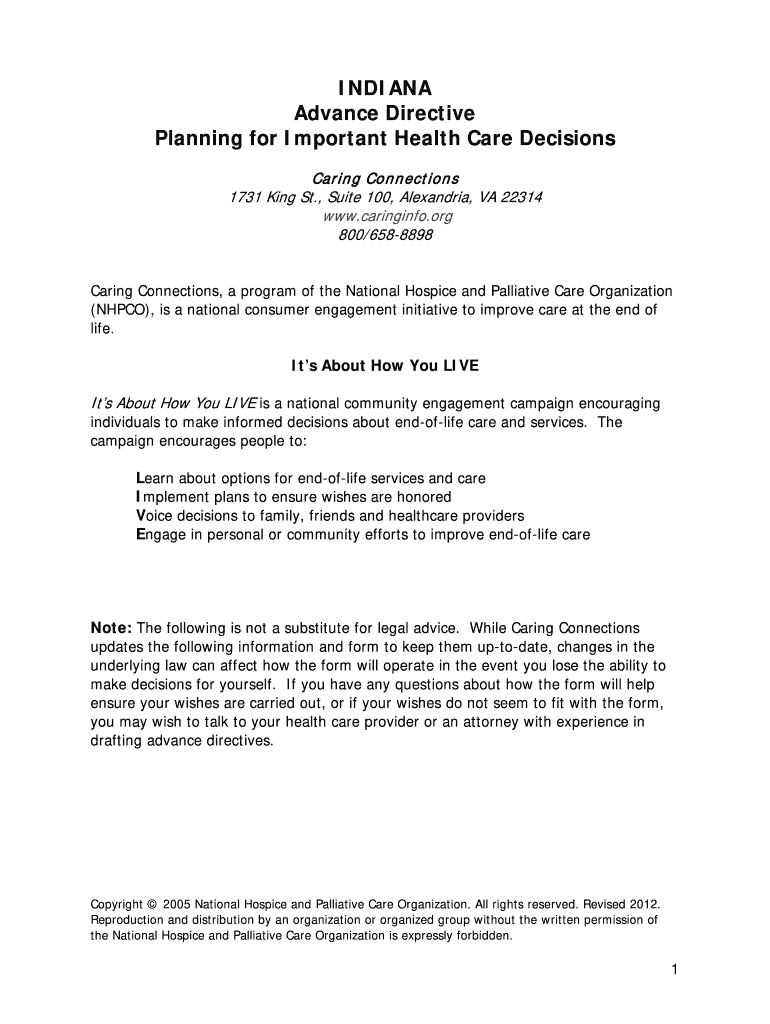
Indiana health care directive 2012 form-2026

Get Form
indiana health care directive 2012 form Preview on Page 1

Here's how it works

01. Edit your form online
Type text, add images, blackout confidential details, add comments, highlights and more.
02. Sign it in a few clicks
Draw your signature, type it, upload its image, or use your mobile device as a signature pad.
03. Share your form with others
Send it via email, link, or fax. You can also download it, export it or print it out.

How to use or fill out Indiana Health Care Directive 2012 form with our platform

Form edit decoration
9.5
Ease of Setup
DocHub User Ratings on G2
9.0
Ease of Use
DocHub User Ratings on G2
  1. Click ‘Get Form’ to open the Indiana Health Care Directive 2012 form in the editor.
  2. Begin with Part One, where you will appoint your health-care representative. Fill in your name and address, then provide the name, address, and phone numbers of your chosen representative.
  3. In Part Two, make your treatment preferences clear by selecting either the Life-Prolonging Procedures Declaration or the Living Will Declaration. Initial your choice accordingly.
  4. Proceed to Part Three for execution. Sign and date the document in front of a witness or notary public as required. Ensure that all necessary signatures are obtained.
  5. Once completed, save a copy of your directive in an online personal health records application for easy access and sharing with healthcare providers.

Start using our platform today to easily complete your Indiana Health Care Directive for free!

be ready to get more

Complete this form in 5 minutes or less

Get form

Got questions?

We have answers to the most popular questions from our customers. If you can't find an answer to your question, please contact us.
Contact us
In addition to your signature, two witnesses or a notary public must sign. If you cannot physically sign the document, you can provide permission for another individual to sign your name on your behalf.
A digital advance directive is one that exists entirely online. It is filled out, docHubd if necessary, and stored online. A paper version may or may not exist. Digital advance directives are convenient as they may be downloaded anywhere the internet can be accessed.
Do I need an attorney to complete my directive? Although an advance healthcare directive is a legal document, you do not need an attorney to complete one. To make your directive legal, it needs to be to be signed by two witnesses or docHubd by a licensed Notary Public.
How can you get started with advance care planning? Reflect on your values and wishes. Talk with your doctor about advance directives. Choose someone you trust to make medical decisions for you. Complete your advance directive forms. Share your forms with your health care proxy, doctors, and loved ones.
Complete an advance directive by downloading a form, making your selections and signing the form in front of two witnesses or a notary public. Give a copy of your completed advance directive to your agent, family members, care providers and hospital.

People also ask

Do I need a notary to create an advance directive? Except for optional forms, the forms do not require the use of a notary. An additional optional form called a witnesses affidavit that is included among the forms in this booklet requires a notary public or a lawyer to verify the signature of the witnesses.

Related links