




01. Edit your form online
Type text, add images, blackout confidential details, add comments, highlights and more.

Type text, add images, blackout confidential details, add comments, highlights and more.

Draw your signature, type it, upload its image, or use your mobile device as a signature pad.

Send it via email, link, or fax. You can also download it, export it or print it out.

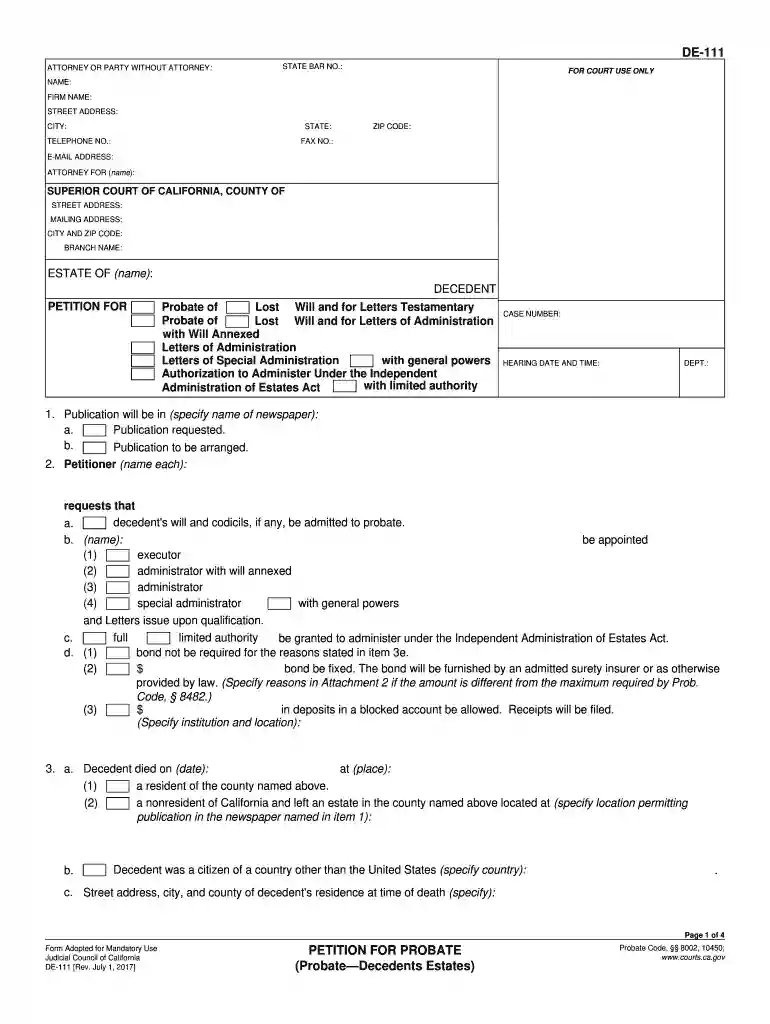
Start filling out your California Form 111 today using our platform for free!
We've got more versions of the california form 111 2008-2019 form. Select the right california form 111 2008-2019 version from the list and start editing it straight away!
At DocHub, your data security is our priority. We follow HIPAA, SOC2, GDPR, and other standards, so you can work on your documents with confidence.
This progress report has been developed under the guidelines of NECHE, with comprehensive input from all college departments.Read more
Jan 31, 2025 Source: Mathematica used ACS data from calendar years 20082019 to create analytic models. The project team used California. Department ofRead more
FX Networks is an American media company and a subsidiary of the Disney Entertainment Television division of The Walt Disney Company.Read more


