




Here's how it works

01. Edit your south carolina quit claim deed pdf online
Type text, add images, blackout confidential details, add comments, highlights and more.

02. Sign it in a few clicks
Draw your signature, type it, upload its image, or use your mobile device as a signature pad.

03. Share your form with others
Send free quit claim deed form south carolina via email, link, or fax. You can also download it, export it or print it out.
How to use or fill out south carolina quit claim pdf with DocHub

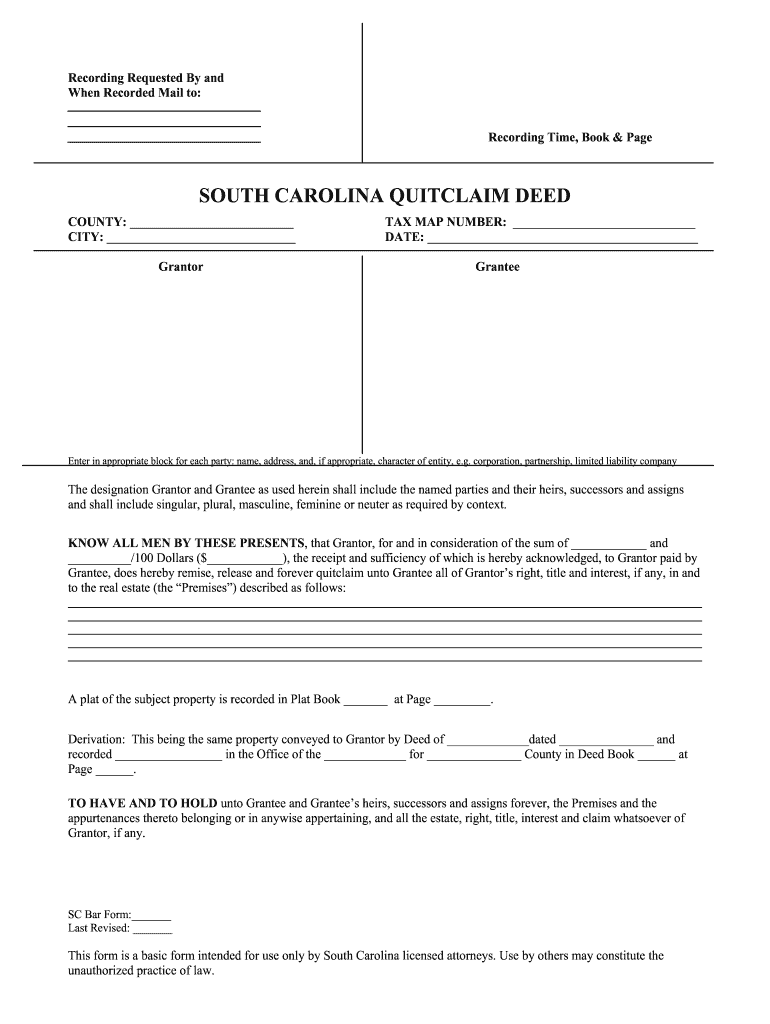
- Click ‘Get Form’ to open the South Carolina Quit Claim Deed in our editor.
- Begin by filling in the 'COUNTY' and 'CITY' fields at the top of the form. This information is essential for identifying the jurisdiction of the property.
- In the 'Grantor' section, enter the name and address of the person or entity transferring their interest in the property. If applicable, specify their character as a corporation, partnership, etc.
- Next, complete the 'Grantee' section with similar details for the recipient of the property rights.
- Fill in the 'TAX MAP NUMBER' and 'DATE' fields accurately to ensure proper documentation.
- In the main body, state the consideration amount clearly. This is crucial for legal acknowledgment.
- Describe the real estate being transferred in detail within the designated area provided.
- Finally, ensure all signatures are completed in presence of witnesses and notary public as required at the bottom of the form.
Start using our platform today to easily fill out your South Carolina Quit Claim Deed for free!
Fill out south carolina quit claim pdf online
It's free
Security and compliance
At DocHub, your data security is our priority. We follow HIPAA, SOC2, GDPR, and other standards, so you can work on your documents with confidence.
Learn more


Related forms
SDVOB Utilization Plan
The document outlines the SDVOB Utilization Plan required by the Office of Temporary and Disability Assistance for bidde ...
Nysif direct deposit
The NYSIF Direct Deposit User Guide provides detailed instructions for workers' compensation, Aggregate Trust Fund, and ...

Mv26
The document is a form for authorizing personnel to sign Motor Vehicle certificate of title transactions on behalf of a ...

Baltimore Department of Transportation Right-of-Way Permit Application
The document is an application form for obtaining a temporary right-of-way permit from the Baltimore Department of Trans ...

Jmu secondary school report form
The document is a Secondary School Report Form for high school seniors applying to James Madison University. It outlines ...
Building permit form
The document is an application form for a building permit under the Building Act 1993 and Building Regulations 2006, int ...

Permit Application - North Ayrshire Council
The document is an application form for a Vehicle/Trailer Access Permit to use Household Waste Recycling Centres in Nort ...
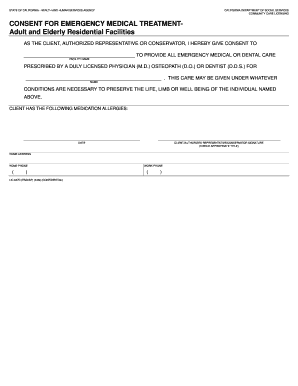
Lic 627
The document is a consent form from the California Department of Social Services, specifically for adult and elderly res ...