




01. Edit your blue cross fep login online
Type text, add images, blackout confidential details, add comments, highlights and more.

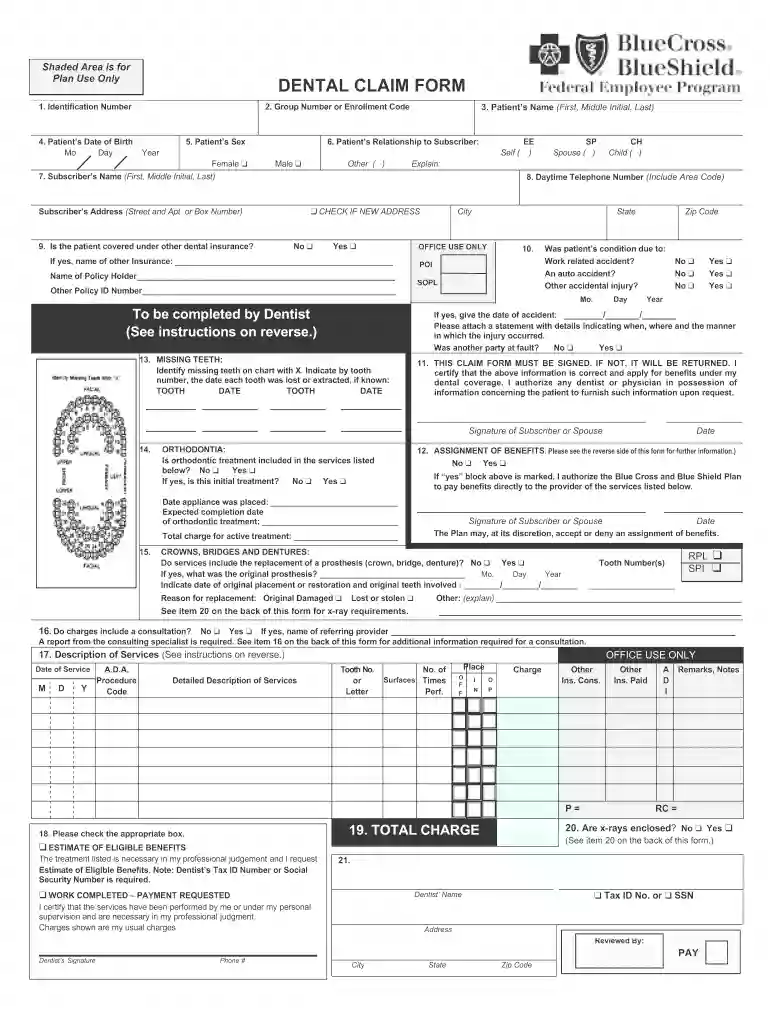
Type text, add images, blackout confidential details, add comments, highlights and more.

Draw your signature, type it, upload its image, or use your mobile device as a signature pad.

Send dentist bcbs federal employee program via email, link, or fax. You can also download it, export it or print it out.

Start using our platform today for free to streamline your fep blue form completion!
At DocHub, your data security is our priority. We follow HIPAA, SOC2, GDPR, and other standards, so you can work on your documents with confidence.
This brochure describes the benefits of the Blue Cross and Blue Shield Service Benefit Plan - FEP Blue Standard and FEP Blue Basic Options under contract
Blue Covers the Field BlueCross BlueShield Federal Employee Program Benefit Summary Packet. Authors. BlueCross and BlueShield of Florida, Inc. Publication Date.Read more
(FEP), perfluoroalkoxy polymer (PFA), and ethylene tetrafluoroethylene (ETFE) Blue spheres represent fluorine atoms bonded to carbon atoms. RedRead more


