




Here's how it works

01. Edit your nj notice of unpaid balance online
Type text, add images, blackout confidential details, add comments, highlights and more.

02. Sign it in a few clicks
Draw your signature, type it, upload its image, or use your mobile device as a signature pad.

03. Share your form with others
Send notice of unpaid balance via email, link, or fax. You can also download it, export it or print it out.
How to use or fill out notice of unpaid balance with our platform

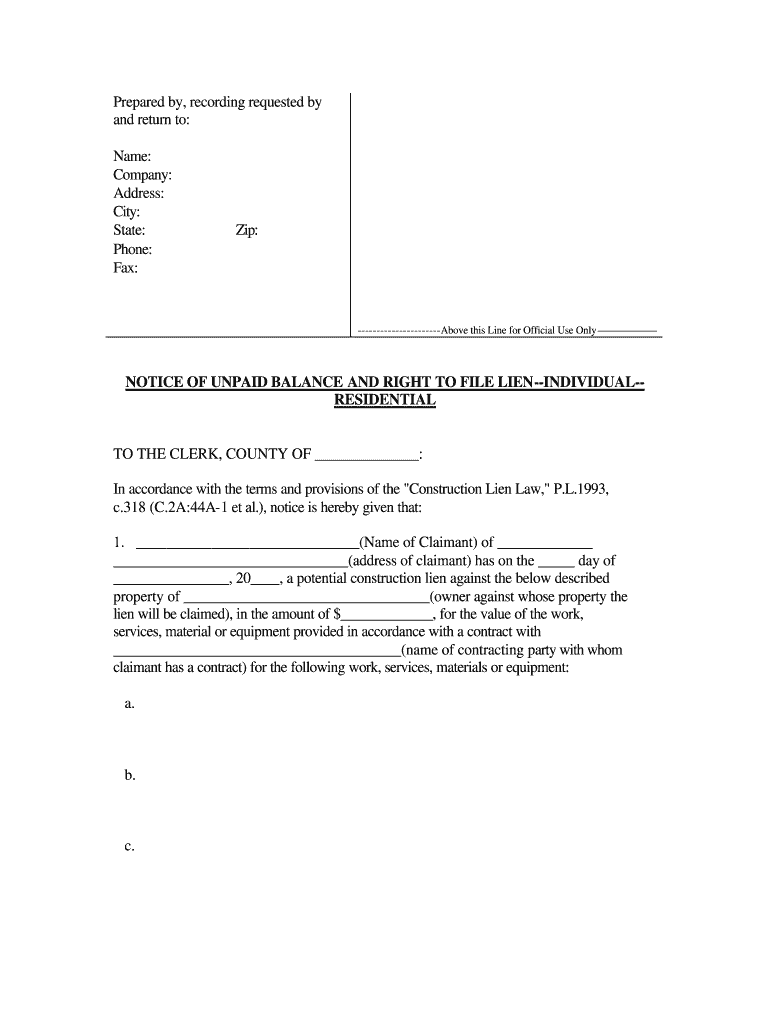
- Click ‘Get Form’ to open the notice of unpaid balance in the editor.
- Begin by filling in the 'Prepared by, recording requested by and return to' section. Enter your name, company, address, city, state, phone, fax, and zip code.
- In the 'TO THE CLERK' section, specify the county and complete the claimant's details including name and address.
- Detail the lien information: enter the date of lien creation, property owner's name, and amount due for services rendered.
- Complete the financial breakdown by entering total contract amounts, any amendments, credits applied, and calculate the total lien amount.
- Provide a description of the property involved using block and lot numbers as indicated on local tax maps.
- Finalize by signing and dating where indicated. Ensure all statements are true before submission.
Start using our platform today to easily fill out your notice of unpaid balance for free!
Fill out notice of unpaid balance online
It's free
It's free
Security and compliance
At DocHub, your data security is our priority. We follow HIPAA, SOC2, GDPR, and other standards, so you can work on your documents with confidence.
Learn more


Related forms

Crim 208
The document is a Felony Bail Computation Worksheet designed to calculate the total bail amount for an arrestee based on ...
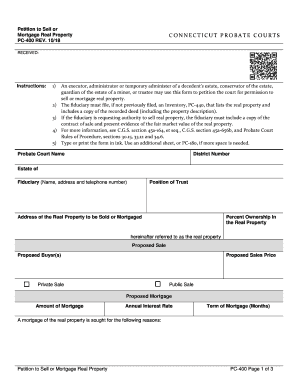
Pc 400 application form
The document is a petition form (PC-400) used in Connecticut Probate Courts for fiduciaries, such as executors or guardi ...

Form sa i 2643
The document is the FORM SA&I 2643, an annual survey report required by the Office of the State Auditor and Inspector of ...

Massgov section 35
The document is a Sec 35 Enrollment form from the Bureau of Substance Addiction Services, Massachusetts Department of Pu ...

Early intervention
The document is a template for the NYC Early Intervention Program Session Note, which is used by interventionists to doc ...
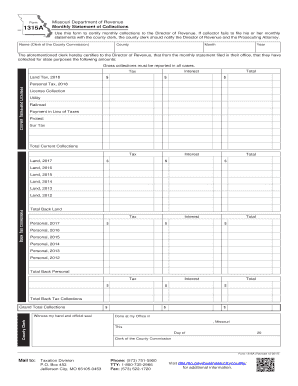
Form 1315A - Monthly Statement of Collections
The document is a form (Form 1315A) issued by the Missouri Department of Revenue for county clerks to certify monthly co ...

Inside 6
The document is a Missouri Department of Revenue form (Form 4340) for the 2017 Individual Consumer’s Use Tax Return. It ...
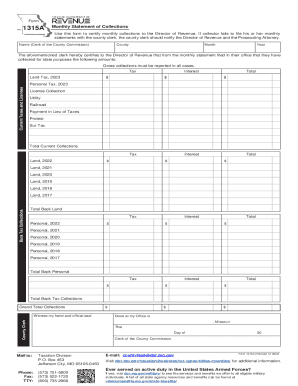
Missouri Form 1315A Monthly Statement of Collections
The document is a form used by county clerks in Missouri to certify and report monthly tax collections to the Director o ...