Type text, add images, blackout confidential details, add comments, highlights and more.

02. Sign it in a few clicks
Draw your signature, type it, upload its image, or use your mobile device as a signature pad.

03. Share your form with others
Send asq 3 33 months via email, link, or fax. You can also download it, export it or print it out.

How to use or fill out ASQ Screening with Our Platform
Ease of Setup
DocHub User Ratings on G2
Ease of Use
DocHub User Ratings on G2
Click ‘Get Form’ to open the ASQ screening in the editor.
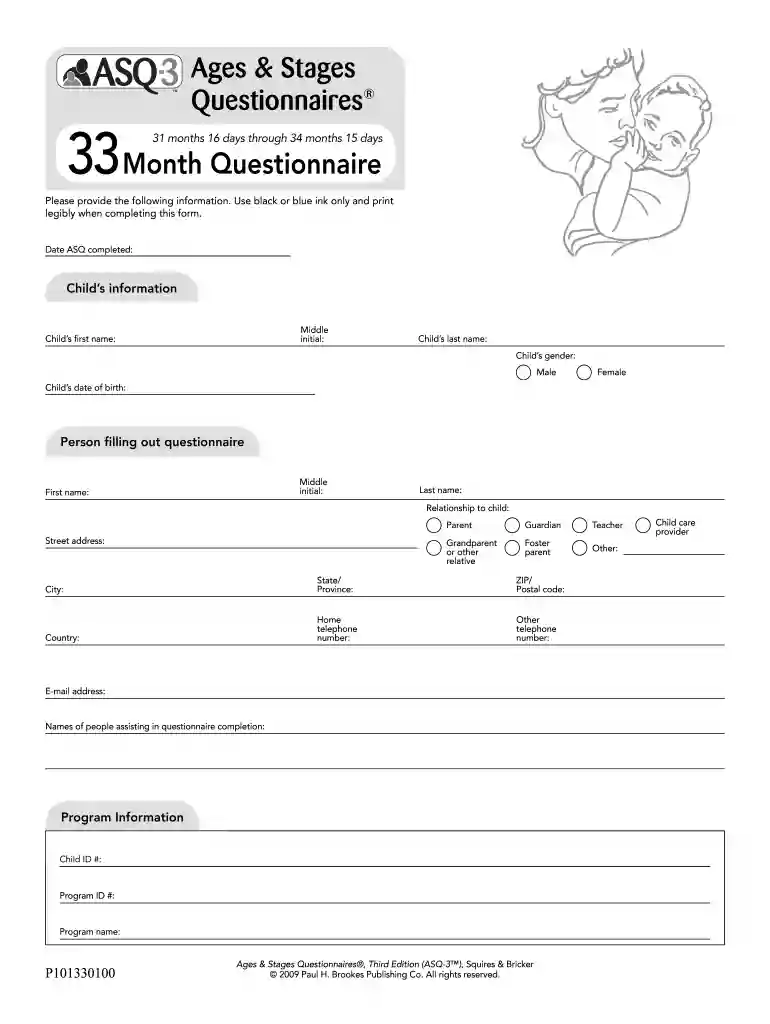
Begin by entering the date the ASQ was completed at the top of the form. This helps track when the assessment was conducted.
Fill in your child's information, including their first and last name, middle initial, gender, and date of birth. Ensure all details are accurate for proper identification.
Next, provide your information as the person filling out the questionnaire. Include your relationship to the child, contact details, and any other relevant information.
Proceed to answer each question regarding your child's activities. For each item, mark whether they do it regularly, sometimes, or not yet. Engage with your child during this process for a more accurate assessment.
After completing all sections, review your answers for accuracy before submitting. Make sure to return the questionnaire by the specified deadline.
Start using our platform today for free to streamline your ASQ screening process!
Our dry lab team can generate DNA sequences at a touch of a button, but all of the sequences dry lab deems viable must be verified by wet lab before beingRead more
The Ask Suicide-Screening Questions (ASQ) tool is a set of four brief suicide screening questions that takes 20 seconds to administer. Popular Resources ASQRead more
Cookie consent notice
This site uses cookies to enhance site navigation and personalize your experience.
By using this site you agree to our use of cookies as described in our Privacy Notice.
You can modify your selections by visiting our Cookie and Advertising Notice.