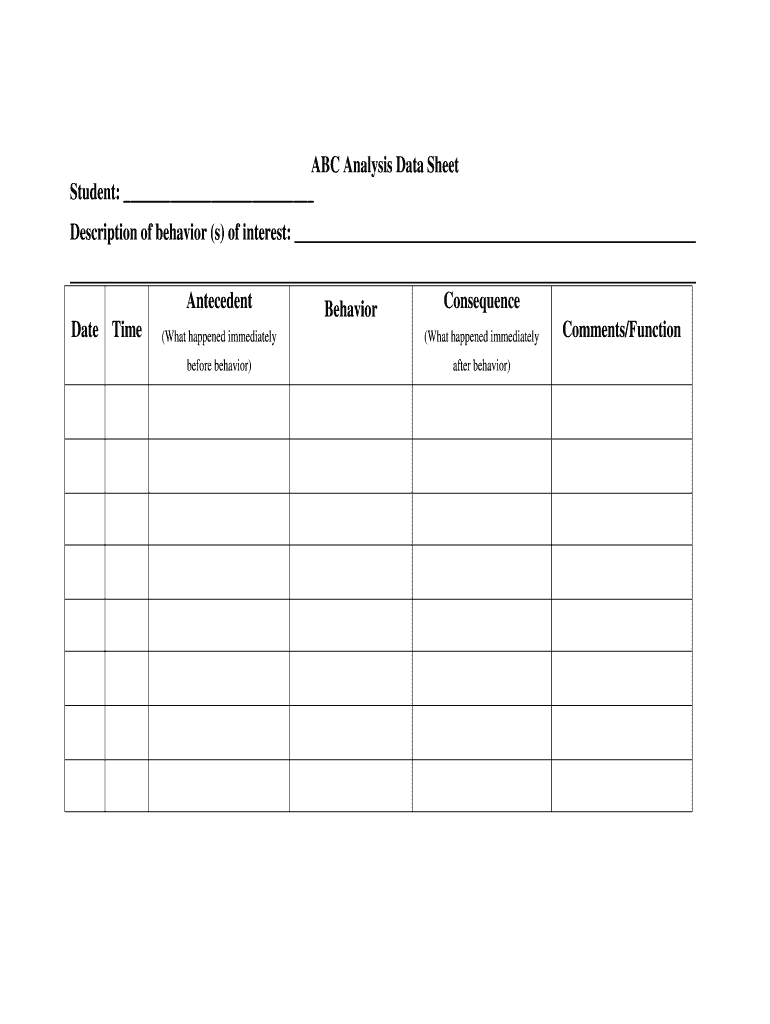
Abc data 2026

Get Form
abc data sheet Preview on Page 1

Here's how it works

01. Edit your abc data sheet online
Type text, add images, blackout confidential details, add comments, highlights and more.
02. Sign it in a few clicks
Draw your signature, type it, upload its image, or use your mobile device as a signature pad.
03. Share your form with others
Send abc data forms via email, link, or fax. You can also download it, export it or print it out.

How to use or fill out abc data with our platform

Form edit decoration
9.5
Ease of Setup
DocHub User Ratings on G2
9.0
Ease of Use
DocHub User Ratings on G2
  1. Click ‘Get Form’ to open the abc data in the editor.
  2. Begin by entering the student's name in the designated field at the top of the form. This personalizes your analysis and ensures accurate tracking.
  3. In the 'Description of behavior(s) of interest' section, provide a detailed account of the behaviors you are observing. Be specific to facilitate better understanding and intervention.
  4. Fill out the 'Antecedent' field by noting what occurred immediately before the behavior. This could include environmental factors or internal states that may have triggered the behavior.
  5. Next, document the 'Behavior' itself in its respective field, focusing on observable actions that can be measured.
  6. In the 'Consequence' section, describe what happened immediately after the behavior. This helps in understanding how consequences influence future behaviors.
  7. Finally, review your entries for accuracy and clarity before saving or sharing your completed form.

Start using our platform today to streamline your abc data analysis for free!

be ready to get more

Complete this form in 5 minutes or less

Get form

Got questions?

We have answers to the most popular questions from our customers. If you can't find an answer to your question, please contact us.
Contact us
A Antecedent - Shane was playing in the living room while his father watched him. B Behavior - Shane starts to his head on the floor. C Consequence - His mother came into the living room and picks Shane up to stop him from hurting himself.
ABC data collection examples A Antecedent - Shane was placed in the living room to play alone while his mother cooked dinner. B Behavior - Shane starts to his head on the floor. C Consequence - His mother came into the living room and picks Shane up to stop him from hurting himself.
Steps in Collecting ABC Data Identify the target behavior. Take note of the observation period. Collect antecedent data. Collect behavior data. Collect consequent data. Take additional notes, as needed. Analyze the data. Write a summary statement.
Observing Behavior Using A-B-C Data AntecedentBehaviorConsequence Parents count to 10 again and again threaten future computer use Joe ignores and continues computer use. Sensory Escape Attention5 more rows
ABC data collection is a structured approach that helps collect information about behaviors and events by recording their antecedents, behaviors, and associated consequences. The three components are essential to understanding the relationship between certain behaviors and their environmental factors.

People also ask

For example, if a child throws a tantrum every time they are asked to clean their room, we can use the ABC Behavior Method to determine what triggers the behavior (the Antecedent), what the behavior looks like (the Behavior), and what happens as a result of the behavior (the Consequence).
Collect ABC Data for a Limited Time Use it at the start of a functional assessment to gather a snapshot of behavior over a few days. After pinpointing the behaviors function, you can transition to other data collection methods, like tracking frequency or duration.
So basically when taking ABC data you are going to write down what the individual says and does, use abbreviations as much as possible since you may be writing a lot, dont write down interpretations, include time (what time the behavior happened, how long) if possible, include how many behaviors occurred together,

abc data collection form