




01. Edit your double blind trust online
Type text, add images, blackout confidential details, add comments, highlights and more.

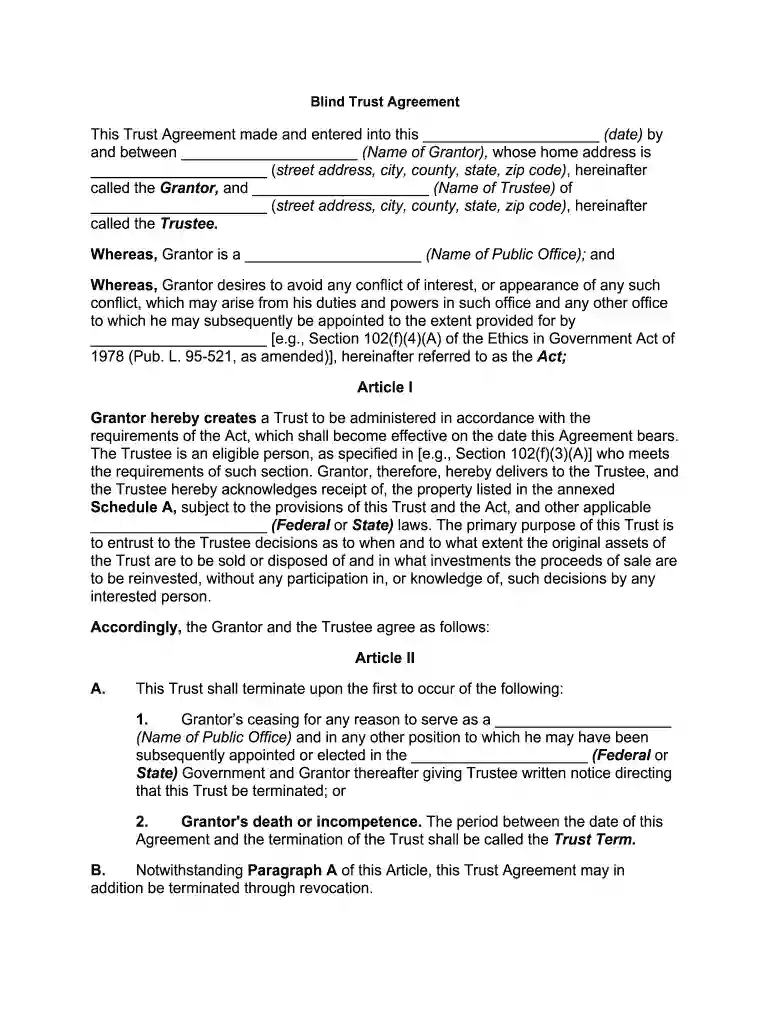
Type text, add images, blackout confidential details, add comments, highlights and more.

Draw your signature, type it, upload its image, or use your mobile device as a signature pad.

Send blind trust pros and cons via email, link, or fax. You can also download it, export it or print it out.

Start using our platform today to easily fill out your Blind Trust Agreement online for free!
At DocHub, your data security is our priority. We follow HIPAA, SOC2, GDPR, and other standards, so you can work on your documents with confidence.
Blind trusts refers to trusts established so that neither trustor or the beneficiary knows what assets are inside the trust after its creation.Read more
(7) Any trust may be considered to be a qualified blind trust if--. (A) the trust instrument is amended to comply with the requirements of paragraph (3) orRead more


