




Here's how it works

01. Edit your conditional deed of sale sample online
Type text, add images, blackout confidential details, add comments, highlights and more.

02. Sign it in a few clicks
Draw your signature, type it, upload its image, or use your mobile device as a signature pad.

03. Share your form with others
Send deed of conditional sale agreement via email, link, or fax. You can also download it, export it or print it out.
How to use or fill out purchase agreement for house with our platform

- Click ‘Get Form’ to open the purchase agreement for house in the editor.
- Begin by filling in the 'AGREEMENT TO SALE AND PURCHASE' section. Clearly identify the property by entering the county, address, and legal description.
- In the 'SALES PRICE' section, input the agreed sales price and detail any earnest money, new loan amounts, or seller financing options as applicable.
- Complete the 'FINANCING' provisions based on your situation—whether it’s a cash sale, owner financing, or a new loan assumption. Ensure you check all relevant boxes.
- Review and fill out the 'PROPERTY CONDITION' section. Acknowledge any inspections and disclosures required by law, especially regarding lead-based paint if applicable.
- Finalize by completing sections on closing costs, proration of taxes, and any additional provisions that may apply to your specific transaction.
Start using our platform today to streamline your document editing and signing process for free!
Fill out purchase agreement for house online
It's free
It's free
Security and compliance
At DocHub, your data security is our priority. We follow HIPAA, SOC2, GDPR, and other standards, so you can work on your documents with confidence.
Learn more


Related forms
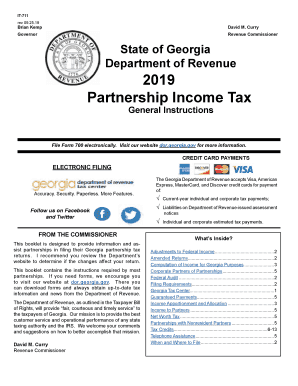
IT-711 Partnership Income Tax General Instructions IT-711;IT711; Partnership Instructions
IT-711 Partnership Income Tax General Instructions IT-711;IT711; Partnership Instructions
The document provides comprehensive instructions for partnerships in Georgia regarding the filing of their income tax re ...
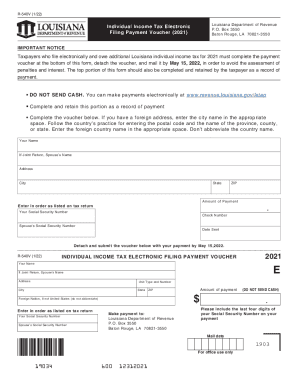
Louisiana Form 540V (Electronic Filing Payment VoucherIndividual Income Tax - Louisiana Department o
Louisiana Form 540V (Electronic Filing Payment VoucherIndividual Income Tax - Louisiana Department o
The document is a payment voucher for Louisiana individual income tax for the year 2021, intended for taxpayers who file ...
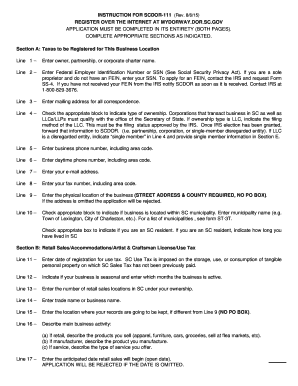
SCDOR-111 Instr
The document provides detailed instructions for completing the SCDOR-111 application for business registration in South ...
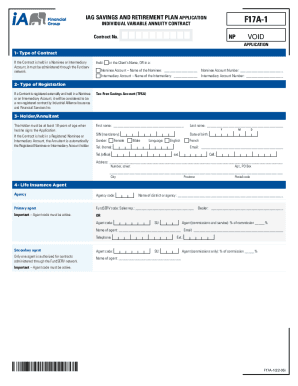
F17A-1 F17A-1 form
The document is an application form for a Tax-Free Savings Account (TFSA) provided by iA Financial Group. It outlines th ...
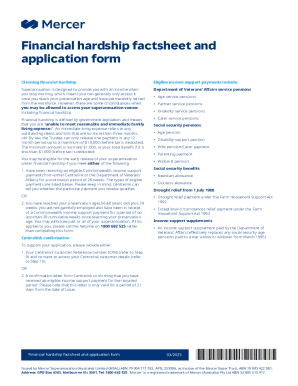
Financial Hardship factsheet and application form
The document is a Financial Hardship Factsheet and Application Form issued by Mercer Superannuation, outlining the proce ...

Application For Enrolment - Lonsdale Institute
The document is an application form for enrolment at Lonsdale Institute, requiring personal details, contact information ...
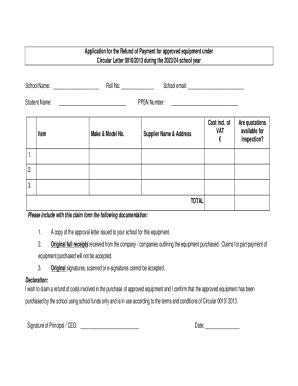
Small, Rural School Achievement Program
The document outlines the application process for schools to claim refunds for approved equipment purchases under Circul ...
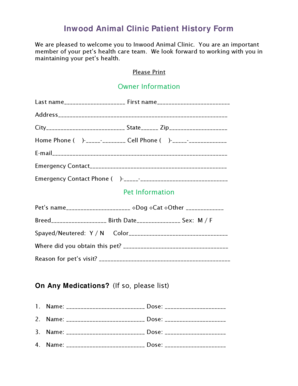
Inwood Animal Clinic Patient History Form
The Inwood Animal Clinic Patient History Form is designed to collect essential information from pet owners regarding the ...