




01. Edit your form online
Type text, add images, blackout confidential details, add comments, highlights and more.

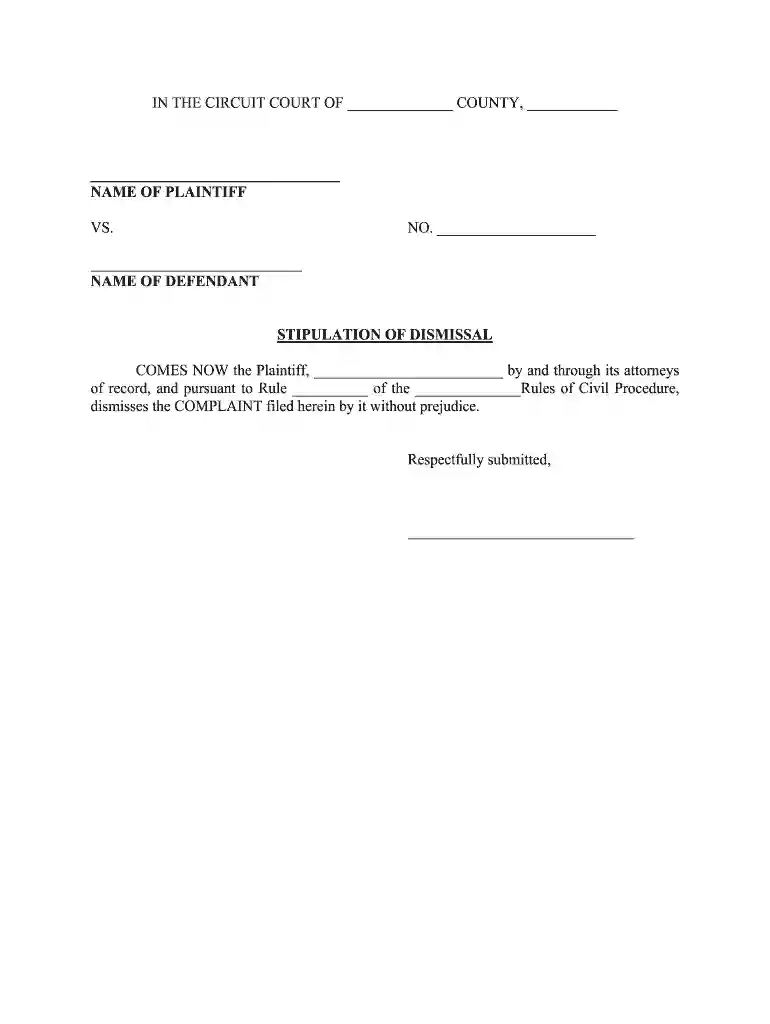
Type text, add images, blackout confidential details, add comments, highlights and more.

Draw your signature, type it, upload its image, or use your mobile device as a signature pad.

Send it via email, link, or fax. You can also download it, export it or print it out.

Start using our platform today to streamline your document editing and signing process for free!
At DocHub, your data security is our priority. We follow HIPAA, SOC2, GDPR, and other standards, so you can work on your documents with confidence.
A trial court has the equitable power to relieve a party from a stipulation where there is evidence of mistake, fraud or unconscionable advantage taken byRead more
In litigation, a stipulation generally means an agreement between opposing parties concerning a relevant point. Furthermore, in a judicial proceeding, aRead more


