




Here's how it works

01. Edit your wisconsin mfl land list online
Type text, add images, blackout confidential details, add comments, highlights and more.

02. Sign it in a few clicks
Draw your signature, type it, upload its image, or use your mobile device as a signature pad.

03. Share your form with others
Send wi dnr managed forest land map via email, link, or fax. You can also download it, export it or print it out.
How to use or fill out wi dnr form 2450 159 with our platform

- Click ‘Get Form’ to open the wi dnr form 2450 159 in the editor.
- Begin with Section 1: Land Information. Enter the MFL Order Number and select whether this is a partial or entire transfer. Provide details about the land, including Township Number, Town, Village or City, and Range.
- In Section 2: Former Owner Information, fill in the name, street address, city, state, and ZIP code of the former owner(s).
- Proceed to Section 3: New Owner Information. List all new owners' names and designate a contact person for correspondence from the DNR. Include their daytime telephone number and address.
- In Section 4: New Owner(s) Acceptance and Agreement, ensure all new owners read and sign the agreement certifying their acceptance of the Managed Forest Law designation.
- For Section 5: Land Encumbrances, indicate if there are any encumbrances on the property and obtain necessary signatures from encumbrance holders if applicable.
- Finally, review Section 6 for Required Attachments. Ensure you include all necessary documents such as proof of ownership and payment for the transfer fee before submitting.
Start using our platform today to easily complete your wi dnr form 2450 159 online for free!
Fill out wi dnr form 2450 159 online
It's free
It's free
Security and compliance
At DocHub, your data security is our priority. We follow HIPAA, SOC2, GDPR, and other standards, so you can work on your documents with confidence.
Learn more


Related forms
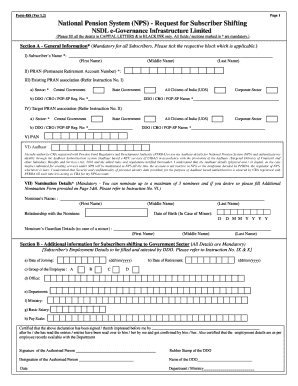
Form iss
The document is a form for the National Pension System (NPS) titled 'Form-ISS (Ver 1.2)', which facilitates subscribers ...

Volunteer Commitment Form - Prairie Sky School
The Volunteer Commitment Form for Prairie Sky School outlines the requirements and benefits of volunteering, emphasizing ...
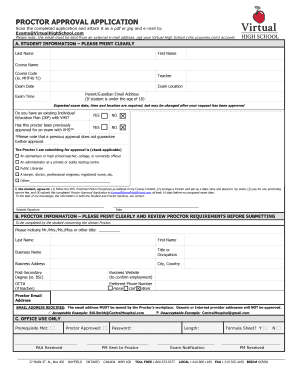
BPROCTORb APPROVAL bAPPLICATIONb - Virtual High School
The document is a Proctor Approval Application for students at Virtual High School, requiring them to submit their proct ...
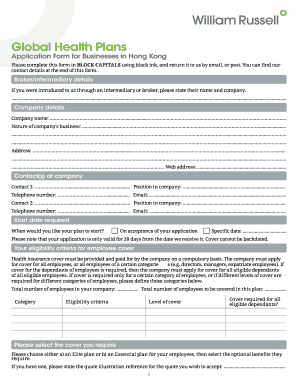
Acc Form - Term Paper
The document is an application form for businesses in Hong Kong to apply for global health insurance plans provided by W ...

Legal ontario release
The document is a consent and waiver form for Legal Aid Ontario, allowing the release of a client's information to their ...

NAPE Grievance Form
The document is a grievance form used by employees to formally report issues or disputes related to their employment. It ...
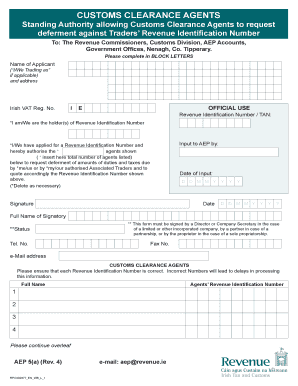
Aep5 form
The document is a form for Customs Clearance Agents to request deferment of duties and taxes on behalf of traders, requi ...
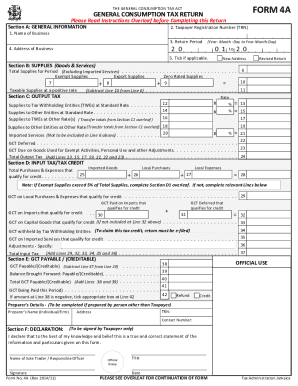
Page 2 of Copy of Forms 4A 4C 4D 4E 4G SchBRevised NOV 7 - 2014leftand down: Designer
The document is a General Consumption Tax Return Form (FORM 4A) used by businesses to report their taxable supplies, out ...