



Here's how it works



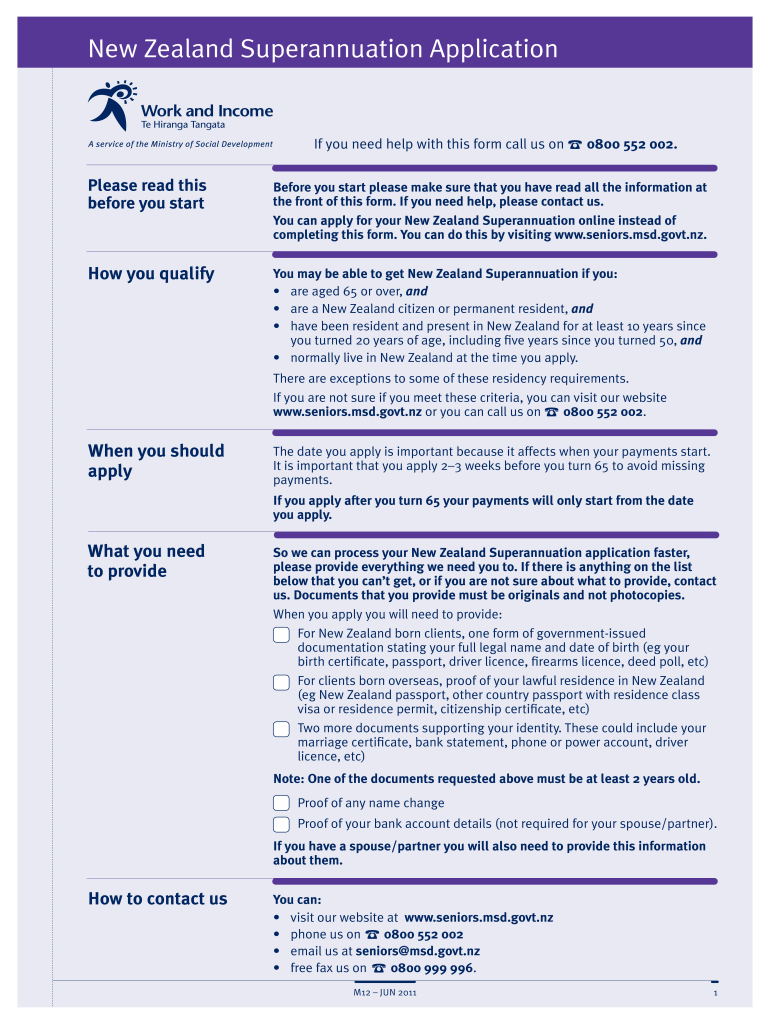
How to use or fill out application for superannuation nz with our platform

- Click ‘Get Form’ to open the application for superannuation nz in the editor.
- Begin by entering your full name in the designated fields. Ensure that you also provide your name as it appears on your birth certificate if it differs.
- Fill in your date of birth and address accurately. If your mailing address is different, make sure to specify that as well.
- Provide contact details including phone numbers and email addresses. Indicate if you wish to receive information via email regarding discounts for SuperGold Card holders.
- Complete the residency status section by selecting the appropriate option based on your citizenship or residency status in New Zealand.
- If applicable, include details about any overseas pensions or benefits you may be receiving, ensuring all relevant documentation is attached.
- Review all entered information for accuracy before submitting the form through our platform. Make sure to save a copy for your records.
Start filling out your application for superannuation nz today using our platform for free!
It's free
See more application for superannuation nz versions
Got questions?
What is the best way to electronically sign my superannuation application?
A lot of software solutions are available out there for document editing and signing. DocHub is one of the most in-demand online solutions that comply with all security and compliance requirements and ensures your eSigned documentation is legally enforceable. All you need to try it out is to register an account, upload your superannuation application, provide the necessary details, and click Sign. Create your electronic signature by typing, drawing it, uploading its image to your form, or scanning a unique QR code.
How do you complete nz superannuation application form on iOS?
You need only a web connection and a web browser to complete your nz superannuation application form on an iOS phone. Open the DocHub website and authenticate. Then, add your document or choose it from the list in your dashboard. Then use our editing instruments to complete your form and preserve all your changes. You can also send it to a specified recipient right away.
Security and compliance
At DocHub, your data security is our priority. We follow HIPAA, SOC2, GDPR, and other standards, so you can work on your documents with confidence.
Learn more