Fl as is residential sale contract in word form 2026

Get Form
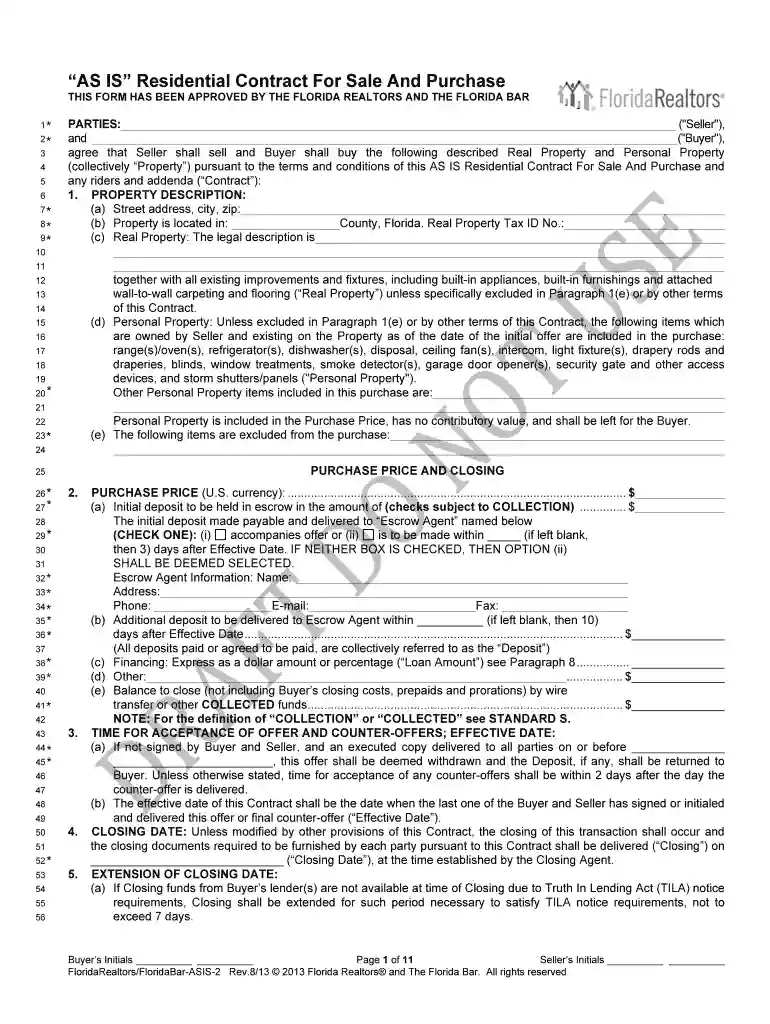
fl as is residential sale contract in word form Preview on Page 1

Here's how it works

01. Edit your form online
Type text, add images, blackout confidential details, add comments, highlights and more.

02. Sign it in a few clicks
Draw your signature, type it, upload its image, or use your mobile device as a signature pad.

03. Share your form with others
Send it via email, link, or fax. You can also download it, export it or print it out.

How to use or fill out fl as is residential sale contract in word form with DocHub

Form edit decoration
9.5
Ease of Setup
DocHub User Ratings on G2
9.0
Ease of Use
DocHub User Ratings on G2
  1. Click ‘Get Form’ to open the fl as is residential sale contract in the editor.
  2. Begin by filling in the 'Parties' section with the names of the Seller and Buyer. Ensure accuracy as this establishes the contractual relationship.
  3. In the 'Property Description' section, provide detailed information about the property, including street address, county, and legal description. This ensures clarity on what is being sold.
  4. Complete the 'Purchase Price and Closing' section by entering the total purchase price, initial deposit amount, and escrow agent details. This is crucial for financial transparency.
  5. Review and fill out any applicable disclosures regarding property conditions such as radon gas or mold. This protects both parties by ensuring all known issues are disclosed.
  6. Finalize by signing and dating where indicated. Use our platform’s signature feature to securely sign electronically.

Start using our platform today to easily complete your fl as is residential sale contract for free!

be ready to get more

Complete this form in 5 minutes or less

Get form

Got questions?

We have answers to the most popular questions from our customers. If you can't find an answer to your question, please contact us.
Contact us
As Is residential contracts give the buyer 15 days to complete an inspection of the property. If the inspection reveals that repairs are necessary, they can usually ask the seller to lower the sale price or give a credit at closing to cover the cost. The seller has the right to refuse the requests.
Some states, like California, have created real estate purchase agreements you can download and change. You can also get a template from docHub, as well as benefiting from real estate contract management software functionality.
Example Clause: The Buyer acknowledges that they are purchasing the property in an As Is condition. The Seller makes no representations or warranties concerning the propertys condition, fitness for any particular purpose, or compliance with any laws or regulations.
An as-is clause does not protect a seller from liability for dishonesty or failure to disclose known issues. Sellers must still truthfully and fully disclose material facts that could affect the propertys value or safety.
Example disclaimer: The buyer acknowledges that the item is being sold in its current condition, as-is, without any warranties, guarantees, or representations by the seller. The seller assumes no liability for any defects, known or unknown, that may arise after the sale.

Security and compliance

At DocHub, your data security is our priority. We follow HIPAA, SOC2, GDPR, and other standards, so you can work on your documents with confidence.

Learn more
ccpa2
pci-dss
gdpr-compliance
hipaa
soc-compliance